Last updated:
Ready to Try GoHighLevel?
Get the all-in-one platform for CRM, automations, funnels & websites — built for agencies.
Start your free trial and explore every feature.
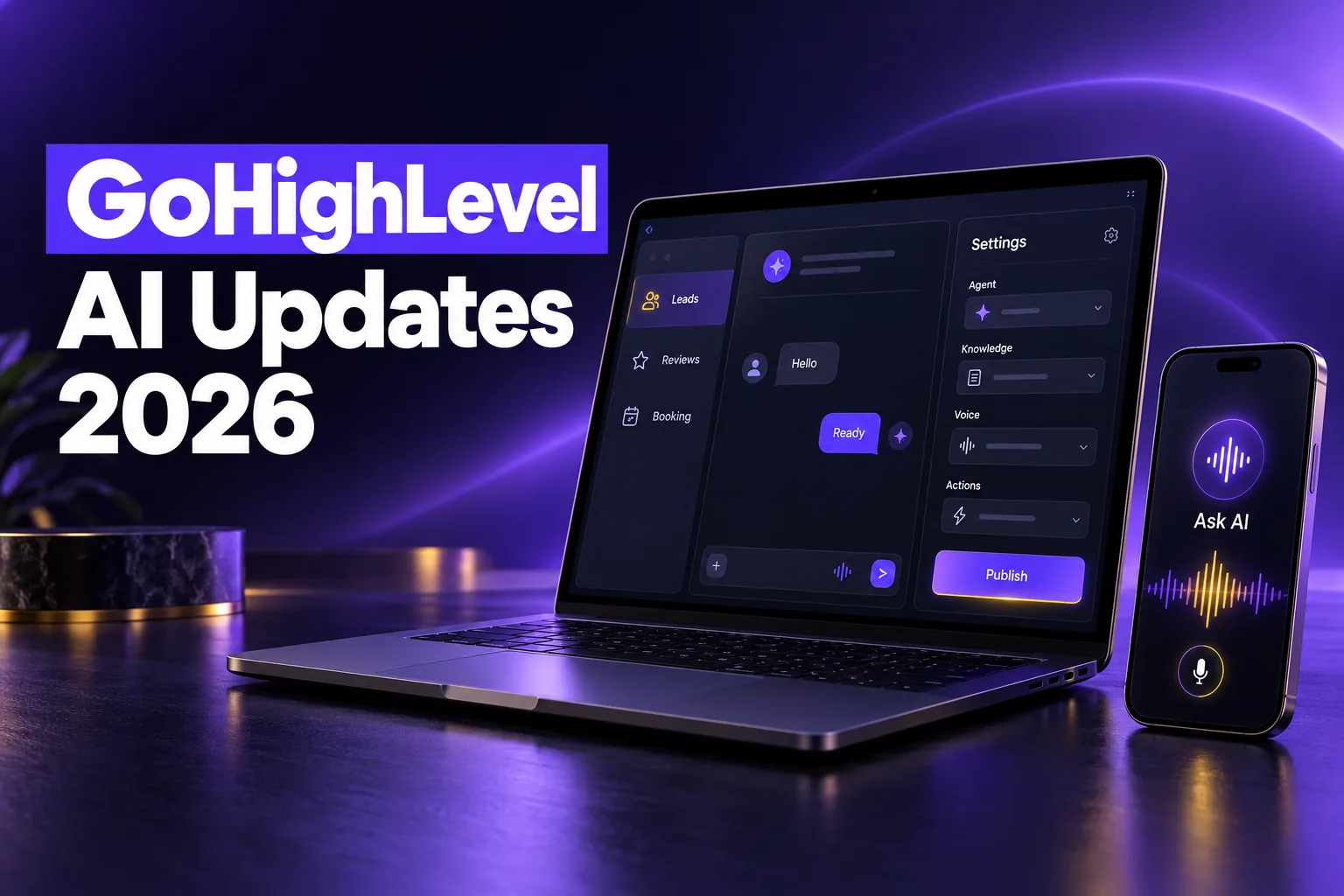
The GoHighLevel AI updates announced at LevelUp 2026 on October 27 give Managed Agents memory, waits and their own computer, turn Ask AI into a working assistant that makes documents and takes phone calls, let Conversation AI start outbound chats, and add new tools to test and monitor every agent. Many of these are beta, so not every account sees them yet.
Below, each update is grouped by product in short lists, with HighLevel’s beta labels kept, followed by what to try first and what to wait on. HighLevel’s full list of about 176 updates is in the official LevelUp Day 2026 announcement.
What changed in GoHighLevel AI at LevelUp 2026?
LevelUp 2026 moved GoHighLevel AI from single chatbots toward agents that plan, wait, remember and act across apps. The biggest changes sit in Managed Agents inside Agent Studio, Ask AI, Conversation AI and Voice AI, plus new health checks, logs and goal monitors that show whether an agent is actually doing its job.
New to the AI side of the platform? Start with our GoHighLevel AI Studio guide and our explainer on the HighLevel AI Employee.
Managed Agents and Agent Studio updates
Managed Agents are the HighLevel AI agents you build in Agent Studio by describing a job in plain words. At LevelUp 2026 they gained shared templates through custom values, memory, scheduled waits, webhook triggers, subagents, an n8n importer and a computer they can use to browse, so one agent can handle longer jobs across several apps.
- Custom values and business details: instructions can pull in each sub-account’s custom values and business profile, so one template works across many sub-accounts.
- Conversation memory and learned procedures: agents remember preferences and save finished tasks as reusable procedures, which you can edit or delete in a Memory tab.
- Waits and scheduled follow-ups: agents can pause for minutes, hours or days and resume with full context. HighLevel says waiting time is not billed.
- Inbound webhook triggers: tools like Make, Zapier or Shopify can start an agent through its own webhook URL.
- Autonomous subagents: the main agent splits a complex job into focused tasks, which HighLevel says lowers cost and improves accuracy.
- Convert n8n workflows into Managed Agents: import an n8n export file and Agent Studio turns it into an agent you review first (the importer is marked Beta).
- Computer capabilities: agents can browse sites, manage files and run scripts on their own machine, with 8 to 10 tabs in parallel (HighLevel’s figure) and “Ask Before” approvals for payments and publishing.
- Unified workspace (beta): a three-panel screen for agents, chat, logs and settings, turned on in Labs.
New to GoHighLevel? Try it free for 30 days
Get HighLevel's official 30-day free trial and free Bootcamp through our partner link (the standard trial is 14 days). Prefer it done for you? We set up GoHighLevel from $499, with a free website.
Start 30-day free trialHave us set it upPartner link: we may earn a commission at no extra cost to you. Disclosure
GoHighLevel Ask AI updates
GoHighLevel Ask AI is the assistant built into the platform that answers questions and takes actions inside your account. LevelUp 2026 gave it document creation, project workspaces, phone and SMS access, subagents and its own cloud computer, plus agency permission controls that decide which actions each user is allowed to run.
- Document generation and analysis: create and review PDFs, Word, Excel and slide files in your brand style, including recurring reports.
- Project workspaces: keep related chats, files, rules and memory together.
- Phone and SMS Dispatch: call or text Ask AI to look up contacts, check your calendar or start workflows, with a 6-digit PIN for calls.
- WhatsApp rich media: send voice notes, images and documents on WhatsApp and get files back.
- Parallel subagents: big requests are split into sandboxed tasks and returned as one plan for approval.
- Cloud computer: a private machine with Chrome, a terminal and files, so Ask AI can work on sites that have no API while you watch.
- Agency access controls: a permission matrix limits which skills each user can run, such as payments or CRM edits.
Conversation AI updates: flow builder, outbound and MCP
Conversation AI is the GoHighLevel chatbot that replies to leads by SMS, chat, WhatsApp and social messages. At LevelUp 2026 it gained a visual flow builder, outbound agents, MCP tool access, rich replies, AI campaigns for database reactivation and smarter date and time handling.
- Flow-based builder: a visual canvas that routes chats to specialized agents with branches, waits and bot transfers.
- Outbound AI Agents (beta): agents start chats after form fills, missed calls or deal stage changes and follow up on a schedule.
- AI Campaigns for database reactivation (beta): bulk AI outreach to old leads, past customers or stalled deals; when someone replies, the agent handles the chat and can book.
- MCP server support (beta): bots can use tools from over 40 catalog apps or a custom MCP URL mid-conversation.
- Rich elements (beta): quick replies, lists, buttons and images on WhatsApp, Messenger, Instagram and Live Chat.
- Build Agents with AI (beta): describe the agent or pick one of 9 templates, and HighLevel configures it for you.
- Date and time awareness: bots understand “today” or “tomorrow”, handle daylight saving and avoid booking past or double slots.
- Advanced time zone support (beta): agents book in the contact’s own time zone and save it to the record.
- Better agent testing: preview each channel and test outbound starts without texting a real lead.
If your bots still book at the wrong hour after these changes, our guide to fixing GoHighLevel time zone errors covers the account settings to check first.
Voice AI updates
Voice AI is HighLevel’s phone agent that answers and makes calls for a business. The LevelUp 2026 updates let speech-to-speech agents use MCP tools during live calls, answer WhatsApp calls, keep versions with safe draft testing, and let agencies clone a finished agent to many sub-accounts at once, linked CRM assets included.
- MCP connector for speech-to-speech agents: agents can use tools like Google Calendar, Stripe or a custom MCP server during a call.
- WhatsApp calls: Voice AI can answer WhatsApp calls first, or take over when the team does not pick up after a set wait.
- Versioning and draft testing (beta): test a draft while live callers stay on the current version, then publish or roll back in one click.
- Clone agents to sub-accounts: agencies can copy an agent, with its linked calendars, workflows and custom fields, to several sub-accounts at once.
For outbound calling, see our guide to GoHighLevel outbound Voice AI.
Agent monitoring: health, logs and goals
HighLevel added three ways to check whether AI agents perform after launch. Agent Health scores recent real calls and chats, the redesigned Agent Logs show every step and business action, and the Monitor tab tracks whether agents are on pace for a target count or rate in a set time window.
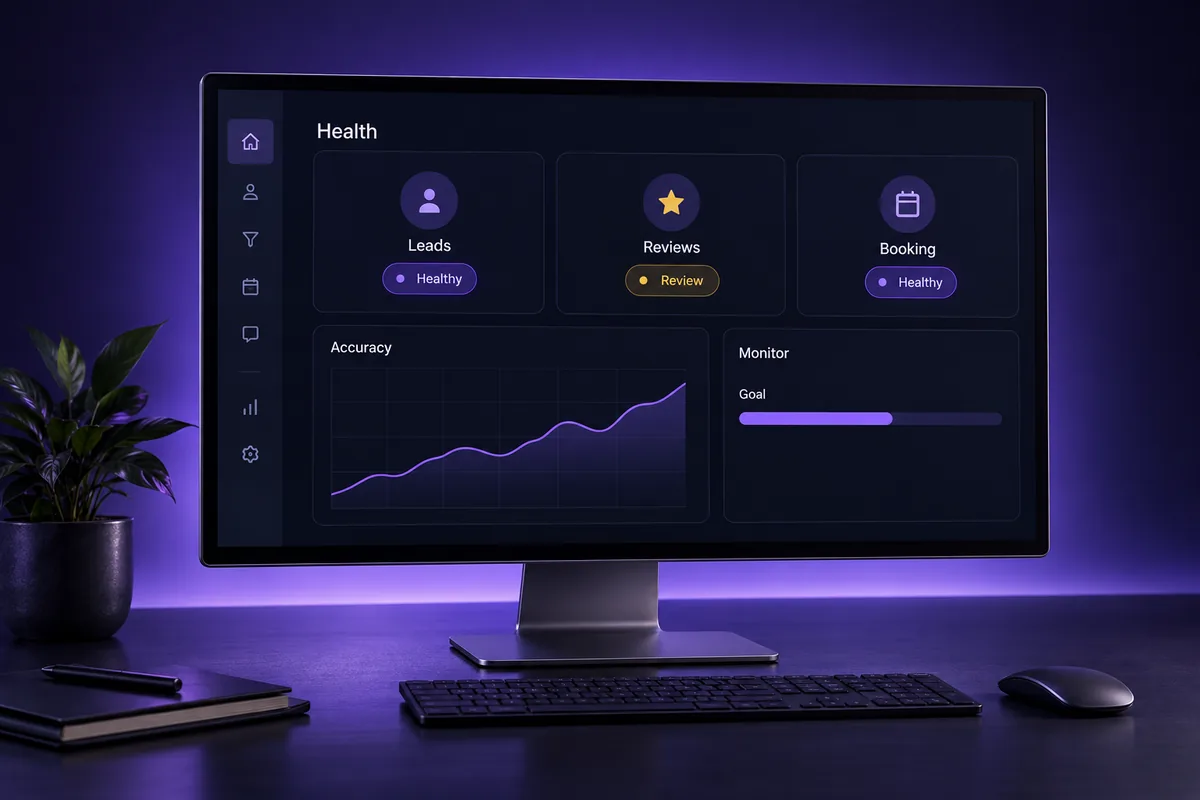
- Agent Health and Self Healing: rates Voice and Conversation AI agents on real conversations; Self Healing tests an improved prompt and shows you the diff before applying it.
- Agent Logs redesign: a clearer log page that jumps to each business action in the timeline, plus custom metrics dashboards built from templates or a blank canvas.
- Goal monitoring: set targets, time windows and scope, then get email or webhook alerts when a goal is met or falling behind.
AI updates in other HighLevel tools
AI also reached tools outside the agent builders. Reviews AI got brand voice and safety controls plus bulk agency settings, funnels got a drop-in AI chat element, dashboards got pinned AI summaries, Workflow Maps got a plain-language assistant, and Ask AI on mobile now takes voice dictation and full two-way voice chats.
- Reviews AI agent settings: brand voice, guardrails against risky language, human approval for sensitive reviews and a live reply preview.
- Bulk Reviews AI for agencies: set responses to Off, Suggestive or Auto across many sub-accounts from Agency AI > Suite > AI Setup.
- Funnels AI and Chat Widget element: drop a Conversation AI widget on a page and let it build a knowledge base from your content.
- Persistent dashboard summaries: a module-by-module AI report you can pin as a widget that refreshes daily.
- Workflow Maps assistant: ask what a workflow does or request changes, with approval before anything applies.
- Ask AI voice on mobile: dictate prompts as editable text, or hold a two-way spoken conversation you can interrupt mid-sentence in the GoHighLevel mobile app.
What this means for agencies and businesses
The practical takeaway is to adopt the stable, low-risk updates first and test beta features in one sub-account before rolling them out. Monitoring, date handling, review guardrails and agent cloning are useful now, while outbound agents, AI campaigns and agent computers need compliance and permission checks first.
What to try first
- Agent Health and goal monitors: set these up before you change any prompts, so you can see whether later edits help or hurt.
- Reviews AI guardrails: turn on human approval for sensitive reviews before you use Auto mode on any client.
- Custom values in Managed Agents: if you run the same agent in many sub-accounts, one template with custom values is easier to maintain than many copies.
What to wait on or pilot carefully
- Beta features: outbound agents, AI campaigns, MCP for Conversation AI, rich elements and Voice AI versioning are labeled beta. Pilot them in one sub-account and expect changes.
- Agent computers: keep the “Ask Before” approvals on for payments, publishing and exports, and only store logins the agent truly needs.
What to check before you turn anything on
- SMS compliance: outbound agents and AI campaigns text contacts first, so confirm A2P registration and consent, and remove opted-out contacts from old lists.
- Usage costs: many HighLevel AI products are billed by usage, so check your plan and the AI Employee pricing before scaling agents across clients. HighLevel did not publish new prices for these features in the announcement.
- Ask AI permissions: set agency access levels before giving staff or clients Ask AI with payment or CRM edit skills.
MCP now works in both directions; our guide to connecting Claude to GoHighLevel with MCP covers the other side.
Got AI agents that book the wrong times or go silent?
A common problem with AI bots is that they get set up once and never checked again, so they book outside business hours, miss follow-ups or hand off too late. The new monitoring tools show the problem, but someone still has to fix the setup behind it.
AutogenCRM has worked on 120+ GoHighLevel projects over 4+ years. If you want your agents, follow-up and automations reviewed and set up properly, see our GoHighLevel workflow and automation service and book a strategy call.
Frequently Asked Questions
When were the LevelUp 2026 AI updates announced?
HighLevel announced the LevelUp 2026 updates at LevelUp Day on October 27, 2026, in a post covering about 176 new features and enhancements across the platform. Many AI items are released in stages or sit behind Labs toggles, so some accounts will see them later than others. Check Settings > Labs to see what you can enable.
What are GoHighLevel Managed Agents?
Managed Agents are AI agents you create in Agent Studio by describing a job in plain language. They can run multi-step tasks across apps, wait and follow up later, remember preferences, split work among subagents and use a dedicated computer to browse or manage files. They can run from chat or be started by inbound webhooks.
What is GoHighLevel Ask AI?
Ask AI is the assistant built into HighLevel that answers questions about your account and carries out actions for you. After LevelUp 2026 it can create documents, work inside project workspaces, take requests by phone or SMS, use a private cloud computer and follow agency permission levels that limit which skills each user can run.
Can Conversation AI now message leads first?
Yes, with the Outbound AI Agents beta. An agent can start a conversation after a CRM event such as a form fill, missed call or deal stage change, then follow up on a schedule. You turn on Conversations AI Outbound in Labs and set a sending number and SMS compliance before activating it.
Are the new GoHighLevel AI features available to every account?
Not all of them. HighLevel labels several updates as beta, including outbound agents, AI campaigns, Conversation AI MCP support, rich elements, Voice AI versioning and the new Managed Agents workspace. Beta items usually need a Labs toggle, may change before full release, and may carry AI usage charges, so check your plan first.
Ready to Get Your GoHighLevel System Built?
We'll build your entire GHL setup for $499 and give you a free professional website.
Book a Free Call See Packages & PricingOr call +1 (681) 276-7045 · Mon–Fri, 9 AM–5 PM ET