Last updated:
Ready to Try GoHighLevel?
Get the all-in-one platform for CRM, automations, funnels & websites — built for agencies.
Start your free trial and explore every feature.
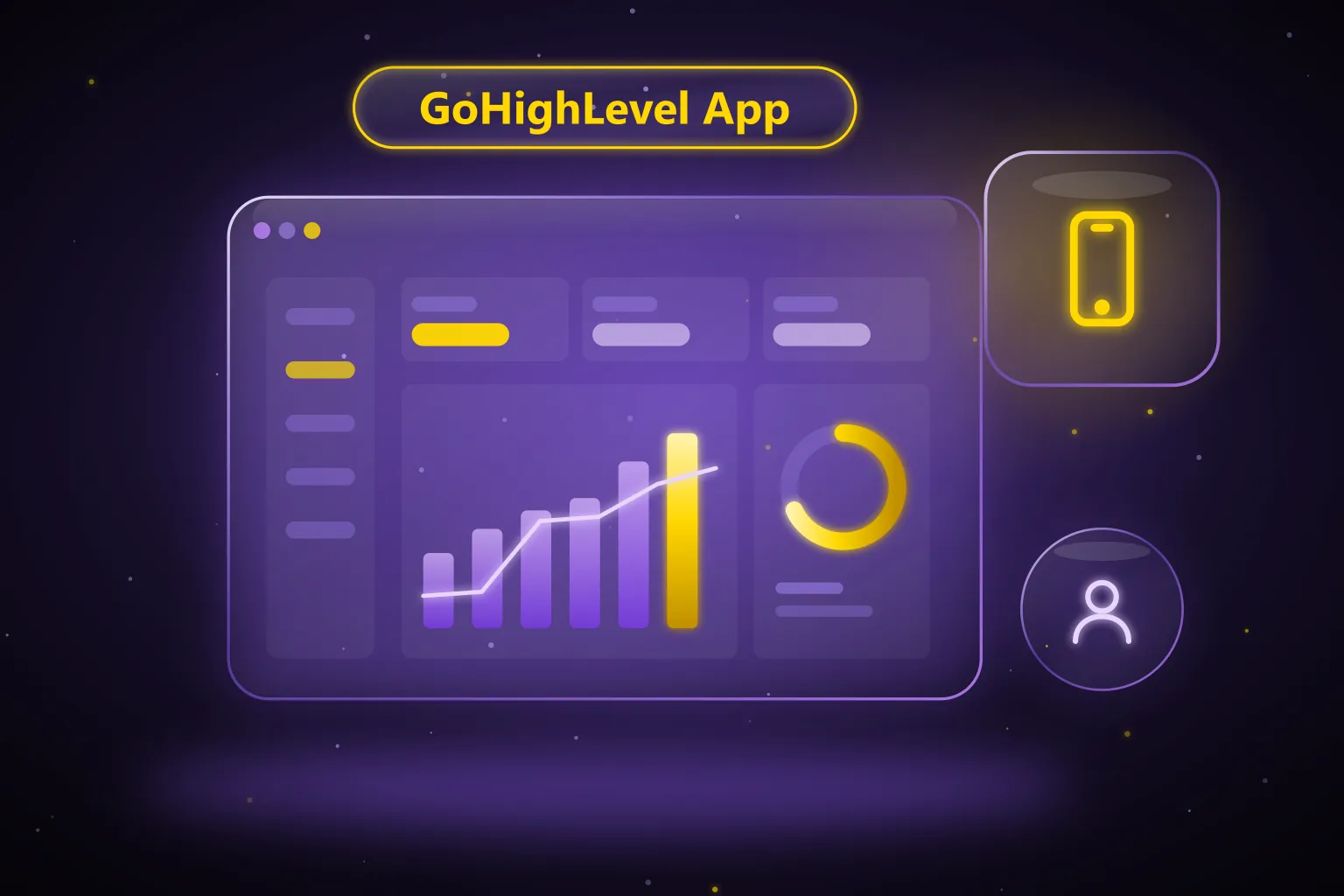
The GoHighLevel app is HighLevel’s free mobile app for iOS and Android that lets you reply to leads, take calls, check your calendar and update deals from your phone. HighLevel publishes it under two names, HighLevel and LeadConnector, and agencies can also build a fully branded white-label app. This guide covers the differences, key features, how to download and log in, and how to fix the most common problems, as of October 2026.
What is the GoHighLevel app?
The HighLevel app is the mobile version of your HighLevel account. HighLevel’s pricing page lists the mobile app as part of every plan as of October 2026, so there is no extra charge to use the standard app. You log in with the same email and password you use on the web.
According to HighLevel’s own blog, the app gives you access to conversations, notifications, point-of-sale transactions, calendar and appointment views, and contacts. The newer version adds opportunities, tasks, a revenue chart and an AI assistant, which we cover below.
HighLevel app vs LeadConnector app vs white-label app
There are three ways to put HighLevel on a phone. They all connect to the same account and data. The difference is mainly the branding your users and clients see.
| App | Branding | Cost (as of October 2026) | Best for |
|---|---|---|---|
| HighLevel | Shows the HighLevel name and logo | Included in all plans | Business owners and agencies who do not mind the HighLevel brand |
| LeadConnector | Neutral “Lead Connector” name, published by LeadConnector LLC | Included in all plans | Agencies that want to keep their white label intact without paying for a custom app |
| White-label (custom agency) app | Your own app name, logo, colors and store listing | Listed as a $497/month add-on on HighLevel’s pricing page | Agencies selling HighLevel as their own software |
Most agencies start with the LeadConnector app because clients never see the HighLevel name. If you are new to that brand, our guide on what LeadConnector is explains how it relates to HighLevel.
From the agency view, the Mobile App area lets you choose which app experience you promote to your sub-accounts. HighLevel’s help center also describes a separate Branded Client Portal app for your clients’ own customers, which the pricing page lists at $49/month per sub-account as of October 2026.
New to GoHighLevel? Try it free for 30 days
Get HighLevel's official 30-day free trial and free Bootcamp through our partner link (the standard trial is 14 days). Prefer it done for you? We set up GoHighLevel from $499, with a free website.
Start 30-day free trialHave us set it upPartner link: we may earn a commission at no extra cost to you. Disclosure
What can you do in the HighLevel mobile app?
HighLevel’s help center describes a redesigned mobile experience with these main parts as of October 2026:
- Homepage widgets showing tasks due, opportunity pipeline value, unread messages and today’s appointments.
- Pinned apps (up to four) and eight quick actions for creating contacts, opportunities, tasks and messages.
- Universal search across conversations, contacts and opportunities.
- An App Drawer grouping modules into Insights and Productivity, Communication, Sales and Operations, and Marketing and Growth.
- Ask AI, an assistant that can draft content, create or edit records and generate images.
- A six-month revenue chart and a true-black dark mode.
You can also make and receive calls through HighLevel’s phone system, text and email leads, manage appointments, and take in-person payments. The help center notes that module access follows each user’s role and the account’s SaaS plan, so two users may see different menus.
The redesigned experience is switched on per sub-account from Agency Settings, then Labs, then Subaccounts, using the “A New Mobile App Experience” toggle. HighLevel recommends testing it in your own agency sub-account before rolling it out to clients.
How to download the GoHighLevel app
The simplest route is from inside your account, so you get the app your agency wants you to use.
- Log in to HighLevel on a computer and open the Mobile App section in your sub-account.
- Choose the App Store or Google Play link. HighLevel advises opening the link on your phone to finish the download.
- Install the app and log in with your normal HighLevel email and password.
- To bring your team on board, select team members and send invites from the same area.
You can also search the stores directly for “HighLevel” or “Lead Connector”. Apple’s listing for Lead Connector shows it as free and requiring iOS 16.6 or later as of October 2026. If your agency uses a white-label app, search for the name they gave you instead.
Login tips for the HighLevel app
- Use the exact email and password from your web login. There is no separate mobile account.
- Install the app your agency promotes. If your agency uses a white-label app, your login works there too, but the store name will be different.
- If your user belongs to several sub-accounts, use the account switcher after logging in to choose the right business.
How to receive calls in the GoHighLevel app
Inbound calling is the feature people most often get stuck on. HighLevel’s help center says you need a phone number purchased in the sub-account and assigned to the user. Then the user’s staff settings must forward calls to the mobile app.
The setting lives under Settings, then My Staff, then the user’s Call and Voicemail Settings tab. Tick “Mobile app” under Forward Calls to and save. As of October 2026, HighLevel says one user can ring on up to 10 logged-in devices at once, and answering on one stops the others.
For a deeper look at calling, read our GoHighLevel dialer guide.
Common GoHighLevel app issues and fixes
Calls are not ringing on my phone
Confirm the mobile app forwarding box is ticked and saved in staff settings. On the phone, allow notifications, allow the app to run in the background, and on Android turn off battery optimization for the app. HighLevel lists these exact checks in its help center.
Calls come from the wrong business
If you belong to several sub-accounts, HighLevel says you only receive inbound calls from the last sub-account you switched to. Switching to a sub-account without inbound calling enabled stops calls from all of them.
Some menus or modules are missing
Module visibility follows user permissions and SaaS plan features. Ask your admin to check your role, or check the plan assigned to the sub-account in the SaaS Configurator.
If none of this helps, HighLevel’s support team is the next step. Our guide to contacting GoHighLevel support explains the fastest channels.
Should your agency build a white-label mobile app?
A white-label app puts your brand on your clients’ home screens. HighLevel’s help center says building and publishing one needs a Custom Agency App subscription, an Apple Developer Program organization account, a Google Play Console organization account, and a D-U-N-S number for Apple. You also need public privacy policy and terms pages.
The customizer lets you set the app name, logo, primary color, font, splash screens, login screen and navigation, and add custom modules. HighLevel warns that not every screen is editable and that bundle identifiers should stay fixed after your first production release.
For agencies selling HighLevel as their own product, the branded app is a strong retention tool. Our GHL white label vs traditional CRM guide explains the business case, and our GHL white-label service covers the full setup.
Need help getting your team on the HighLevel app?
AutogenCRM has completed 120+ GoHighLevel projects over 4+ years. We set up phone numbers, staff permissions and mobile access as part of our GoHighLevel setup service, and we handle white-label apps for agencies. See packages on our pricing page, book a free call, or phone +1 (681) 276-7045, Monday to Friday, 9:00 AM to 5:00 PM ET.
Frequently Asked Questions
Is the GoHighLevel app free?
Yes. HighLevel’s pricing page lists the mobile app as part of every plan as of October 2026, and both the HighLevel and Lead Connector apps are free to download. You only pay extra for a fully white-label agency app, which HighLevel lists as a $497/month add-on, plus normal usage such as calls and texts.
What is the difference between the HighLevel app and the LeadConnector app?
Both connect to the same HighLevel account and offer the same core features. The HighLevel app shows HighLevel branding, while Lead Connector uses a neutral name so agencies can keep their white label intact. Agencies choose which one to promote to their sub-accounts from the Mobile App area in agency view.
How do I log in to the GoHighLevel mobile app?
Use the same email and password you use for the HighLevel web app. There is no separate mobile login, and if you belong to more than one sub-account, log in once and use the account switcher to move between businesses. If your agency uses a white-label app, log in through that app instead.
Can I make and receive calls in the HighLevel app?
Yes. You can call contacts from the app and receive inbound calls once a number is assigned to your user and “Mobile app” is ticked under call forwarding in staff settings. Allow notifications and background activity on your phone, and turn off battery optimization on Android.
Does the GoHighLevel app work on Android and iPhone?
Yes, HighLevel publishes its apps on both the Apple App Store and Google Play. Apple’s listing for Lead Connector requires iOS 16.6 or later as of October 2026. Keep the app updated, since new features such as the redesigned homepage arrive through store updates.
Why can’t I see all features in the mobile app?
The app respects user roles and SaaS plan settings, so hidden modules usually mean your user lacks permission or the sub-account’s plan does not include that feature. Some modules, such as funnels and blogs, are also not available on mobile. Ask your agency admin to check your access.
Ready to Get Your GoHighLevel System Built?
We'll build your entire GHL setup for $499 and give you a free professional website.
Book a Free Call See Packages & PricingOr call +1 (681) 276-7045 · Mon–Fri, 9 AM–5 PM ET