Last updated:
Ready to Try GoHighLevel?
Get the all-in-one platform for CRM, automations, funnels & websites — built for agencies.
Start your free trial and explore every feature.
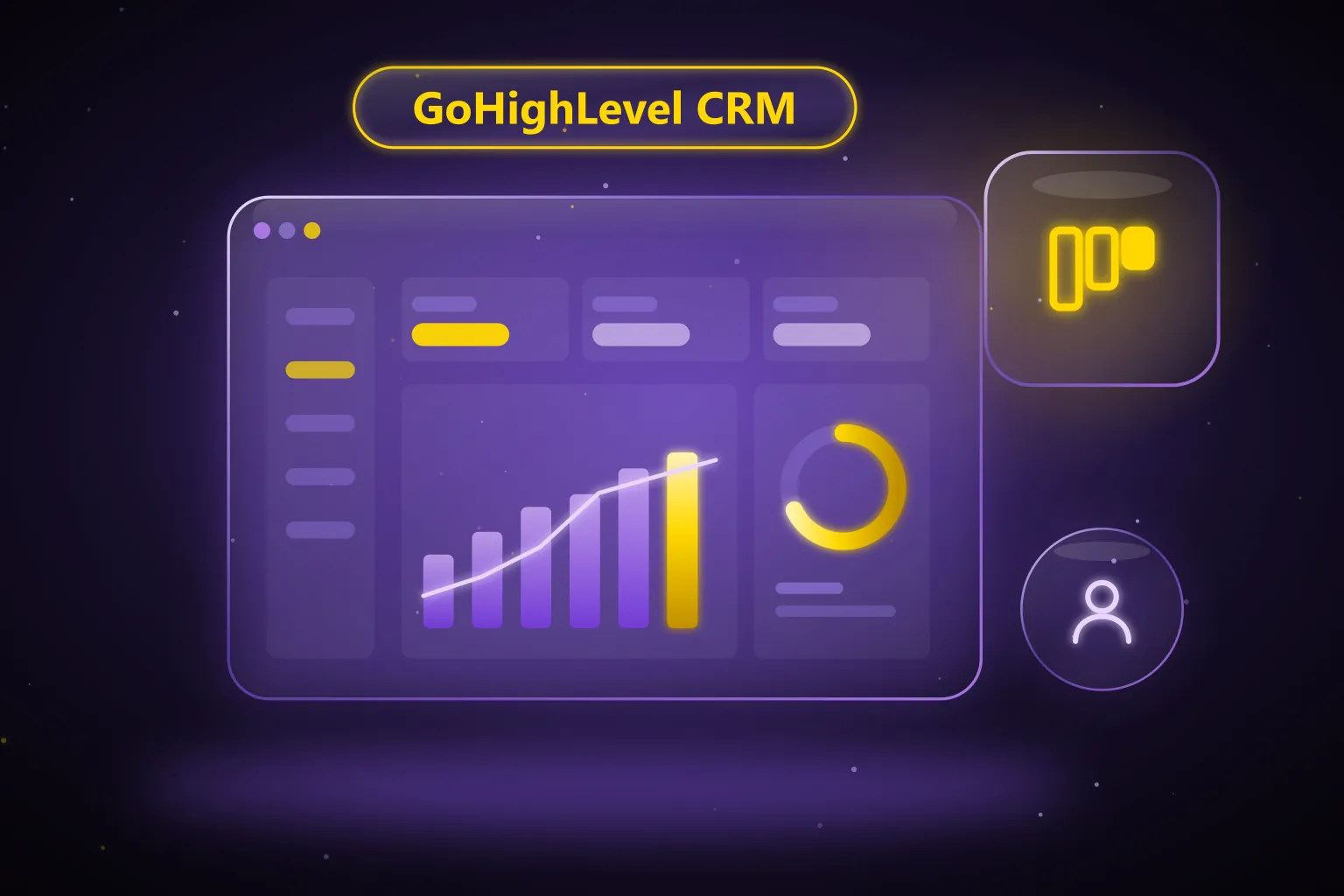
The High Level CRM is the contact, pipeline and messaging system built into GoHighLevel, the all-in-one sales and marketing platform. It stores every lead as a contact, tracks deals as opportunities in visual pipelines, and pulls SMS, email and social messages into one inbox. This guide explains what the GoHighLevel CRM does, who it fits, what it costs as of October 2026, and how to set it up.
What is the High Level CRM?
HighLevel describes itself as an AI-powered sales, marketing and automation platform built for agencies. The CRM is the core of that platform. Every form fill, booked call, inbound text and payment ends up attached to a contact record, so the rest of the tools (funnels, calendars, workflows and reporting) all read from the same data.
People search for it under several names: High Level CRM, GoHighLevel CRM, Go High Level CRM and GHL CRM. They all mean the same product. You may also see the name LeadConnector, which is the neutral brand HighLevel uses on things like its phone system and one of its mobile apps.
The platform is organized into an agency account and sub-accounts. Each sub-account is a separate workspace for one business, with its own contacts, pipelines, phone numbers and settings. A business owner usually works inside a single sub-account, while an agency manages many of them from one login.
Is Go High Level a CRM?
Yes. GoHighLevel is a full CRM with contacts, deal pipelines, tasks, notes and reporting. It is also more than a CRM, because the same subscription includes a website and funnel builder, email and SMS marketing, calling, booking calendars, reputation management, payments and workflow automation.
That bundle is the main reason businesses pick it. HighLevel’s own CRM page says it can replace tools like a separate CRM, funnel builder, email platform, SMS tool and scheduling app with one login. Whether that saves you money depends on how many of those tools you pay for today.
New to GoHighLevel? Try it free for 30 days
Get HighLevel's official 30-day free trial and free Bootcamp through our partner link (the standard trial is 14 days). Prefer it done for you? We set up GoHighLevel from $499, with a free website.
Start 30-day free trialHave us set it upPartner link: we may earn a commission at no extra cost to you. Disclosure
What features does the GoHighLevel CRM include?
Here is how the main CRM building blocks work as of October 2026, based on HighLevel’s help center. For a wider tour of the platform, see our full GoHighLevel features guide.
Contacts
A contact is a person record with their phone, email, source, notes, tasks and full activity history. Contacts are created automatically when someone fills in a form, books an appointment, messages you or pays, and you can also add them by hand or import a CSV file.
HighLevel’s public plans include unlimited contacts and unlimited users on every tier as of October 2026. That matters if you are coming from a CRM that charges per seat or per thousand contacts.
Pipelines and opportunities
HighLevel’s help center explains the structure as Contact, then Opportunity, then Pipeline, then Stage. A pipeline is your sales process, a stage is a step inside it (such as “New Lead” or “Booked Call”), and an opportunity is a single deal moving through those stages.
Each opportunity holds the contact, deal value, source and notes. Opportunities carry one of four default statuses: Open, Won, Lost or Abandoned. You can add opportunities manually, import them in bulk from a CSV file, or let automations create and move them when certain events happen.
HighLevel calls these visual sales pipelines, so your team can see every deal and its value in one view. You can build several pipelines in one sub-account, for example one for new sales and one for renewals.
Conversations (the unified inbox)
The Conversations module is where your team reads and replies to messages. HighLevel’s help center lists email, SMS, WhatsApp, and Facebook and Instagram messages in the same thread, plus internal comments that customers never see. The CRM page also mentions live chat in the same stream.
The inbox has three views as of October 2026:
- My Inbox for conversations assigned to or followed by you.
- Team Inbox for every conversation in the account (users need full data access to see it).
- Internal Chat for private, team-only discussion.
The right-hand panel keeps contact details, documents, payments and activities next to the thread. You can also filter by channel, tags, owner and date, and save those filters as views.
Calendars and appointments
HighLevel’s help center groups its calendar types into simple calendars, round robin calendars, class booking calendars, collective booking calendars and service calendars. A one-person business usually starts with a personal booking calendar, while sales teams use round robin to spread bookings across reps.
Calendars connect to Google and other personal calendars to prevent double booking, and they link to video tools like Zoom or Google Meet. Bookings are tied to contact records, so the appointment sits next to that person’s messages and deals.
Calling and texting
Calls and texts run through HighLevel’s built-in phone system, often called LC Phone. You buy local or toll-free numbers inside a sub-account and pay for usage. Business texting to US numbers from local numbers needs A2P 10DLC registration first, which HighLevel handles through its Trust Center.
Tasks, notes and automation
Each contact and opportunity can carry tasks with due dates and owners, plus notes your whole team can read. Workflows can react to CRM events such as a new opportunity or a stage change, so routine follow-up runs without manual effort. The exact automations depend on your sales process, and that is where most of the setup time goes.
Reporting and dashboards
HighLevel’s pricing page lists custom dashboards and reporting on all plans. The sub-account dashboard shows pipeline value, lead sources and opportunity counts, and opportunity reports help you spot win rates and stuck deals. The Agency Pro plan adds user and agent reporting as of October 2026.
The mobile app
Every plan includes the HighLevel mobile app for iOS and Android. HighLevel’s help center describes a redesigned app with a homepage showing tasks due, pipeline value, unread messages and today’s appointments, plus search across conversations, contacts and opportunities. You can reply to leads, take calls and update deals away from your desk.
Who is the GoHighLevel CRM a good fit for?
The CRM works best for businesses that sell through conversations and appointments. That includes local service companies, clinics, coaches, real estate teams and marketing agencies. These businesses get the most value because calls, texts, bookings and follow-up all live in one place.
It tends to be a strong match if you:
- Get most leads from forms, ads, calls or texts and need fast replies.
- Book appointments, consultations or estimates.
- Pay for several separate tools (CRM, scheduler, SMS, email, funnels) today.
- Run an agency and want to manage many client accounts, or resell the software under your brand.
It is a weaker fit if you need deep enterprise features such as complex territory management, heavy custom objects across large sales orgs, or strict procurement rules. It also takes real setup effort. Teams that expect a CRM to work perfectly out of the box often struggle in the first few weeks.
GoHighLevel CRM vs HubSpot and Salesforce
HubSpot and Salesforce are CRM-first platforms. You typically start with the CRM and then add paid hubs, clouds, seats or apps for marketing, service and automation. That approach scales well for large companies with dedicated admins.
HighLevel takes the opposite route. One flat subscription includes the CRM plus funnels, websites, SMS, calling, calendars, reputation management and automation, and you pay separately only for usage such as texts, calls, email and AI. For a small or mid-sized business, that bundle is usually simpler to budget.
| Question | GoHighLevel CRM | HubSpot / Salesforce |
|---|---|---|
| Pricing model | Flat monthly plan plus usage (as of October 2026) | Tiered editions, often priced by seat or contact level |
| Built-in SMS and calling | Yes, with its own phone system | Usually through add-ons or partner apps |
| Funnels and websites | Included | HubSpot has a CMS; Salesforce relies on other tools |
| Best for | Small businesses, local services and agencies | Mid-market and enterprise sales teams |
| White-label resale | Yes, built for agencies | Not a core use case |
For the full breakdowns, read our GoHighLevel vs HubSpot comparison and our GoHighLevel vs Salesforce comparison. If you are already on another platform, your contacts, pipelines and key automations can be migrated across.
How much does the GoHighLevel CRM cost?
The CRM is not sold on its own. It comes with every HighLevel plan. Here are the official prices from HighLevel’s pricing page as of October 2026:
| Plan | Monthly | Annual | Key extras |
|---|---|---|---|
| Starter | $97/mo | $970/yr | 3 sub-accounts, unlimited contacts and users, all core features |
| Unlimited | $297/mo | $2,970/yr | Unlimited sub-accounts, rebill phone and email at cost, basic API access |
| Agency Pro | $497/mo | $4,970/yr | SaaS mode, automated sub-account creation, rebilling with markup, user/agent reporting, advanced API access |
All three plans come with a 14-day free trial, and HighLevel says a credit card is required to start it. Usage such as SMS, calls, email and premium AI is billed on top of the plan. HighLevel also lists an Enterprise tier with custom pricing.
A single business with one location is usually fine on Starter. Agencies managing many clients tend to need Unlimited or Agency Pro. Our GoHighLevel pricing guide walks through which plan fits which situation, and our GoHighLevel trial page explains how to get started.
How do you set up the GoHighLevel CRM?
A clean setup is the difference between a CRM your team uses daily and one they ignore. At a high level, a new HighLevel account usually goes through these stages:
- Create the sub-account. Add the business profile, time zone, logo and team members with the right permissions.
- Bring in your data. Import contacts and open deals from a CSV file or your old CRM, and map the fields carefully.
- Build your pipelines. Create stages that match how you really sell.
- Connect your channels. Set up phone numbers, complete A2P 10DLC registration for texting, connect your email sending domain, and link Facebook, Instagram or Google Business Profile messaging.
- Set up calendars. Create booking calendars, connect personal calendars and video tools, and add the booking link to your site.
- Add forms and pages. Capture leads straight into the CRM from your website, funnels or ads.
- Automate follow-up. Build workflows for speed-to-lead, reminders and review requests.
- Roll out the mobile app. Get the team logged in on their phones so no message waits.
Steps four and seven cause the most trouble. A2P registration can be rejected over small mismatches, and automations built without a plan quickly turn messy. If you want a head start, an industry snapshot can preload pipelines, forms and calendars.
Common mistakes with the GHL CRM
- Too many pipeline stages, so nobody keeps deals up to date.
- Importing contacts without cleaning duplicates or mapping fields first.
- Sending texts before A2P 10DLC is approved, which leads to blocked messages.
- Skipping user permissions, so every staff member sees every deal.
- Building automations without testing them on a sample contact.
- Never installing the mobile app, which slows down replies to new leads.
Want your GoHighLevel CRM set up for you?
AutogenCRM has delivered 120+ GoHighLevel projects over 4+ years. Our GoHighLevel setup service starts at $499 and covers account setup, your pipeline, calendar, forms, starter workflows and A2P 10DLC registration help, so your CRM is ready to use from day one. See every package on our pricing page.
Book a free strategy call or phone +1 (681) 276-7045, Monday to Friday, 9:00 AM to 5:00 PM ET.
Frequently Asked Questions
Is GoHighLevel a real CRM?
Yes. GoHighLevel includes contacts, deal pipelines, opportunities, tasks, notes, a shared inbox and reporting, which are the core parts of any CRM. It also bundles marketing tools such as funnels, SMS, email, calendars and automation into the same subscription, so it covers more ground than a standalone CRM.
How much is the GoHighLevel CRM per month?
As of October 2026, HighLevel’s plans are Starter at $97/month, Unlimited at $297/month and Agency Pro at $497/month, with a 14-day free trial. The CRM is included in all three. Usage such as SMS, calls, email and premium AI is billed separately based on how much you use.
Does the High Level CRM limit contacts or users?
No, HighLevel’s pricing page lists unlimited contacts and unlimited users on every plan as of October 2026. The main limit on the Starter plan is the number of sub-accounts, which is capped at three. Unlimited and Agency Pro allow unlimited sub-accounts.
What is the difference between GHL CRM and LeadConnector?
They are the same platform, and LeadConnector is a neutral brand HighLevel uses for parts of the product, such as its phone system and one of its mobile apps. Agencies use it so clients do not see the HighLevel name. Your contacts and pipelines live in the same HighLevel account either way.
Can I move my contacts from HubSpot or another CRM into GoHighLevel?
Yes, HighLevel lets you import contacts and opportunities from CSV files and map columns to its fields. Larger moves also involve rebuilding pipelines, forms and automations, since those do not transfer automatically. Plan the field mapping first and clean duplicates before you import to keep the new CRM tidy.
Is the GoHighLevel CRM hard to learn?
The basics, such as adding contacts, moving deals and replying to messages, are quick to learn. The harder part is the setup: phone numbers, A2P registration, calendars and automations. Many businesses get the account configured by a specialist once, then train their team on daily use.
Ready to Get Your GoHighLevel System Built?
We'll build your entire GHL setup for $499 and give you a free professional website.
Book a Free Call See Packages & PricingOr call +1 (681) 276-7045 · Mon–Fri, 9 AM–5 PM ET