Ready to Try GoHighLevel?
Get the all-in-one platform for CRM, automations, funnels & websites — built for agencies.
Start your free trial and explore every feature.
The GoHighLevel logo is available in horizontal, stacked, and icon-only formats in both dark and light versions. GHL does not publicly distribute logo files, they must be obtained through the GHL brand kit or extracted from the platform. Agencies on the Unlimited plan can replace every instance of the GHL logo with their own brand through the White Labelling settings. The exact replacement steps and the CSS that removes residual GHL branding are in Section 3.
Your client just asked why their CRM says “GoHighLevel” instead of your agency name. This is a fixable problem, if you are on the right plan.
This guide covers where to find GHL logo files, the official usage rules, and the complete process for replacing the GoHighLevel logo with your own brand across every touch point in the platform.
GoHighLevel Logo Formats and Where to Find Them
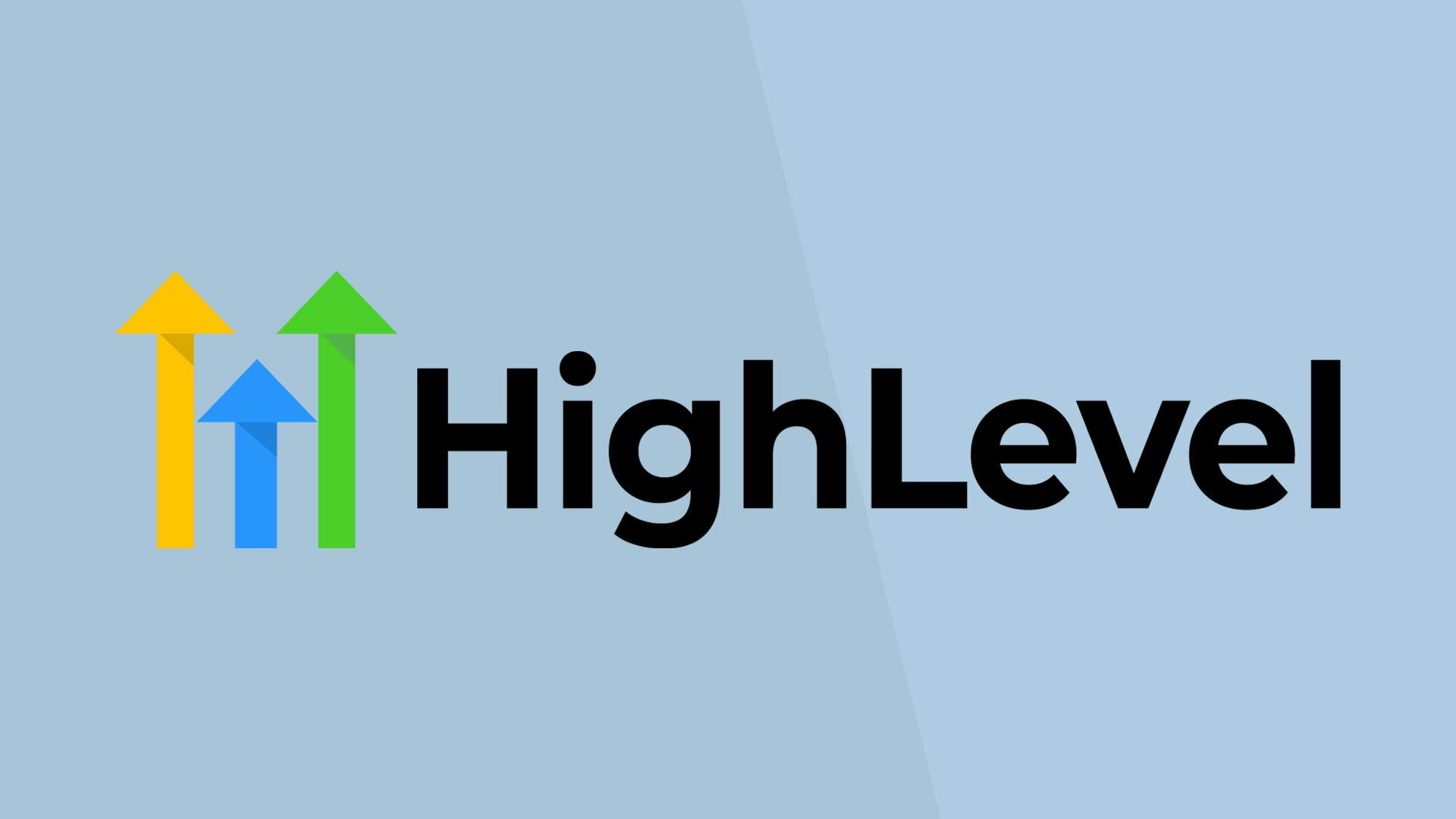
GHL does not have a public brand asset page. Logo files are distributed through the GoHighLevel community and extracted from official marketing materials. The formats available as of 2026:
| Format | Background | Best Use | File Type |
|---|---|---|---|
| Horizontal Logo | Light (dark text) | Light backgrounds, email headers | PNG, SVG |
| Horizontal Logo | Dark (white text) | Dark backgrounds, app headers | PNG, SVG |
| Icon Only (bolt) | Transparent | Favicons, app icons, small placements | PNG, SVG |
| Stacked | Various | Square formats, social profiles | PNG |
GoHighLevel Logo Preview and Download
Below are the official GoHighLevel logo files in different formats. Click the download button to save any version you need.


If you need the GoHighLevel logo for white-label removal, to identify where it appears so you can replace it, use your browser’s inspector tool on any GHL page and search for img tags with “logo” in the src attribute.
GoHighLevel Logo Usage Rules for Agencies
GHL logo usage falls under HighLevel Inc.’s trademark policy. The key rules for agencies:
Permitted: Using the GHL logo to indicate that your product is “Powered by GoHighLevel” in your marketing materials, provided you do not alter the logo proportions or colors.
Not Permitted: Placing the GHL logo in a context that suggests GoHighLevel endorses or is affiliated with your agency beyond the platform relationship. Do not use the GHL logo as your agency logo or modify the logo colors.
For agencies white-labeling GHL as their own product: the logo should be removed entirely from the client-facing experience and replaced with your brand. This is the intended use case for the white-label plan.
How to Replace the GoHighLevel Logo with Your Own Brand
The white-label logo replacement requires the Agency Unlimited plan ($297/mo) or higher. Here is the complete process:
- Go to Agency Settings → White Labelling
- Upload your agency logo in the Logo field, minimum 200x60px, PNG with transparent background recommended
- Upload a favicon (square, 32x32px minimum) for browser tab display
- Save settings, changes apply immediately to all sub-accounts
Expected Error, Logo appears stretched: GHL displays the logo within a fixed-height container. If your logo appears stretched, the PNG dimensions are too tall relative to width. Keep logo height under 60px. Horizontal logos (wide and short) display best in GHL’s header.
/* Remove any residual GHL branding via Custom CSS */
/* Paste in Agency Settings → Custom CSS */

/* Hide GHL text/logo if not fully replaced by upload */
img[alt="GoHighLevel"],
img[alt="HighLevel"],
.hl-logo,
.ghl-logo-text {
  display: none !important;
}

/* Replace with your logo via CSS background */
.agency-logo-container {
  background-image: url('https://yourdomain.com/logo.png') !important;
  background-size: contain !important;
  background-repeat: no-repeat !important;
}
Critical Failure Points: Logo Replacement Mistakes
Failure Point 1, Uploading a Logo with White Background: GHL headers use both light and dark themes depending on the page. A logo with a white background square shows as an obvious white box on dark headers. Always export logos with a transparent background (PNG format, not JPEG).
Failure Point 2, Not Replacing the Email Footer Logo: GHL email templates pull the agency logo for the email footer. If you update the main logo but forget to update the email templates, your branded client emails still show “GoHighLevel” in the footer. Update the logo under Agency Settings → Email Services → Branding separately.
The Consensus Break: Logo Is the Last Step, Not the First
Most white-label guides tell you to start with logo and color setup. We recommend doing it last.
The functional configuration, sub-accounts, workflows, pipelines, snapshots, A2P registration, takes longer and matters more to client retention than branding. Agencies that spend their first week on logo placement and then rush client onboarding produce worse outcomes than agencies that get the systems right first and brand second.
Logo and branding polish matters. It should happen after the operational foundation is solid. Check our snapshot library for pre-configured white-label systems and the how it works guide for our recommended setup sequence.
Verified working as of April 15, 2026.
Related GoHighLevel Guides
- GoHighLevel Login Page with Custom CSS: Build a Branded Client Portal
- What Is GoHighLevel? The Platform Breakdown Every Agency Needs
- GoHighLevel Snapshots: The Complete Guide to Creating and Managing Them
- GoHighLevel Certification Program: What It Tests and How to Pass
Frequently Asked Questions
Where can I download the GoHighLevel logo?
GoHighLevel does not host a public brand asset download page. Logo files are available through the GoHighLevel Official Facebook Community, search for “brand kit” in the group to find the current shared folder. The GHL logo is also available by contacting GHL support directly and requesting brand assets for partner use.
Can I use the GoHighLevel logo in my agency marketing?
Yes, with restrictions. You can use the GHL logo to indicate that your agency uses or specializes in GoHighLevel. You cannot use it as your agency’s primary logo, alter the colors or proportions, or use it in a way that implies GoHighLevel endorses your business. For white-label agencies, the GHL logo should be replaced entirely with your own branding in all client-facing contexts.
What image size should I use for the GoHighLevel white-label logo?
Upload your white-label logo as a PNG with a transparent background, minimum 200x60px, recommended 400x120px. Keep the logo height under 60px relative to width for proper display in GHL’s fixed-height header containers. Logos that are too tall will be scaled down and may appear blurry. Test the logo display across both light and dark GHL header themes after uploading.
Ready to Get Your GoHighLevel System Built?
We'll build your entire GHL setup for $499 and give you a free professional website.
Contact Us Now