Last updated:
Ready to Try GoHighLevel?
Get the all-in-one platform for CRM, automations, funnels & websites — built for agencies.
Start your free trial and explore every feature.
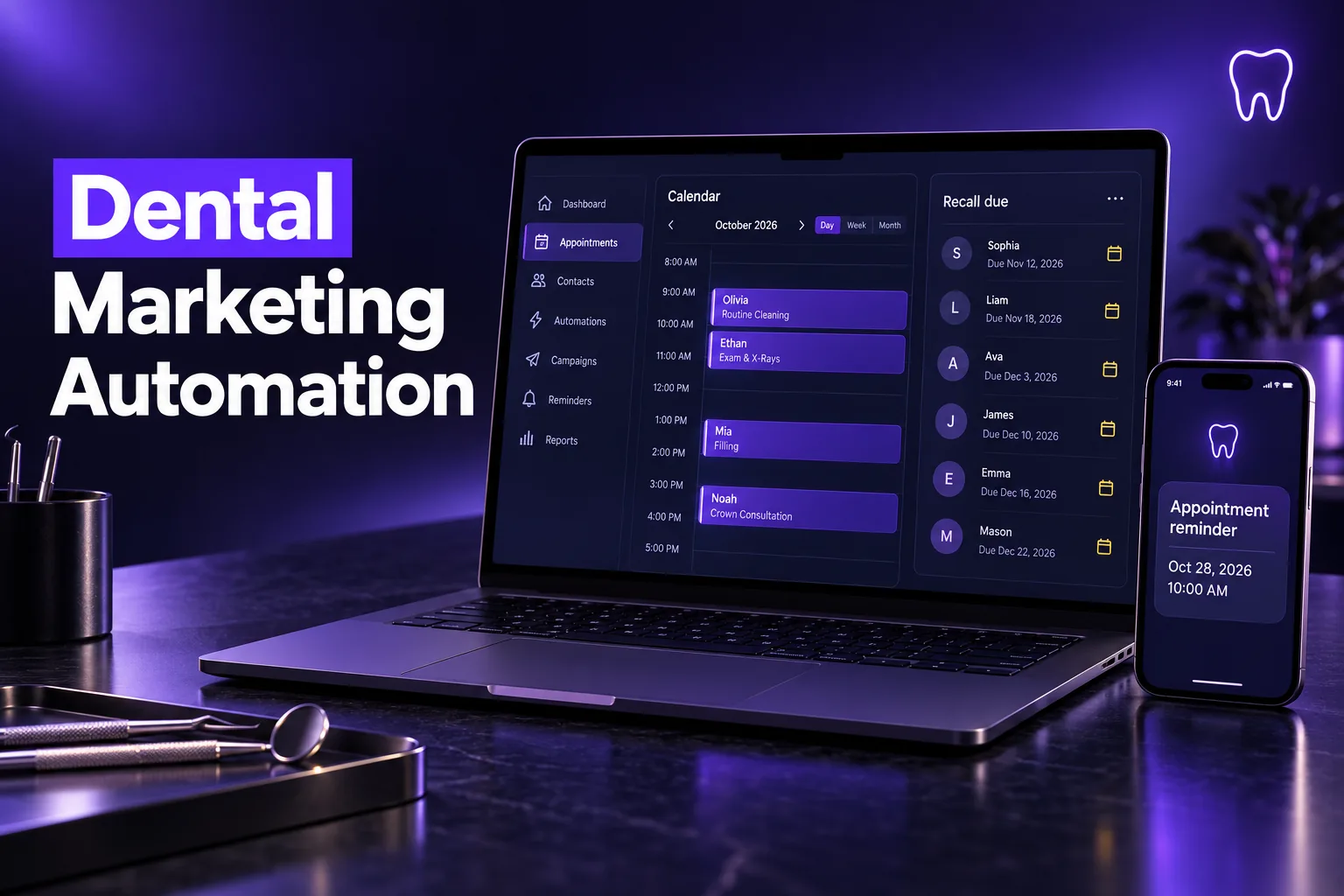
Dental marketing automation is software that handles a practice’s repeat patient communication on its own: answering new inquiries, confirming appointments, bringing patients back for recall, reactivating lapsed patients and asking for reviews. Done well, it fills the schedule without adding front-desk hours.
This guide explains what dental marketing automation covers, which parts matter most for new and existing patients, how HIPAA and texting rules shape the setup, and how a GoHighLevel build compares with dental-specific tools. It describes outcomes, not internal build recipes.
What does dental marketing automation cover?
Dental marketing automation covers every message a practice sends on a schedule or in response to a patient action. That includes new-lead replies, booking and reminders, recall for cleanings, reactivation of lapsed patients, review requests and treatment follow-up. Each piece runs from rules set once, not from staff remembering to call.
Most practices need six building blocks, in roughly this order of impact:
| Building block | What it does for the practice | Main channel |
|---|---|---|
| Speed-to-lead | Answers web forms, ad leads and missed calls within minutes | SMS, email, Conversation AI |
| Booking and reminders | Confirms appointments and reduces no-shows | SMS, email, calendar |
| Hygiene recall | Brings patients back for cleanings and checkups on time | SMS, email |
| Reactivation | Re-engages patients who have not visited in a long time | SMS, email, calls |
| Reviews and reputation | Asks every patient for a Google review after a visit | SMS, email |
| Treatment follow-up | Keeps unscheduled treatment plans from going cold | Email, calls, pipeline tasks |
A dental CRM ties these together, so a lead’s form, calls, texts and appointments sit on one contact record instead of in separate tools. That is what we build on our dental CRM built on GoHighLevel.
How does automation handle new patient inquiries?
Automation handles new patient inquiries by replying the moment a lead arrives, offering booking times, and following up until the patient books or opts out. The goal is that no inquiry from an ad, website form, Google Business Profile or missed call waits hours for a human callback.
The outcomes a strong new-patient flow should deliver:
- Instant first reply: a text and email within minutes of a form fill, with a booking link.
- Missed-call text-back: callers who reach voicemail get a text so they do not ring the next practice on the list.
- After-hours coverage: Conversation AI or Voice AI answers common questions and books into the calendar while the office is closed.
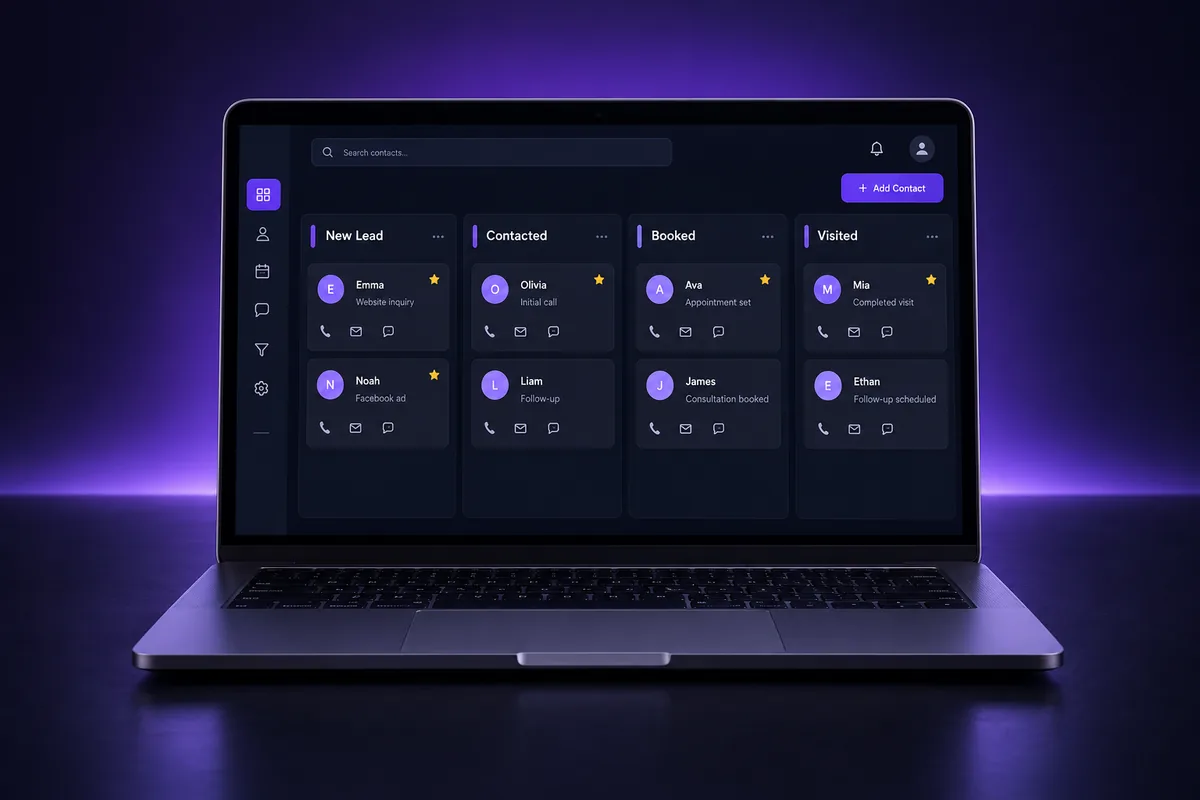
- Pipeline visibility: every inquiry becomes an opportunity, so the office manager can see who booked, who is waiting and who went quiet.
- Source tracking: each lead is tagged with where it came from, so ad spend can be judged on booked patients, not clicks.
Speed matters most here. A lead who fills in a form at 9 p.m. is often comparing several practices, and the first clear reply with a real booking option usually wins the conversation. If you want AI to cover those hours, our guide to the GoHighLevel AI Employee explains what Conversation AI and Voice AI can and cannot do.
New to GoHighLevel? Try it free for 30 days
Get HighLevel's official 30-day free trial and free Bootcamp through our partner link (the standard trial is 14 days). Prefer it done for you? We set up GoHighLevel from $499, with a free website.
Start 30-day free trialHave us set it upPartner link: we may earn a commission at no extra cost to you. Disclosure
How do recall and reactivation campaigns work?
Recall and reactivation campaigns work by sending timed reminders to existing patients. Recall targets patients who are due for their next cleaning or checkup. Reactivation targets patients who have not been seen in a long period. Both bring revenue from people who already trust the practice.
Hygiene recall
Recall depends on knowing each patient’s last visit and recall interval. That data usually lives in the practice management system (PMS), such as Dentrix, Open Dental or Eaglesoft. The automation reads a due date, sends reminders as it approaches and stops the moment the patient books.
Patient reactivation
Reactivation speaks to patients who drifted away. The message should be personal and low pressure: a reminder that they are overdue, an easy way to book, and a clear way to opt out. Only text patients whose consent you have on record, and respect every STOP.
Getting data out of the PMS
The hardest part of recall is not the messaging; it is keeping visit dates in sync between the PMS and the CRM. Options include a scheduled export and import, a certified sync tool, or a custom integration through the CRM’s API and webhooks. Check what your PMS vendor supports before choosing.
- Agree on which system is the source of truth for appointments.
- Decide how often visit data refreshes (daily is common).
- Test that a booked appointment stops recall messages for that patient.
How should a dental practice automate review requests?
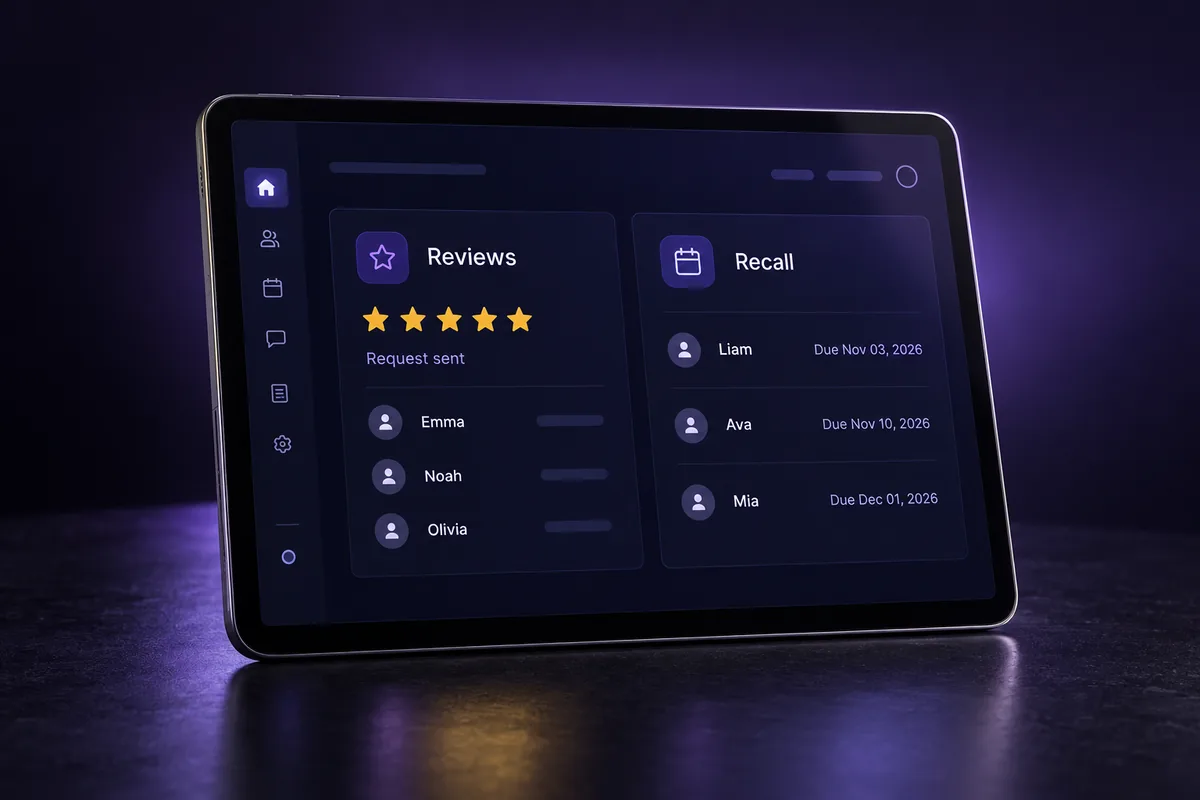
A dental practice should automate review requests by asking every patient after a completed visit. Use a short text or email with a direct Google review link. Asking everyone, rather than only happy patients, keeps the practice inside Google’s review policies and builds a steady, believable review profile.
Points that keep review automation effective and safe:
- Ask everyone: Google’s Business Profile policies prohibit selectively soliciting positive reviews, so avoid “review gating” that only sends happy patients to Google.
- Timing: send the request soon after the visit, while the experience is fresh.
- No incentives: do not offer discounts or gifts in exchange for reviews.
- Reply to reviews: respond to every review without confirming that the reviewer is a patient or mentioning treatment details, which would disclose health information.
- One follow-up at most: a single reminder is enough; repeated asks annoy patients.
What do HIPAA and texting rules mean for dental automation?
HIPAA and texting rules mean a dental practice must protect patient health information in every automated message. It must also have consent for the texts it sends. Practically, that requires a platform that will sign a business associate agreement (BAA), minimal health details in messages, and registered business texting.
HIPAA and the BAA
Any vendor that stores or transmits protected health information (PHI) for a practice is a business associate and should sign a BAA. GoHighLevel offers a HIPAA-compliant upgrade with a BAA; our guide to GoHighLevel HIPAA compliance covers what it includes and what stays your responsibility. Even with a BAA, keep messages generic: “You have an appointment tomorrow at 10 a.m.” rather than naming the procedure.
A2P 10DLC, consent and the TCPA
Practices texting from a 10-digit business number in the US need A2P 10DLC brand and campaign registration through The Campaign Registry. Consent still matters on top of that: appointment reminders and marketing messages have different consent expectations under the TCPA. Our A2P 10DLC registration guide covers the details that most often cause rejections.
Email deliverability
Recall and reactivation emails only work if they reach the inbox. Send from the practice’s own domain, set up SPF, DKIM and DMARC, and keep the list clean of old addresses that bounce.
Dental marketing automation tools compared
Dental marketing automation tools fall into two groups. Dental-specific patient communication platforms integrate deeply with the PMS. General CRMs like GoHighLevel offer broader marketing, pipelines and AI at a flat price but need integration work for PMS data. The right choice depends on where the gaps are.
| Factor | Dental-specific platforms | GoHighLevel (built for a practice) |
|---|---|---|
| PMS integration | Usually native for supported systems | Through import, sync tools, API or webhooks |
| New-lead follow-up and ads | Often limited | Strong: forms, funnels, pipelines, tracking |
| AI chat and phone answering | Varies by vendor | Conversation AI and Voice AI built in |
| Websites and landing pages | Rarely included | Included |
| Multi-location management | Varies | One sub-account per location, managed centrally |
| HIPAA | Usually built in with a BAA | Available through HighLevel’s HIPAA upgrade with a BAA |
Some practices run both: the dental platform for PMS-linked reminders, and GoHighLevel for lead capture, ads follow-up, AI answering and reactivation. What matters is that each patient gets one coherent set of messages, not two systems texting them the same week.
Common dental automation mistakes to avoid
The most common dental automation mistakes are messaging patients who already booked, and putting treatment details in texts. Others are texting without recorded consent and running two tools that send overlapping reminders. Each one either annoys patients, creates privacy risk or wastes the budget the automation was meant to save.
- No stop rule: recall keeps texting after the patient books because the PMS and CRM are out of sync.
- PHI in messages: procedure names or diagnoses in an SMS that anyone holding the phone can read.
- Unregistered texting: business texts sent before A2P 10DLC approval get filtered by carriers.
- Review gating: sending only happy patients to Google, which conflicts with Google’s policies.
- Generic copy: messages that do not sound like the practice, which lowers replies.
- No owner: nobody on the team checks the inbox where patient replies land.
Get dental marketing automation built for you
Getting dental marketing automation built for you means a team sets up the CRM, the patient messaging, HIPAA settings and texting registration. The team then hands over a system the front desk can run. It suits practices that want the outcomes without learning a platform or wiring integrations themselves.
Already tried an automation tool that patients complained about, or one that kept texting people who had booked? We fix that. AutogenCRM builds the full setup on GoHighLevel, from new-patient follow-up to recall, reactivation and reviews, through our done-for-you GoHighLevel setup. If you would rather start from a ready-made build, our GoHighLevel snapshot service installs a tested structure you can adapt. You can also see a similar build for aesthetic clinics in our med spa snapshot guide.
Frequently Asked Questions
What is dental marketing automation?
Dental marketing automation is software that sends a practice’s routine patient messages on its own, based on rules and patient actions. It typically covers replies to new inquiries, appointment confirmations and reminders, hygiene recall, reactivation of lapsed patients, review requests and treatment follow-up. So the front desk spends less time on repetitive calls.
Is GoHighLevel HIPAA compliant for dental practices?
GoHighLevel offers a HIPAA-compliant upgrade that includes a business associate agreement, which a dental practice needs before storing patient health information in the platform. The upgrade covers the software side only. The practice still needs its own HIPAA policies, staff training and careful message content that avoids treatment details.
Can dental marketing automation connect to Dentrix or Open Dental?
Many dental-specific platforms integrate natively with common practice management systems such as Dentrix and Open Dental. General CRMs like GoHighLevel usually connect through scheduled imports, third-party sync tools or a custom API and webhook integration. Confirm what your PMS version supports before you plan recall campaigns around its data.
Do dental offices need A2P 10DLC registration to text patients?
Yes, if the practice texts patients from a standard 10-digit business number in the US. Carriers expect business texting on those numbers to be registered through The Campaign Registry with a brand and campaign. Unregistered business texts are likely to be filtered or blocked, which breaks reminders and recall messages.
Should dentists automate Google review requests?
Automating review requests is a good idea when the practice asks every patient after a visit, without incentives and without filtering out unhappy patients first. Google’s policies prohibit selectively soliciting positive reviews. When replying to reviews, never confirm that the reviewer is a patient or mention their treatment.
How long does it take to set up dental marketing automation?
Setup time depends on scope. A new-patient follow-up and review system can be built fairly quickly, while recall that depends on syncing visit data from the practice management system takes longer to plan and test. A2P 10DLC approval for texting also adds waiting time, so start registration early.
Ready to Get Your GoHighLevel System Built?
We'll build your entire GHL setup for $499 and give you a free professional website.
Book a Free Call See Packages & PricingOr call +1 (681) 276-7045 · Mon–Fri, 9 AM–5 PM ET