Last updated:
Ready to Try GoHighLevel?
Get the all-in-one platform for CRM, automations, funnels & websites — built for agencies.
Start your free trial and explore every feature.
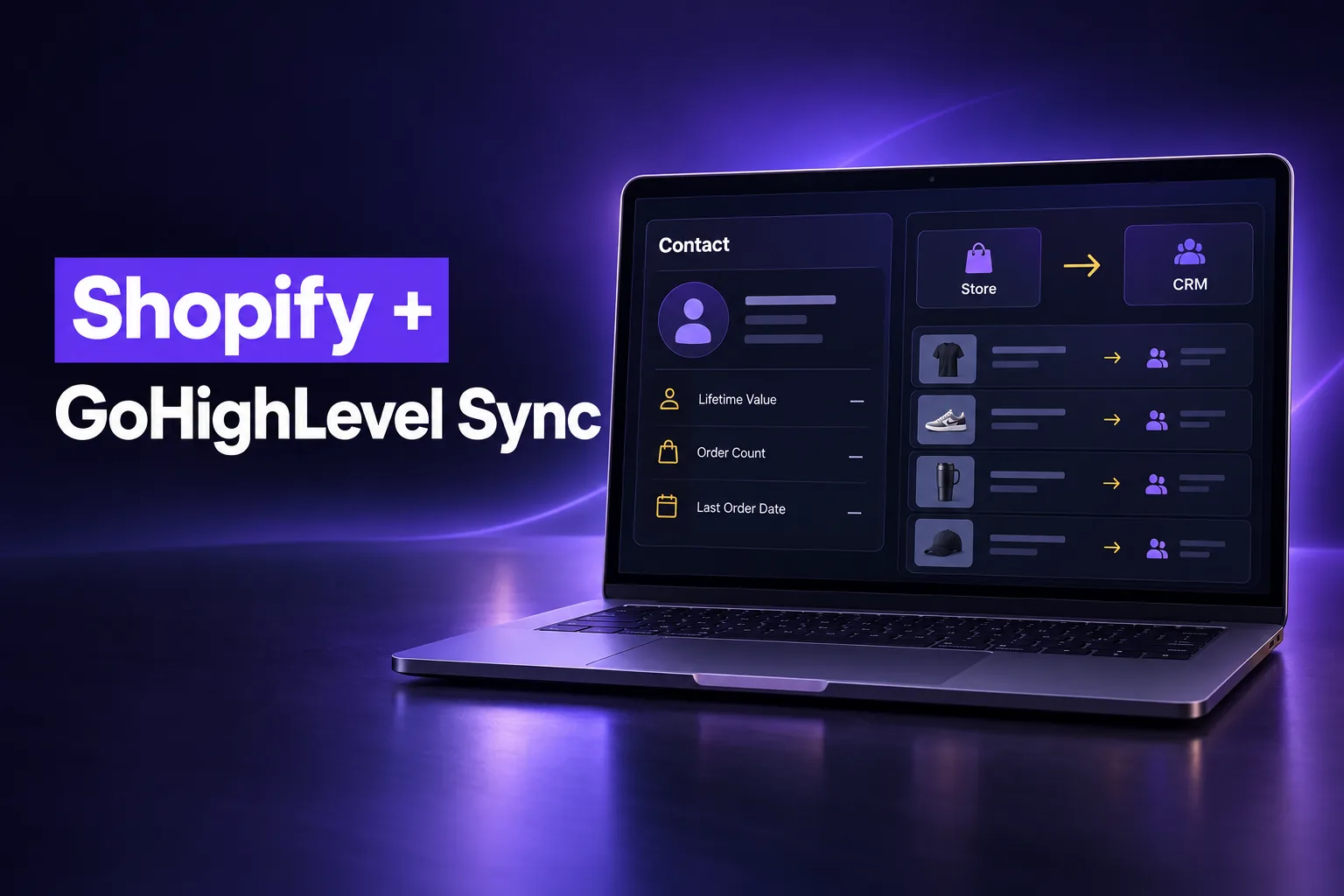
Yes, Shopify integrates with GoHighLevel natively. In a sub-account, go to Settings, then Integrations, then Shopify, and connect the store through HighLevel’s OAuth app. Customers, orders, transactions, products and collections then flow from Shopify into HighLevel, where workflows can follow up on purchases and abandoned checkouts.
This guide explains what the native GoHighLevel Shopify integration syncs, how the connection works, what it achieves for abandoned carts and repeat buyers, how it compares with Zapier and n8n, and the limits you should know before you rely on it. It is written by AutogenCRM, a GoHighLevel implementation agency that connects stores and CRMs for clients.
What does the GoHighLevel Shopify integration sync?
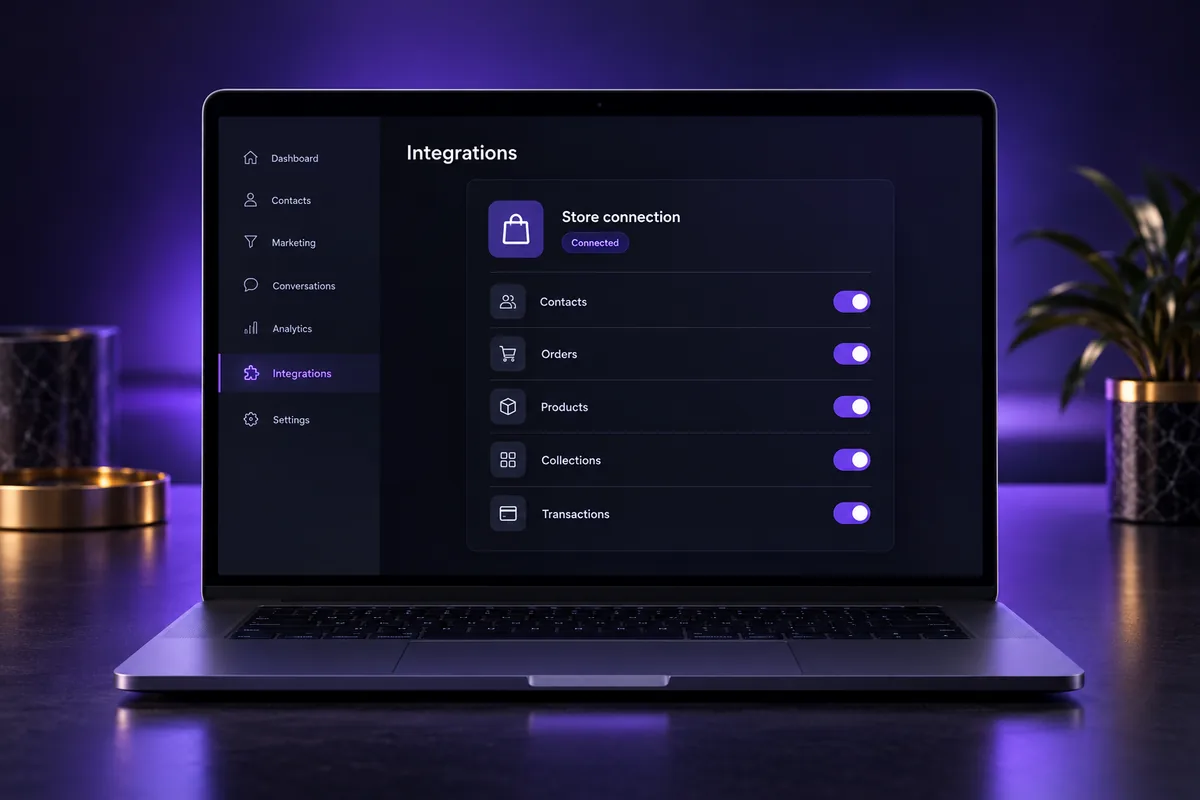
The GoHighLevel Shopify integration syncs five kinds of records from a Shopify store into a HighLevel sub-account: contacts (customers), orders, transactions, products and collections. You choose a one-time historical import during setup and then choose which records keep syncing afterwards.
HighLevel splits the setup into two choices. Import elements brings in your existing store history once. Sync settings decide what keeps flowing as new orders and customers arrive.
| Shopify record | What it becomes in GoHighLevel | Worth knowing |
|---|---|---|
| Customers | Contacts with name, email, phone and address | Shopify customer tags land in the contact’s tag field |
| Customer purchase data | Shopify fields on the contact: Lifetime Value, Order Count, first and last order dates and values, Tax Exempt | Fields sync automatically; you can’t opt out field by field |
| Orders | One transaction per order | Status shows as Completed or Cancelled |
| Products and collections | Products in the sub-account’s product library | Taxes are not mapped on products |
| Store name | A “Shopify Store Name” value on the contact | Useful when more than one store feeds one CRM |
The practical result is one contact record that shows both the marketing history (emails, texts, calls, form fills) and the buying history from Shopify. That is the part Shopify’s own customer list does not give you.
How do you connect your Shopify store to GoHighLevel?
You connect Shopify to GoHighLevel from inside the sub-account, not the agency view. Open Settings, then Integrations, then Shopify, click Connect, enter the exact store name or store URL, approve HighLevel’s OAuth app in Shopify, then pick your import elements and sync settings.
OAuth app vs the legacy custom app
HighLevel now recommends the OAuth app for new connections. It replaces the older method where you created a Shopify custom app and pasted an Admin API access token into HighLevel. Older custom-app connections may keep syncing, but HighLevel’s Shopify integration guide says they must reconnect through OAuth to reach protected customer data.
What to check before you connect
- Right sub-account: each store should feed the sub-account of the business that owns it, never a shared agency test account.
- Store owner access: the person approving the app needs permission to install apps on the Shopify store.
- Duplicate contacts: if the sub-account already holds customers from an old CSV import, review your duplicate-contact setting first so Shopify customers merge instead of doubling.
- Shopify plan: HighLevel’s documentation says Basic stores can sync customer and order data through OAuth, but one of its FAQs still mentions upgrades for protected data. Test with a real order after connecting.
- Sending readiness: texting buyers from GoHighLevel requires an approved A2P 10DLC brand and campaign, and email needs an authenticated sending domain.
New to GoHighLevel? Try it free for 30 days
Get HighLevel's official 30-day free trial and free Bootcamp through our partner link (the standard trial is 14 days). Prefer it done for you? We set up GoHighLevel from $499, with a free website.
Start 30-day free trialHave us set it upPartner link: we may earn a commission at no extra cost to you. Disclosure
What can abandoned cart and post-purchase follow-up achieve?
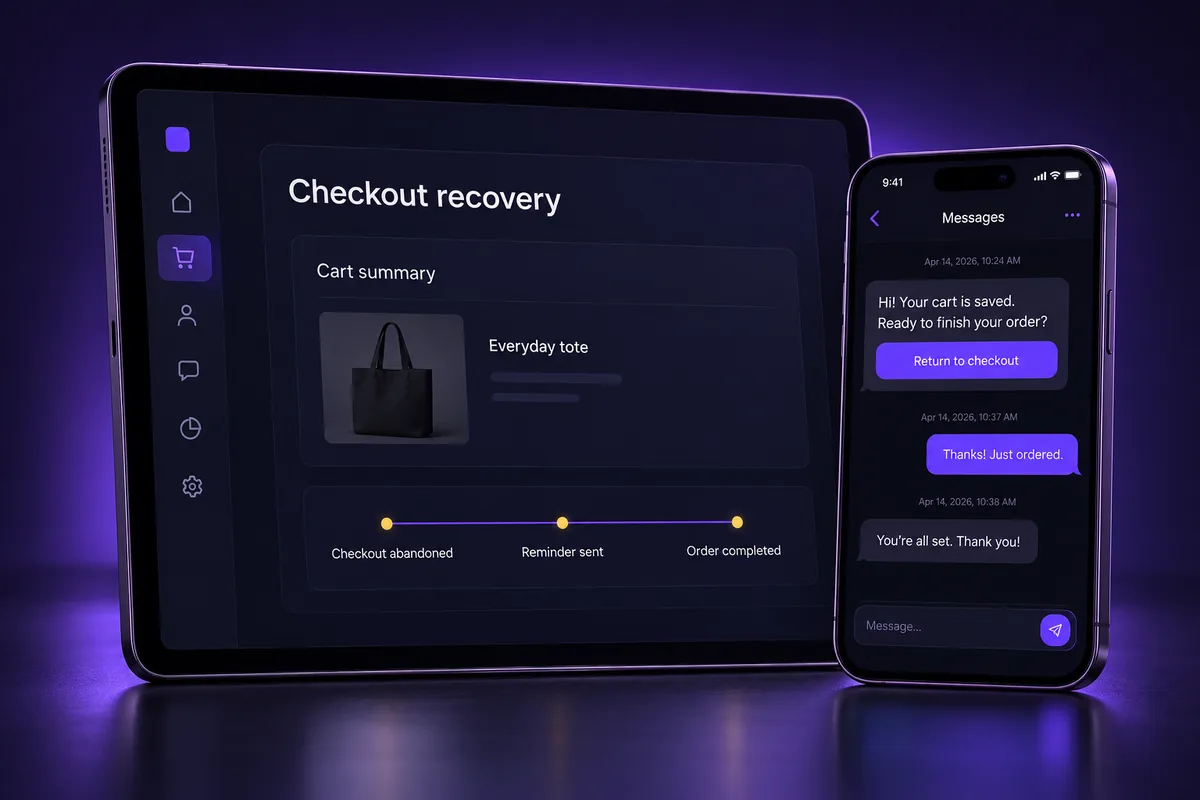
Abandoned cart and post-purchase follow-up in GoHighLevel achieve two outcomes for a Shopify store: they bring back shoppers who started checkout but did not pay, and they turn first-time buyers into repeat buyers with timely, personal messages by email and SMS.
The Abandoned Checkout trigger
HighLevel’s ecommerce Abandoned Checkout trigger works with its own stores and with connected external stores, with Shopify listed as the supported external source. The older “Shopify Abandoned Cart” trigger is marked as deprecating soon, so new builds should use the newer trigger.
- An email is required. HighLevel can only mark a checkout as abandoned once the shopper has entered an email address. Anonymous carts cannot be followed up.
- Duration decides the wait. You set how many minutes pass before a checkout counts as abandoned. HighLevel suggests short windows for low-ticket stores and several hours for high-ticket or made-to-order products.
- Filters narrow the audience. Cart value, country, products, order source and store name let you treat a big cart differently from a small one.
Post-purchase outcomes worth building toward
The Order Submitted and Payment Received triggers start follow-up once a Shopify order syncs. What matters is the outcome, not a copied sequence:
- A thank-you and care message that reduces “where is my order” questions.
- A review request timed to when the product has actually arrived.
- A replenishment reminder for consumable products, based on the last order date.
- A win-back message for customers whose last order is getting old.
- An internal alert to the sales team when a high-value order comes in.
Shopify already sends order confirmations and shipping notifications. Plan your GoHighLevel messages so they add value on top of those, rather than duplicating them and annoying the buyer.
How do you segment Shopify customers in GoHighLevel?
You segment Shopify customers in GoHighLevel with the purchase fields the integration writes to each contact: Lifetime Value, Order Count, first and last order dates and values, plus the Shopify tags. Smart lists and workflow filters then sort buyers into groups you can message differently.
Useful segments for most stores:
| Segment | Built from | Typical outcome |
|---|---|---|
| First-time buyers | Order Count equals 1 | Second-purchase offer and onboarding content |
| Repeat customers | Order Count of 2 or more | Loyalty perks, early access, referral asks |
| High-value customers | Lifetime Value above your own threshold | Personal outreach, VIP list, calls from the team |
| Lapsing customers | Last order date older than your normal buying cycle | Win-back or database reactivation campaign |
| Wholesale or tax-exempt buyers | Tax Exempt field or Shopify tags | Separate pipeline and B2B follow-up |
For wholesale and B2B stores, opportunities in a sales pipeline are often more useful than email blasts. A large quote request or repeat wholesale buyer can sit in a pipeline stage with a named owner, so nobody forgets to call.
Shopify native integration vs Zapier vs n8n: which should you use?
Use the native GoHighLevel Shopify integration for customers, orders, products and abandoned checkouts, because it is free inside HighLevel and maps purchase fields automatically. Use Zapier, n8n, webhooks or the HighLevel API only for data the native sync does not cover or for custom routing.
| Option | Best for | Trade-offs |
|---|---|---|
| Native Shopify integration | Standard customer, order and product sync; abandoned checkout and order triggers | One direction (Shopify into HighLevel); fixed field mapping |
| Zapier | Quick custom steps, such as sending a specific Shopify event to a specific pipeline | Paid per task volume; another tool to monitor |
| n8n | Complex logic, data transformation and self-hosted control | Needs technical setup and hosting |
| Webhooks and the HighLevel API | Two-way or custom data flows, such as writing values back to Shopify | Developer work; you own the maintenance |
A common mistake is running the native integration and a Zapier zap for the same orders. Both create or update the same contact, which leads to duplicate transactions or double messages. Pick one source of truth for each type of record. Our guides to the GoHighLevel Zapier integration and the GoHighLevel API explain when each makes sense.
What are the limits of the GoHighLevel Shopify integration?
The GoHighLevel Shopify integration has limits that matter for reporting and automation: data flows one way from Shopify, Lifetime Value only counts Shopify purchases, refunds do not reduce Order Count, taxes are not mapped on products, and email and SMS consent fields are not synced yet.
| Limit | Why it matters | What to do |
|---|---|---|
| Shopify to HighLevel only | Editing a contact in HighLevel does not update the Shopify customer | Keep Shopify as the source of truth for customer and order data |
| Consent fields “coming soon” | Shopify marketing consent does not arrive with the contact | Capture SMS and email consent through your own opt-in before marketing messages |
| Refunds don’t lower Order Count | A refunded buyer can look like a repeat customer | Use Lifetime Value, which does adjust for refunds, in VIP segments |
| Lifetime Value is Shopify-only | Sales from invoices, calls or other stores are not included | Report total revenue from transactions, not one field |
| Draft orders ignored | Only completed, paid orders update contact fields | Don’t trigger follow-up from draft or manual quote orders |
| Taxes not mapped on products | Product prices in HighLevel won’t match taxed totals | Use Shopify for checkout and tax; use HighLevel for marketing |
| Turning off sync keeps old data | Disconnecting does not delete imported contacts or orders | Clean up manually if you move a store to another sub-account |
The consent point deserves extra care. US texting rules expect proof that each person agreed to receive marketing texts. A Shopify buyer is not automatically an SMS subscriber, so plan your opt-in before you switch on SMS recovery.
Should you integrate Shopify or move the store into HighLevel?
Integrate Shopify with GoHighLevel when the store is working and you want better CRM follow-up. Move the store into HighLevel’s own ecommerce store only when you have a simple catalog and want one platform, because checkout, shipping, tax and app features differ.
HighLevel offers a Shopify migration path that imports products, collections, customers who have ordered, and orders. Its own documentation lists what does not move: store and checkout pages, payment gateway and shipping settings, order notifications, abandoned checkout recovery, workflows, tags and segments.
- Stay on Shopify and integrate if you rely on Shopify apps, complex shipping or tax, many variants, or a large catalog.
- Consider moving if you sell a handful of products, already run funnels in HighLevel, and want one bill and one login.
- Either way, test checkout, tax and notifications on a real order before you send traffic.
If you are weighing a full move, our page on GoHighLevel migration services explains how we plan a move without losing customer history.
What are the most common Shopify integration mistakes?
The most common GoHighLevel Shopify integration mistakes are connecting the store to the wrong sub-account, double-syncing orders through Zapier, texting buyers without A2P 10DLC approval or consent, and sending emails from an unauthenticated domain that lands in spam.
- Wrong sub-account. Agencies sometimes connect a client store to their own test account, then have to clean contacts out later.
- Double syncing. The native integration plus a zap for the same event creates duplicates and double messages.
- Texting without registration. SMS from a US long code needs an approved A2P 10DLC registration, or carriers filter or block the messages. Check GoHighLevel SMS pricing before you plan high-volume texting.
- Unauthenticated email. Recovery emails sent through LC-Email or another provider need DKIM, SPF and DMARC set on your sending domain.
- Repeating Shopify’s own emails. Two order confirmations for one purchase look careless. Decide which platform sends which message.
- No test order. Always place a real test order and an abandoned checkout with a real email, then check the contact, the transaction and the triggers.
Store data not reaching your CRM?
If your Shopify orders are not showing in GoHighLevel, contacts are duplicating, or recovery messages are going out twice, the fix is usually in the connection and the sync settings, not the store. Our GoHighLevel setup and onboarding service connects Shopify the right way, sets up segments and abandoned checkout follow-up, and checks A2P and email authentication before anything sends.
New to the platform? Start with our overview of the GoHighLevel CRM to see how contacts, pipelines and conversations fit together.
Frequently Asked Questions
Does GoHighLevel integrate with Shopify?
Yes. GoHighLevel has a native Shopify integration in each sub-account under Settings, Integrations, Shopify. It connects through HighLevel’s OAuth app and syncs customers, orders, transactions, products and collections into HighLevel. Once connected, workflows can react to abandoned checkouts, submitted orders and received payments from the Shopify store.
Is the GoHighLevel Shopify integration two-way?
No. The native integration moves data from Shopify into GoHighLevel. Editing a contact or product in HighLevel does not update the matching Shopify record. If you need data written back to Shopify, such as tags or notes, that requires a custom connection through webhooks, the APIs, Zapier or n8n, which your team then has to maintain.
Is there a GoHighLevel Shopify app?
Yes. The current connection uses a HighLevel OAuth app that you approve inside Shopify during setup, which replaced the older method of creating a Shopify custom app and pasting an access token. HighLevel also documents adding its chat widget to a Shopify theme, so visitors can message your team from the store.
Can GoHighLevel recover Shopify abandoned carts?
Yes. HighLevel’s Abandoned Checkout trigger supports connected Shopify stores and starts a workflow after a wait time you set. The shopper must have entered an email address, otherwise the checkout can’t be identified. You can filter by cart value, country, products and store, then follow up by email or SMS.
Does the Shopify Basic plan work with GoHighLevel?
HighLevel’s guide says Shopify Basic stores can sync customer and order data through the OAuth connection without upgrading, and products and collections sync on any plan. One HighLevel FAQ still mentions higher plans for protected customer data, so place a test order after connecting and confirm the contact and transaction appear.
Are Shopify customers automatically subscribed to SMS in GoHighLevel?
No. HighLevel lists email and SMS consent fields as coming soon, so Shopify marketing consent does not arrive with the contact today. Before sending marketing texts, collect consent through your own opt-in and make sure your A2P 10DLC campaign is approved. Transactional and marketing messages should follow US texting rules.
Ready to Get Your GoHighLevel System Built?
We'll build your entire GHL setup for $499 and give you a free professional website.
Book a Free Call See Packages & PricingOr call +1 (681) 276-7045 · Mon–Fri, 9 AM–5 PM ET