Last updated:
Ready to Try GoHighLevel?
Get the all-in-one platform for CRM, automations, funnels & websites — built for agencies.
Start your free trial and explore every feature.
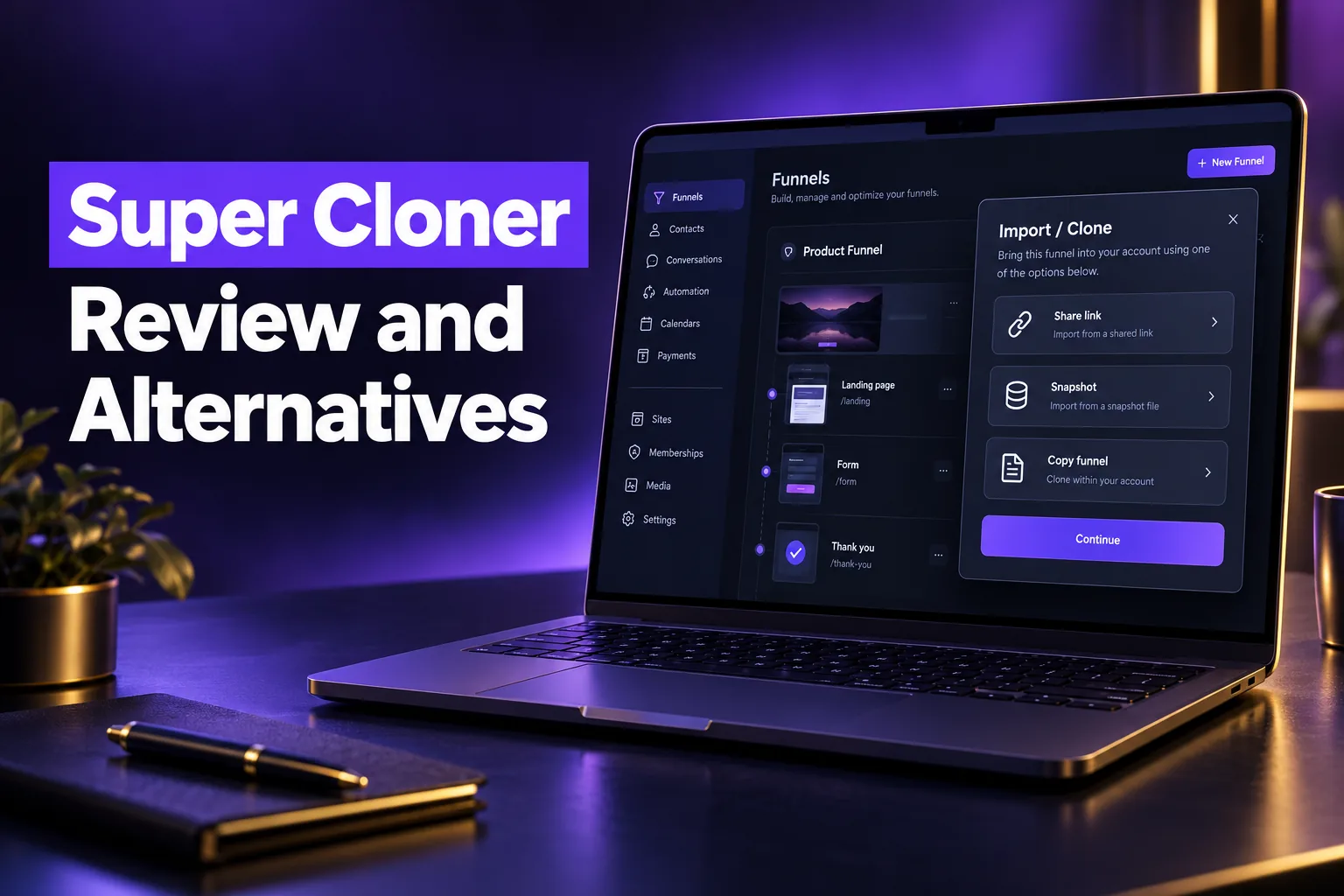
Super Cloner is a third-party Chrome extension that copies a public GoHighLevel funnel or website page and pastes it into your own HighLevel page builder. It is sold with credit packs from $20, works only on pages already built in HighLevel, and is not an official HighLevel product.
This review explains how Super Cloner works, what it copies, what it costs, the legal and quality caveats, and the alternatives: HighLevel’s native cloning and share links, snapshots, other cloner extensions, and a clean rebuild. It is written by a GoHighLevel implementation agency that builds and rebuilds funnels, not by the vendor.
What is Super Cloner for GoHighLevel?
Super Cloner is a Chrome extension from the AllThingsGHL team that copies the page data of a live HighLevel funnel or website and pastes it into a blank funnel in your account. It is designed to save rebuild time, and the vendor states it is not made, endorsed or affiliated with HighLevel.
The idea is simple. HighLevel pages are built from sections, rows and elements. If you can see a public page built in HighLevel, the extension reads that structure and recreates it in your builder, where you then edit the text and images.
- Maker: the AllThingsGHL team. The vendor’s site credits Fer Patel and describes him as a former HighLevel director.
- Format: a Chrome extension listed on the Chrome Web Store with around a thousand users, according to third-party extension trackers.
- Scope: public pages built with HighLevel’s funnel or website builder, including pages on white-labeled domains.
- Not to be confused with: other extensions with similar names, such as “GHL Cloner” and “Hyper Cloner”. Check the publisher before you install.
How does Super Cloner work?
Super Cloner works in two browser tabs. You open the public HighLevel page you want to copy and click “Copy Funnel Data” in the extension, then open a blank funnel in your own builder and click “Paste Funnel Data”. The page arrives as editable sections.
The vendor says a single page takes under 30 seconds. Higher plans add a whole-funnel mode that copies every page in a funnel at once. If pasting fails after installation, the vendor’s advice is to restart the browser and try again.
What does Super Cloner copy?
According to the vendor, the extension copies:
- Page structure: sections, rows, columns and spacing, including mobile breakpoints.
- Design: fonts, colors, buttons, image blocks, videos, pricing tables, testimonials, countdown timers and popups.
- Code: custom CSS, tracking code and SEO tags on the page.
What does it not copy?
A page is only the front end. These parts live elsewhere in the source account and do not come with a page copy:
- Workflows and automations. Whatever happens after a form submit or booking has to be built in your own account.
- Working forms, surveys and calendars. Even HighLevel’s own share links note that forms and surveys are not transferred and must be set up again. Expect to reconnect every lead capture element.
- Products, payments and memberships. Order forms need your own products and payment integration, such as Stripe.
- Custom HTML blocks as editable elements. The vendor notes that sections built as raw HTML code stay as code blocks after cloning.
- The source page’s tracking IDs. Copied tracking code belongs to someone else. Remove it before you publish.
New to GoHighLevel? Try it free for 30 days
Get HighLevel's official 30-day free trial and free Bootcamp through our partner link (the standard trial is 14 days). Prefer it done for you? We set up GoHighLevel from $499, with a free website.
Start 30-day free trialHave us set it upPartner link: we may earn a commission at no extra cost to you. Disclosure
How much does Super Cloner cost?
Super Cloner uses one-time credit packs, not a subscription, starting at $20 for 3 credits. One credit clones one unique page, credits do not expire, and whole-funnel cloning unlocks on the $200 and $300 packs. Prices below are from the vendor’s site as checked on October 21, 2026.
| Pack | Price | Credits | Cost per page | Whole-funnel mode |
|---|---|---|---|---|
| Try It | $20 | 3 | about $6.67 | No |
| Starter | $100 | 12 | about $8.33 | No |
| Growth | $200 | 40 | $5.00 | Yes |
| Pro | $300 | 75 | $4.00 | Yes |
In whole-funnel mode, the vendor charges 5 credits for a funnel of up to 20 pages, 10 credits for up to 50 pages and 15 credits above that. Failed clones are refunded as credits. Check the current Super Cloner pricing page before buying, because credit packs change.
Notice the Starter pack costs more per page than the trial pack. If you expect to clone more than a handful of pages, the Growth pack is the better value.
Can Super Cloner clone any website into GoHighLevel?
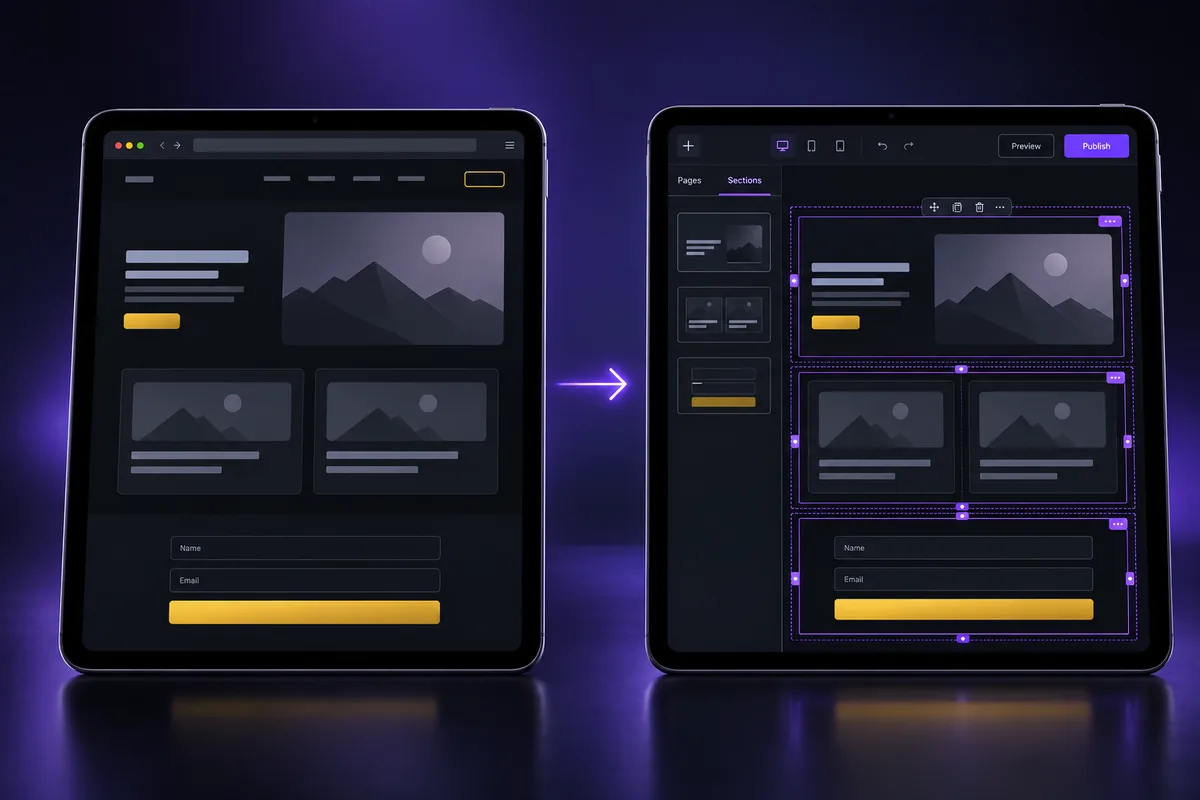
No. Super Cloner copies pages that were built in HighLevel’s own builder. It does not convert a WordPress, Wix, Webflow or Shopify site into HighLevel elements. For non-HighLevel sites, you need a rebuild or a platform-specific import such as HighLevel’s ClickFunnels import.
This is the biggest misunderstanding behind searches for a “GoHighLevel website cloner”. Many agencies want to move a client’s existing site into HighLevel. A HighLevel page cloner cannot help with that, because the source is not made of HighLevel sections.
| Source of the page | Best route into GoHighLevel |
|---|---|
| A HighLevel funnel in your own agency | Native clone, share link or snapshot |
| A HighLevel funnel owned by someone who agrees to share | Their share link or snapshot |
| A public HighLevel page used as inspiration | Super Cloner or similar, then a full redesign |
| ClickFunnels | HighLevel’s ClickFunnels import, then clean-up (see our ClickFunnels to HighLevel guide) |
| WordPress, Wix, Webflow, Shopify or custom code | Rebuild in the HighLevel builder from the content and brand |
For a full move of a business onto HighLevel, including contacts, pipelines and automations as well as pages, a planned GoHighLevel migration service is safer than copying pages one by one.
Is it legal to clone someone else’s funnel?
Copying another business’s funnel page and publishing it as your own can infringe copyright in the text, images and design, and the Super Cloner vendor says so itself. Use cloned pages for structure and inspiration, replace every word and image, and only republish pages you own or have permission to use.
This is not legal advice, but the practical rules are clear enough:
- Your own pages are fine. Moving a page between your own accounts or sub-accounts is the safest use, although HighLevel’s native tools already do this.
- Permission matters. If a designer or template seller gives you a page, use their share link or snapshot, which is the intended route.
- Copy, images and testimonials are the risk. Sales copy, photos, logos and customer quotes belong to the original business. Publishing them under your brand is the part most likely to cause a takedown request or a dispute.
- Tracking and scripts must go. Leftover pixels or scripts can send your visitors’ data to someone else’s analytics account.
Quality problems with cloned pages
Even when cloning is allowed, a cloned page brings the original’s problems with it:
- Bloated sections, hidden elements and heavy images that slow mobile load times.
- Custom CSS written for another brand that fights your own styles.
- Duplicate headings, missing alt text and stale SEO tags that need a full pass.
- Broken or disconnected forms that look fine but send leads nowhere.
In our rebuilds, broken lead capture is a common and costly leftover from copied pages, because the page looks finished while enquiries silently go nowhere. Test every form, calendar and button after any clone.
Browser extension security
Any extension that reads and writes page data needs broad permissions in your browser. Install cloner extensions only in a browser profile you use for building, check the publisher and reviews in the Chrome Web Store, and remove extensions you no longer use.
What are the best Super Cloner alternatives?
The best Super Cloner alternatives are HighLevel’s own tools: cloning within your agency, funnel share links, saved sections and snapshots. They are free with your plan and are built for reuse. Other cloner extensions exist, and for sites outside HighLevel the real alternative is a clean rebuild.
| Option | Best for | Cost | Main limit |
|---|---|---|---|
| Native clone | Copying your own funnel or website inside your account | Included | Only for pages you already own |
| Funnel share link | Sending a funnel to another account or client | Included | Forms and surveys must be set up again |
| Saved sections | Reusing a hero, pricing table or FAQ block on many pages | Included | Section level, not whole funnels |
| Snapshots | Packaging funnels with forms, calendars and automations | Included for agencies | Needs the owner to create and share it |
| Other cloner extensions | Similar copy-paste of public HighLevel pages | Usually credit-based | Same legal and quality caveats |
| Templates | Starting from a tested layout you are licensed to use | Free to paid | Needs branding and copy work |
| Professional rebuild | Moving a non-HighLevel site or fixing a messy clone | Project fee | Takes longer than a paste |
Native cloning and share links
Inside HighLevel, you can clone a funnel or website from the Sites area and create a share link that another account can import. HighLevel’s help center notes that share links can use your white-labeled domain and that forms and surveys do not transfer, so plan to reconnect them.
Templates and snapshots
If you want a proven layout without copying a competitor, start from licensed templates. Our roundups of GoHighLevel funnel templates and GoHighLevel website templates cover where to find them. Agencies that resell the same build should package it once as a GoHighLevel snapshot, which carries the forms, calendars and automations that a page clone leaves behind.
Is Super Cloner worth it?
Super Cloner is worth it for agencies and builders who study many HighLevel funnels and want a fast starting structure to redesign. It is not worth it for copying a competitor as-is, for moving non-HighLevel sites, or for anything you could do with HighLevel’s free cloning, share links and snapshots.
| Pros | Cons |
|---|---|
| Fast: a page in under a minute, by the vendor’s account | Only works on pages built in HighLevel |
| Pay per use with credits that do not expire | Does not bring workflows or working lead capture |
| Keeps layout, styles and mobile breakpoints | Copyright risk if pages are republished unchanged |
| Refunds failed clones as credits | Cloned pages carry the original’s clutter and tracking code |
Our recommendation: use HighLevel’s native tools first, use a cloner only for inspiration you will fully rewrite, and budget time for testing every form after any clone. If you are still evaluating the platform itself, you can start with a 30-day free trial (partner link), which is longer than HighLevel’s standard 14-day trial.
Cloned a funnel and now it is broken?
Cloned pages often look right but leak leads through disconnected forms, leftover tracking and styles that break on mobile. AutogenCRM’s GoHighLevel website design service rebuilds pages cleanly in your account with your own copy, working forms and tracking, so you launch something you fully own.
Frequently Asked Questions
Is Super Cloner an official GoHighLevel tool?
No. Super Cloner is an independent Chrome extension from the AllThingsGHL team. The vendor states it is not made by, endorsed by or affiliated with HighLevel. HighLevel’s own official options for reusing pages are cloning inside your account, funnel share links, saved sections and snapshots, which are included in the platform at no extra cost.
Does Super Cloner work on websites not built in GoHighLevel?
No. Super Cloner copies the page data of public pages built in HighLevel’s funnel or website builder. A WordPress, Wix, Webflow or Shopify site is not built from HighLevel sections, so it cannot be pasted in as editable elements. Those sites need a rebuild in the HighLevel builder, or a platform import where HighLevel offers one.
How many Super Cloner credits does a funnel use?
In page mode, one credit clones one unique page, so a five-page funnel uses five credits. In whole-funnel mode, available on the Growth and Pro packs, the vendor charges 5 credits for up to 20 pages, 10 credits for up to 50 pages and 15 credits for larger funnels. Credits do not expire.
Will cloned forms and workflows work in my account?
Do not count on it. Workflows and automations live in the source account and are not copied with a page. Forms, surveys and calendars must be connected to elements in your own account, and even HighLevel’s share links note that forms and surveys need to be set up again. Test every lead capture element before you publish.
Is it legal to clone a GoHighLevel funnel?
Cloning your own pages, or pages the owner agreed to share, is fine. Republishing another business’s copy, images or design as your own can infringe copyright, and the Super Cloner vendor warns about this itself. Use clones for structure only, replace all content, and remove the original’s tracking code. For specific situations, ask a lawyer.
What is the best free alternative to Super Cloner?
HighLevel’s native tools are the best free alternatives. Clone a funnel or website inside your account, send it with a share link, keep reusable blocks as saved sections, or package a full build as a snapshot. They are included in the platform and avoid the copyright and quality risks of copying public pages.
Ready to Get Your GoHighLevel System Built?
We'll build your entire GHL setup for $499 and give you a free professional website.
Book a Free Call See Packages & PricingOr call +1 (681) 276-7045 · Mon–Fri, 9 AM–5 PM ET