Last updated:
Ready to Try GoHighLevel?
Get the all-in-one platform for CRM, automations, funnels & websites — built for agencies.
Start your free trial and explore every feature.
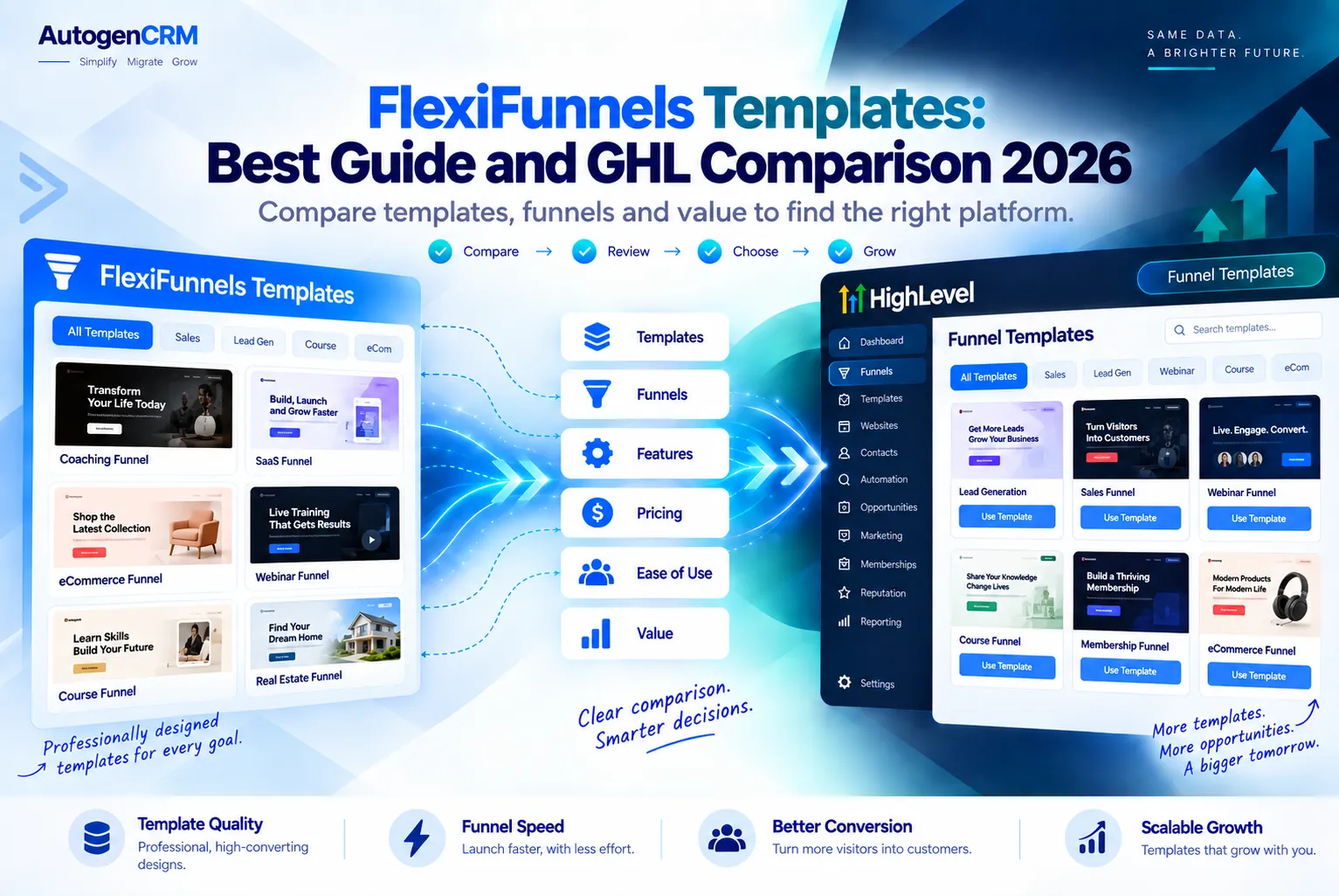
FlexiFunnels templates are ready made page designs inside the FlexiFunnels app that you can edit and publish as landing pages, sales pages, webinar pages, and checkout pages. The company says it offers over 1,000 templates and over 700 block sections.
In this guide, you will see what they include and how they compare to GoHighLevel.
We will keep it fair. Both tools are good. They just fit different kinds of businesses.
What Are FlexiFunnels Templates?
A template is a page that is already designed for you, and FlexiFunnels templates follow the same idea. You pick one, change the words and pictures, and go live. You do not need to write code or hire a designer.
FlexiFunnels templates live inside the FlexiFunnels page builder. You open them in a drag and drop editor. Then you move blocks around, swap images, and add your own offer.
According to the official FlexiFunnels website, the template library covers many goals. These include lead pages, sales pages, webinar sign ups, booking pages, course pages, and checkout pages.
The Main Parts of the Library
- Full page templates: over 1,000 complete designs you can use as a starting point.
- Block sections: over 700 prebuilt sections, such as headers, testimonials, and pricing boxes.
- Policy page templates: pages for contact, refund, privacy, disclaimer, and terms.
- Bio templates: simple pages you can share from a social media bio link.
- My Templates: your own saved designs that you can reuse later.
What You Get With FlexiFunnels Templates
FlexiFunnels templates are only one part of the tool. What matters is what you can do with them after you pick one. Here is what the official site lists.
Editing and Building
- A visual drag and drop editor with no coding needed.
- Pages that work on phones and tablets.
- An AI Page Builder that turns one prompt into a full page. This uses credits that cost extra.
- Custom domains and pop ups.
Selling Tools
- Funnels with many steps, plus upsells and downsells.
- Order bumps and one click upsells.
- A/B split testing, countdown timers, and exit pop ups.
- Checkout pages that work with Stripe, PayPal, Razorpay, Paddle, and more.
Courses and Hosting
- Course and membership areas with modules, quizzes, and drip content.
- Hosting on AWS with a CDN and free SSL.
- Links to email tools like Mailchimp, ActiveCampaign, and ConvertKit.
One thing to note is email.
If you plan to use FlexiFunnels templates for lead pages, you will need a place to send those leads. FlexiFunnels mostly connects to outside email tools. It does not try to be a full CRM like GoHighLevel.
New to GoHighLevel? Try it free for 30 days
Get HighLevel's official 30-day free trial and free Bootcamp through our partner link (the standard trial is 14 days). Prefer it done for you? We set up GoHighLevel from $499, with a free website.
Start 30-day free trialHave us set it upPartner link: we may earn a commission at no extra cost to you. Disclosure
How to Use FlexiFunnels Templates in 5 Easy Steps
The FlexiFunnels help center has a short video and guides on how to use FlexiFunnels templates. Here is the simple flow, and it takes only a few minutes for most people.
- Create a new page or funnel. Go to your dashboard and start a new landing page or funnel.
- Pick a category. Choose the type of page you need, such as a sales page or webinar page.
- Choose a template. Preview a few designs and select the one closest to your goal.
- Edit the content. Change the headline, text, images, colors, and buttons in the editor.
- Publish and connect. Add your domain, payment gateway, and email tool, then go live.
If you build a page you love, you can save it. The FlexiFunnels help guide explains that you open Actions in the editor and choose to save it as a template. Then you can reuse it for new pages.
How GoHighLevel Funnel Templates Work
GoHighLevel, also called GHL or HighLevel, is an all in one platform for agencies and local businesses. It has a website and funnel builder built in, along with a CRM, calendars, email, SMS, and automations.
GHL gives you funnel templates in three main ways.
- Built in templates: inside a sub account, you go to Sites, then Funnels, and pick a template when you create a new funnel.
- Share links: anyone can share a funnel with a link. You paste the link into the import option, and the funnel copies into your account.
- Snapshots: a snapshot is a full account setup. It can hold funnels, workflows, pipelines, calendars, and email templates all at once.
Snapshots are the big difference. FlexiFunnels templates give you a page. A GHL snapshot can give you a page plus the follow up texts, emails, and pipeline behind it.
You can read more about the full toolset in our GoHighLevel features guide.
FlexiFunnels Templates vs GoHighLevel Templates
Here is a side by side look at FlexiFunnels templates and GHL templates. Facts come from each company’s official site at the time of writing.
| Feature | FlexiFunnels | GoHighLevel |
|---|---|---|
| Template library | 1,000+ page templates and 700+ blocks | Built in funnel templates plus share links |
| Full account templates | No, templates are pages and funnels | Yes, snapshots include funnels, workflows, and pipelines |
| AI page building | Yes, paid credits per page | Yes, AI tools are part of the platform |
| Built in CRM | No, connects to outside tools | Yes, full CRM included |
| Email and SMS | Cart recovery emails and integrations | Built in email and SMS |
| Courses and memberships | Yes | Yes |
| White label for agencies | Not a main focus | Yes, on higher plans |
| Pricing style | Yearly plans, limits on pages and visits | Monthly plans from $97 |
A Quick Word on Price
FlexiFunnels sells yearly plans called Professional and Premium. Both have the same features. The difference is how many pages, funnels, and visits you get. Prices change often during sales, so check their pricing page before you buy.
GoHighLevel lists monthly plans on its official pricing page, starting at $97 per month. For a full breakdown, see our GoHighLevel pricing guide.
Pros and Cons of FlexiFunnels Templates
What We Like
- A very large library, so you rarely start from a blank page.
- Block sections make it fast to build custom layouts.
- Strong checkout tools with many payment gateways.
- Every feature is in both plans, so you do not lose tools on the lower plan.
What to Watch For
- No built in CRM, so you will need another tool for leads and follow up.
- AI pages cost extra credits.
- FlexiFunnels templates are just pages. They do not bring automations with them.
Pros and Cons of GoHighLevel Templates
What We Like
- Snapshots can set up a whole business in a few clicks.
- Funnels connect right to the CRM, calendars, email, and SMS.
- Agencies can resell it under their own brand.
What to Watch For
- The built in template library is smaller than the set of FlexiFunnels templates.
- There is more to learn because the platform does so much.
- The monthly cost is higher if you only need pages.
Should You Use FlexiFunnels or GoHighLevel?
The right answer depends on what you sell and who you sell to. Think about how you get leads and how you follow up with them.
Pick FlexiFunnels If
- You sell digital products, courses, or coaching online.
- You want lots of FlexiFunnels templates and a strong checkout.
- You already use an email tool and are happy with it.
- You want a lower yearly cost and do not need a CRM.
Pick GoHighLevel If
- You run an agency or a local business, like a dentist, gym, or roofer.
- You want funnels, CRM, booking, texts, and emails in one place.
- You want to use snapshots to launch client accounts fast.
- You want to resell software under your own brand.
Some people use both tools together. They build sales pages with FlexiFunnels templates and send leads to GHL by webhook. This works, but it means paying for two tools and keeping them in sync.
If you want a deeper look at GHL before you decide, read our honest GoHighLevel review.
Tips to Get the Most From Any Funnel Template
A template is only a start. These tips help your pages actually turn visitors into buyers.
- Match the template to the goal. Use a webinar template for a webinar, not a sales page template.
- Write your own words. Swap every bit of sample text for clear words about your offer and who it helps.
- Check page speed. Large images can slow a page down, so shrink them before you upload.
- Use real photos. Pictures of you, your team, or your product build trust.
- Keep one main button. Too many choices can confuse visitors.
- Test on a phone. Most visitors will see your page on a small screen.
- Split test. Try two headlines and keep the one that wins.
These tips work the same way with FlexiFunnels templates and GHL templates. Good copy and a clear offer matter more than the design.
Final Thoughts
FlexiFunnels templates are a great pick if you want lots of page designs, quick edits, and strong checkout tools for selling online. The library is large, and the block sections save time.
GoHighLevel is the better fit if you need more than pages. Its snapshots bring funnels, automations, and a CRM together, which helps agencies and local businesses grow.
Your next step is simple. Write down what you need most: pages only, or pages plus follow up.
If you want everything in one place, you can try GoHighLevel here. If you already use another builder and want help moving over, our team offers GoHighLevel migration services to do the setup for you.
Ready to Get Your GoHighLevel System Built?
We'll build your entire GHL setup for $499 and give you a free professional website.
Book a Free Call See Packages & PricingOr call +1 (681) 276-7045 · Mon–Fri, 9 AM–5 PM ET