Last updated:
Ready to Try GoHighLevel?
Get the all-in-one platform for CRM, automations, funnels & websites — built for agencies.
Start your free trial and explore every feature.
Leads call after hours. Chats sit unanswered over the weekend. Reviews go without replies. The GoHighLevel AI Employee was built to fix all of that, without hiring more staff.
This guide explains what the GoHighLevel AI Employee is, what each tool does, how to set it up, what it costs, and how to use it without embarrassing your brand. Facts come from HighLevel’s own help center.
What Is the GoHighLevel AI Employee?
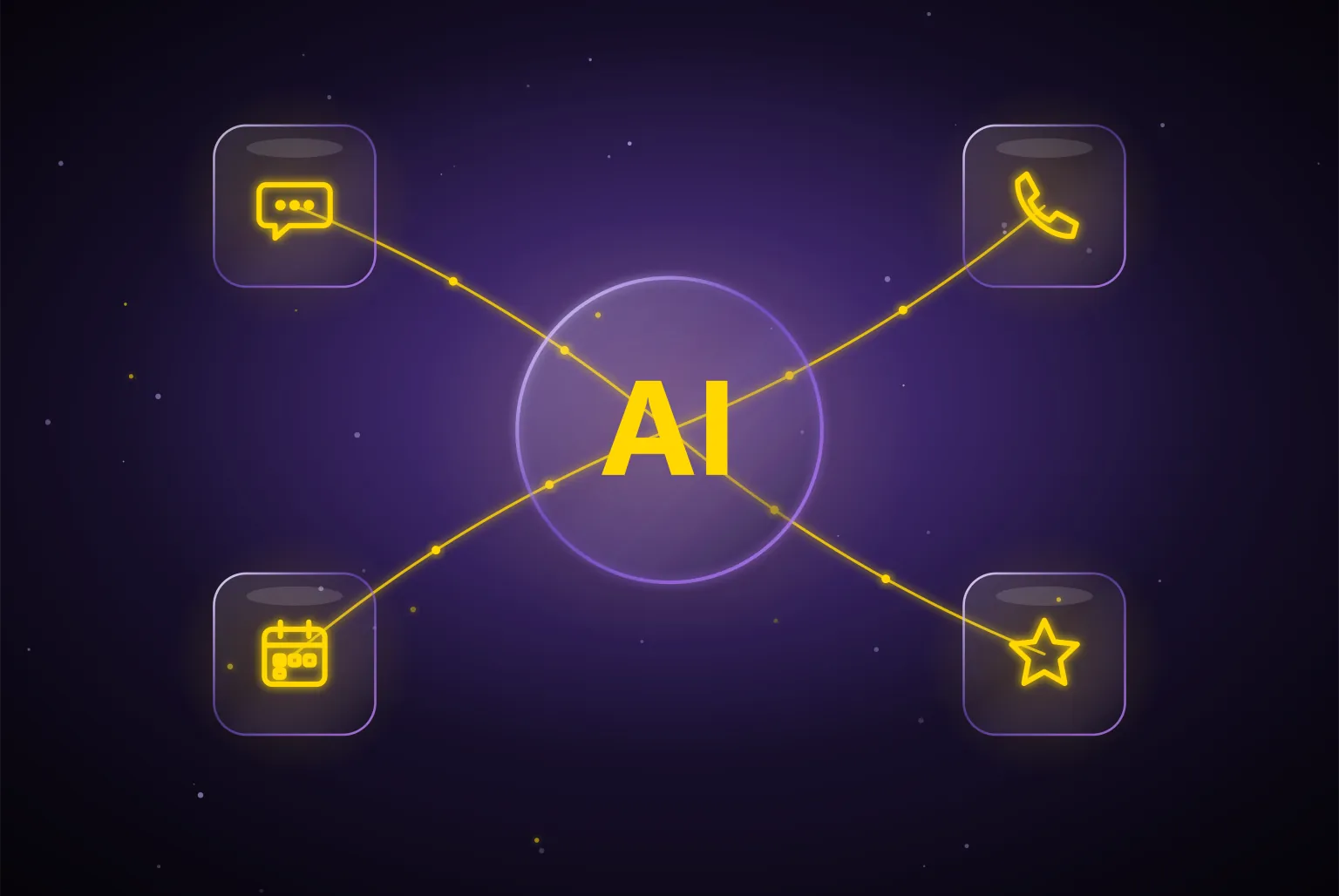
The GoHighLevel AI Employee is not one robot. It is a bundle of AI tools inside GoHighLevel, sold together under one plan. HighLevel calls it a unified AI offering.
The bundle covers six tools: Conversation AI, Voice AI, Reviews AI, Content AI, Ask AI, and AI Studio. Each one handles a different job that a person on your team would normally do.
Conversation AI: Your Chat Assistant
Conversation AI replies to messages for you. It works across SMS, email, Facebook, Instagram, WhatsApp, the website chat widget, and live chat.
It can answer common questions, collect lead details, and book appointments on your calendar. You build it under AI Agents, then Conversation AI, then Create Bot.
There are three ways to build a bot:
- Guided Form Setup: best for beginners. Good for lead capture, booking, and simple questions.
- Prompt Based Bot: you write detailed instructions and can choose the AI model.
- Flow Based Builder: a visual builder with branching steps for complex conversations.
Every bot has three modes. Off means it does nothing. Suggestive means it drafts replies for your team to approve. Auto Pilot means it sends replies by itself.
New to GoHighLevel? Try it free for 30 days
Get HighLevel's official 30-day free trial and free Bootcamp through our partner link (the standard trial is 14 days). Prefer it done for you? We set up GoHighLevel from $499, with a free website.
Start 30-day free trialHave us set it upPartner link: we may earn a commission at no extra cost to you. Disclosure
Voice AI: Your Phone Assistant
Voice AI answers phone calls and talks with callers in a natural voice. It can answer questions, take messages, transfer calls, send texts, update contact fields, and book appointments.
You build a voice agent under AI Agents, then Voice AI. You choose a name, a voice, and a language. Then you write a prompt that tells the agent its role, its goal, what to collect, and when to pass the call to a human.
You can connect a knowledge base, so the agent answers from your real prices, services, and policies. Then you test it with a web call and a real phone call before you assign a phone number.
Reviews AI, Content AI, Ask AI, and AI Studio
- Reviews AI: writes replies to your Google reviews, so every customer hears back.
- Content AI: writes emails, social posts, and page copy, and creates images.
- Ask AI: lets you ask questions about your own account and data in plain words.
- AI Studio: lets you build custom AI tools for jobs the standard bots do not cover.
Together, these tools make the GoHighLevel AI Employee feel like a small team working day and night.
What Can the GoHighLevel AI Employee Do for a Business?
Here are real, everyday jobs it handles well:
- Answer a website chat at 11 at night and book the lead for tomorrow.
- Pick up a missed call, ask what the caller needs, and send a booking link by text.
- Reply to a Facebook message asking about prices.
- Thank a customer for a five star Google review.
- Draft a weekly email newsletter.
- Qualify leads by asking a few set questions before a salesperson calls.
For service businesses like roofers, dentists, gyms, and law firms, speed matters. The first business to reply often wins the job. The GoHighLevel AI Employee helps you be first.
How Much Does the GoHighLevel AI Employee Cost?
There are three pricing options, per sub account:
- Pay Per Use: no monthly fee. You pay for what you use, like $0.01 per review reply.
- Growth: $50 a month. Includes 1,000 chat replies and 100 AI call minutes.
- Unlimited: $97 a month. Unlimited chat replies and AI call minutes, under fair use.
Phone call charges are always billed separately, even on Unlimited. For the full breakdown, read our guide on GoHighLevel pricing.
How to Turn On the GoHighLevel AI Employee
If you run an agency, start at the agency level. Go to Settings, then Company, and enable the AI Employee setting.
Next, choose which clients get it. In Agency View, open AI Suite, then Plans and Limits. Find each sub account and switch AI Agents on or off.
Inside the sub account, open AI Agents to build your chat bots and voice agents.
A Simple Setup Plan
Do not switch everything on at once. Follow these steps:
- Step 1: Gather your facts. Write down your services, prices, hours, service area, and common questions.
- Step 2: Build a knowledge base. Load those facts so the AI answers from real information.
- Step 3: Start with one tool. Most businesses start with Conversation AI or Voice AI.
- Step 4: Connect your calendar. So the AI can book real appointments.
- Step 5: Test hard. Ask tricky questions. Try to confuse it. Fix the prompt.
- Step 6: Run in Suggestive mode. Let your team approve replies for a week or two.
- Step 7: Switch to Auto Pilot. Only once replies look right every time.
Rules That Keep Your AI Safe
A careless bot can hurt your brand. Set clear limits:
- Tell the AI never to promise prices or discounts that are not in the knowledge base.
- Give it a clear rule for when to hand off to a human.
- Keep answers short and friendly.
- Do not let it give legal, medical, or financial advice.
- Read transcripts every week and fix weak answers.
Also make sure your texting is registered for A2P. If carriers block your messages, the AI’s replies never reach your leads.
How the GoHighLevel AI Employee Fits Into Your Workflows
The AI does not work alone. It connects to the rest of your GoHighLevel account, which is where it gets its real power.
For example, when Voice AI books an appointment, a workflow can send a confirmation text, add a tag, and move the lead to the right pipeline stage. When Conversation AI collects an email, a nurture sequence can start right away.
Workflows can also use AI. HighLevel says basic Workflow AI features are free, and premium AI actions in workflows cost $0.01 each on pay per use.
Plan these links before launch. Ask yourself what should happen after every AI conversation, then build that step in a workflow.
Which Businesses Get the Most From It?
- Home services: roofers, plumbers, and HVAC companies that miss calls while on jobs.
- Clinics and dentists: busy front desks that cannot answer every call.
- Real estate agents: leads that come in at night and on weekends.
- Gyms and studios: lots of repeat questions about prices and class times.
- Agencies: many client accounts that each need fast replies.
If your business depends on fast replies to new leads, the GoHighLevel AI Employee can pay off quickly.
GoHighLevel AI Employee vs Hiring a Person
A full time receptionist costs far more each month and works set hours. The GoHighLevel AI Employee costs $50 to $97 a month per sub account, plus phone charges, and answers at any hour.
But AI is not a full replacement. It is great at fast, repeat tasks. People are still better at hard sales calls, upset customers, and anything that needs real judgment. The best setup uses both: AI handles the first reply, and people handle the rest.
Is the GoHighLevel AI Employee Worth It?
For most service businesses, yes, if it is set up well. One extra booked job a month can cover the whole cost. The risk is a lazy setup that gives wrong answers.
For an honest look at where the AI tools shine and where they fall short, read our HighLevel AI review. To see how the AI fits with the rest of the platform, check our GoHighLevel features guide.
Common Mistakes to Avoid
- Going straight to Auto Pilot. Always test in Suggestive mode first.
- An empty knowledge base. The AI will guess, and guesses cost trust.
- No human handoff. Some callers need a real person.
- Forgetting phone and SMS costs. AI plans do not cover them.
- Never checking transcripts. Small errors repeat until someone fixes them.
Final Thoughts
The GoHighLevel AI Employee gives any business a chat assistant, a phone assistant, a review writer, and a content writer in one plan. Pick the right plan, feed it real facts, test it carefully, and keep a human in the loop.
Do that, and your GoHighLevel AI Employee can reply to leads in seconds, even while you sleep.
Sources: HighLevel: AI Employee Overview, HighLevel: AI Product Pricing, HighLevel: Set Up a Conversation AI Bot, HighLevel: Create Voice AI Agents.
Frequently Asked Questions
What tools are included in the GoHighLevel AI Employee?
It is a bundle of AI tools inside GoHighLevel sold together under one plan, not a single robot. It covers six tools: Conversation AI for chat, Voice AI for phone calls, Reviews AI for Google review replies, Content AI for copy and images, Ask AI for account questions, and AI Studio for building custom AI tools.
Which channels does GoHighLevel Conversation AI reply on?
Conversation AI replies across SMS, email, Facebook, Instagram, WhatsApp, the website chat widget and live chat. It can answer common questions, collect lead details and book appointments on your calendar. Each bot runs in one of three modes: Off, Suggestive, where it drafts replies for your team to approve, or Auto Pilot, where it sends replies itself.
What can GoHighLevel Voice AI do on a phone call?
Voice AI answers calls and talks with callers in a natural voice. It can answer questions, take messages, transfer calls, send texts, update contact fields and book appointments. You can connect a knowledge base so it answers from your real prices, services and policies, then test it with a web call and a real phone call.
How do I enable the AI Employee in GoHighLevel?
At the agency level, go to Settings, then Company, and enable the AI Employee setting. Then, in Agency View, open AI Suite, then Plans and Limits, and switch AI Agents on or off for each sub account. Inside a sub account, open AI Agents to build your chat bots and voice agents.
Can the GoHighLevel AI Employee replace a receptionist?
Not fully. It costs $50 to $97 a month per sub account plus phone charges and answers at any hour, while a full time receptionist costs far more and works set hours. But AI is best at fast, repeat tasks. People still handle hard sales calls, upset customers and judgment calls better, so the best setup uses both.
How should I launch the GoHighLevel AI Employee safely?
Gather your services, prices, hours and common questions, load them into a knowledge base, and start with one tool. Connect your calendar, test with tricky questions, then run in Suggestive mode for a week or two so your team approves replies. Switch to Auto Pilot only once replies look right every time.
Ready to Get Your GoHighLevel System Built?
We'll build your entire GHL setup for $499 and give you a free professional website.
Book a Free Call See Packages & PricingOr call +1 (681) 276-7045 · Mon–Fri, 9 AM–5 PM ET