
Plumbing CRM Built on GoHighLevel
A plumbing CRM has to answer emergencies fast, even after hours, and turn one-time repair calls into repeat customers. Our GoHighLevel build for plumbers texts back every missed call right away, sorts true emergencies from routine jobs, follows up on every quote, and reminds customers about water heater and annual service. Here is the setup we use, step by step.
What makes plumbing leads hard to manage?
Plumbing calls are urgent. A burst pipe or a backed-up drain does not wait until morning, and a homeowner with water on the floor will call plumbers down the list until someone picks up. If you are under a sink when the phone rings, that job is usually gone.
Leaks are also common in ordinary homes. The U.S. EPA’s Fix a Leak Week page says the average household’s leaks can waste more than 9,300 gallons of water a year. That is a steady source of repair work, and a reason past customers will need you again.
Bigger jobs, such as repiping, sewer line work, or a new water heater, come with a quote. Homeowners often get more than one, so the plumber who follows up politely tends to stay in the running. Most small shops send the quote and never check in.
What pipeline stages should a plumbing company use?
We use one pipeline with an emergency lane and a quote lane, so the office can see urgent jobs and open estimates at a glance. HighLevel’s pipeline guide explains how stages and opportunities work.
| Stage | What happens here | Automation |
|---|---|---|
| New Lead | Call, missed call, form, or chat comes in | Speed-to-lead text |
| Emergency | Active leak, no water, or sewage backup | On-call plumber alerted |
| Booked | Visit scheduled | Confirmation and reminders |
| Quote Sent | Estimate delivered for a larger job | Quote follow-up sequence |
| Quote Won | Customer approved the job | Job scheduling task |
| Job Completed | Work finished and paid | Review request and service reminder |
| Quote Lost | Customer declined or went quiet | Light nurture |
| Service Plan | Customer on an annual inspection or water heater plan | Yearly reminders |
Custom fields store the fixture or system involved, water heater type and install year, and property type. That data powers the service reminders later.
What will your plumbing automation handle for you?
Your plumbing system runs these jobs quietly in the background. The exact setup is designed around your business during onboarding, and we walk you through it on a free strategy call.
Capture Every Emergency
Missed calls and after-hours leads get an instant reply so urgent jobs are not lost.
Instant Lead Response
Web and chat inquiries are answered in seconds, day or night.
Fewer Missed Appointments
Customers stay informed about their visit, cutting wasted truck rolls.
Jobs Routed Cleanly
The right plumber gets the right job details without back-and-forth.
Quotes That Convert
Every estimate gets consistent follow-up until the customer decides.
Repeat Business
Past customers are reminded about inspections and maintenance at the right time.
Reputation on Autopilot
Satisfied customers are invited to leave a review after each job.
Clear Pipeline View
See every lead, booked job and open quote in one place.
How should plumbers handle after-hours emergency calls?
The goal after hours is to respond to every caller and only wake someone up when it matters. A missed call at 11 PM gets an automatic text right away, and the system sorts true emergencies from jobs that can wait.
Emergencies. If water is actively leaking or the sewer is backing up, your on-call plumber gets the caller’s details by text, and the caller hears that someone will call back shortly.
Routine calls. A dripping faucet or a slow drain can wait until morning. Those callers get a booking link and a note about your opening hours. Nobody on your team is disturbed, and the lead is still captured.
You decide what counts as an emergency and who is on call, and we make that easy to change as your team changes.
What does our plumbing snapshot include?
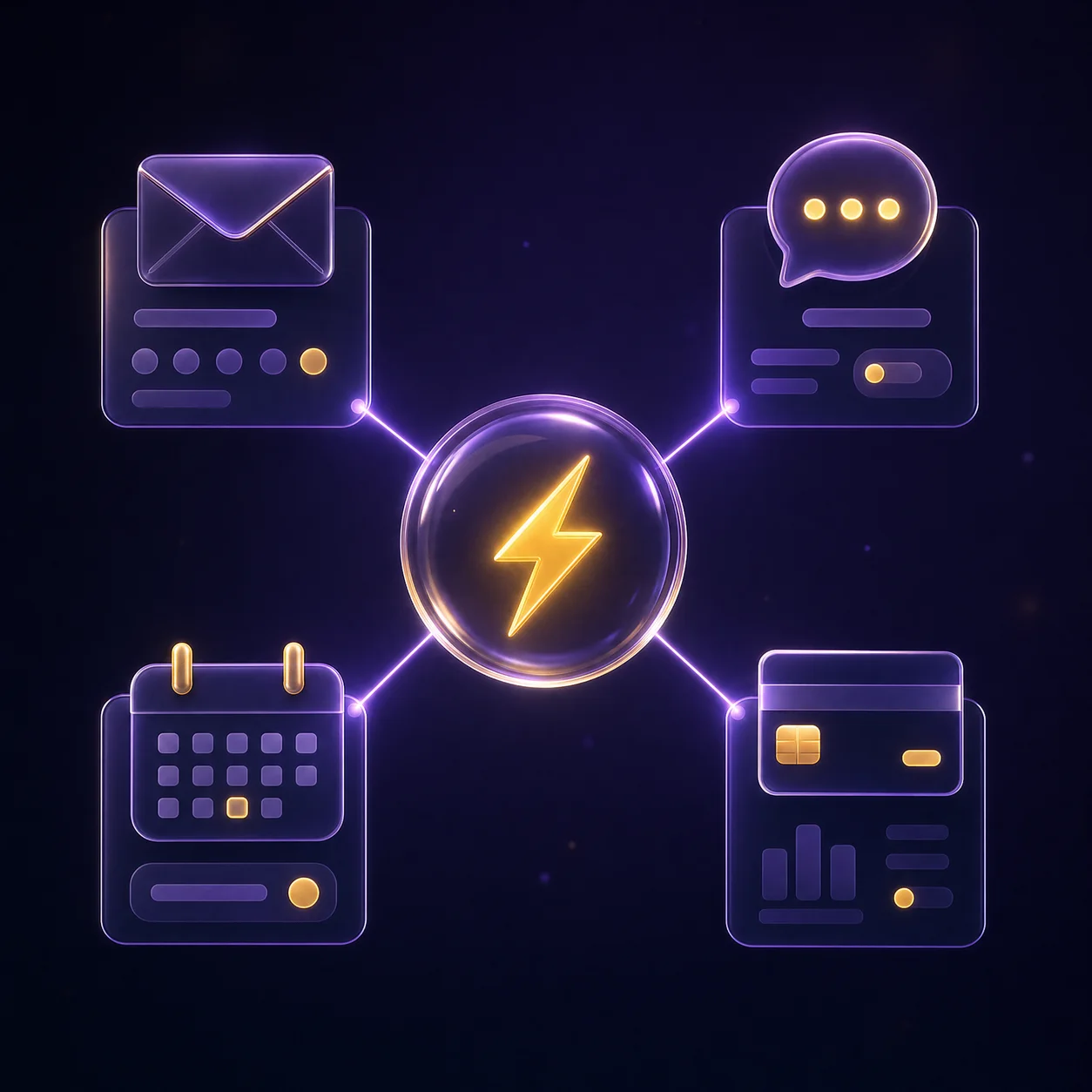
Our plumbing snapshot is a full account template that we install and brand. It includes:
- The pipeline from the table above with emergency and quote stages
- Done-for-you automations with ready-to-use message copy
- A service calendar with arrival windows and an estimate calendar
- A service request form and a simple booking page
To see how the automations connect, read our guide to GHL workflows for lead follow-up. Text-heavy setups like this one also use SMS credits, so our GoHighLevel SMS pricing guide is worth a read before launch.
Which package fits a plumbing business?
Every package is a starting price. You get a fixed quote after a free call.
GHL Starter Setup
$499 one-time
Small shop that needs account setup and A2P registration help
Plumbing companies that take after-hours calls usually fit the Growth Build. It adds the full funnel, up to 10 workflows, missed-call text-back, review automation, and 2 weeks of support. Final pricing is confirmed after a free call.
Related work
We have built websites for service businesses with similar call-driven sales. Examples include the Zulk Repairs website for a repair business, the Backyard Swim Spa Installation website for an installation company, and the All Melbourne Cleaners website for a cleaning company. We have completed 120+ projects over 4+ years.
For related trades, see our GoHighLevel for cleaning and home services page, or visit the industries hub for every industry we build for.
Frequently asked questions
What should a plumbing CRM do?
A plumbing CRM should capture every call and form, respond fast, track quotes until they close, and bring customers back for future work. GoHighLevel handles calls, texts, email, calendars, pipelines, and review requests in one account. That means your office works from one inbox instead of a phone, a notebook, and a spreadsheet.
Can GoHighLevel tell an emergency from a routine call?
Yes. GoHighLevel can tell an emergency from a routine call based on how the caller replies to your missed-call text. Urgent problems like leaks, floods or backups alert your on-call plumber, and everything else gets a booking link.
You decide what counts as an emergency and can change it anytime.
How does quote follow-up work?
Quote follow-up in GoHighLevel checks in with the customer automatically by text and email and reminds your team to call, so no quote is forgotten.
If the customer replies or approves the job, the follow-up stops. If they go quiet, they still get a light check-in later instead of the job being lost for good. We map this out for your business on a free strategy call.
Can I send water heater service reminders?
Yes. We store the water heater type and install year on each customer record. A yearly workflow reminds customers to book a water heater check, with a link to your calendar. You decide the timing and the wording, and you can turn the reminder off for any customer.
Do I need A2P 10DLC registration to text customers?
Yes, if you text US customers from a standard local number. HighLevel’s A2P 10DLC guide says registration is required in that case, as of October 2026. Our GHL Starter Setup includes help with that registration, and we regularly help clients get approved.
Will this replace my job management software?
Usually not. Most plumbers keep their field service tool for job details, parts, and invoicing. GoHighLevel handles the front end: calls, follow-up, reviews, and reminders. Many tools can share data with HighLevel through webhooks or Zapier, and we check your setup on the free call.
Want every plumbing call answered?
Book a free call and tell us how you handle calls, quotes, and after-hours work today. We will suggest a setup that fits. Book a call online or phone +1 (681) 276-7045, Monday to Friday, 9 AM to 5 PM ET. Our pricing page lists every package.