
Roofing CRM Built on GoHighLevel
A roofing CRM earns its keep in the 48 hours after a storm. GoHighLevel for roofing companies turns storm-season chaos into a working lead system: every call, form, and door-knock lead lands in one pipeline, gets a text within seconds, and moves from inspection to estimate to signed job. Roofers use it most for missed-call text-back, inspection booking, and estimate follow-up. Below is the roofing setup we install, what our snapshot includes, and the package we recommend.

Why do roofing companies lose so many leads?
Roofing demand is uneven. A hail or wind event can bring a week of calls, then things go quiet. During the spike, owners and sales reps are on roofs, and the office cannot answer every ring.
Storm leads also tend to shop around. A homeowner with damage may call three or four contractors the same day, and the one who books the inspection first has the advantage. After the inspection comes the slow part: insurance claims, adjuster meetings, and estimates that sit unsigned for weeks.
Retail (non-insurance) jobs have their own problem. A homeowner gets your estimate, says “we will think about it,” and nobody calls back. A simple follow-up sequence makes sure no estimate is forgotten.
What pipeline should a roofing company use?
We set up one roofing pipeline that follows every job from new lead through inspection, estimate, signed contract and completion, with extra steps for insurance claims. The board shows exactly where every job is stuck.
Insurance and retail jobs are kept apart, so retail customers never get claim-related texts and insurance customers get the updates that matter to them.

What will your roofing automation handle for you?
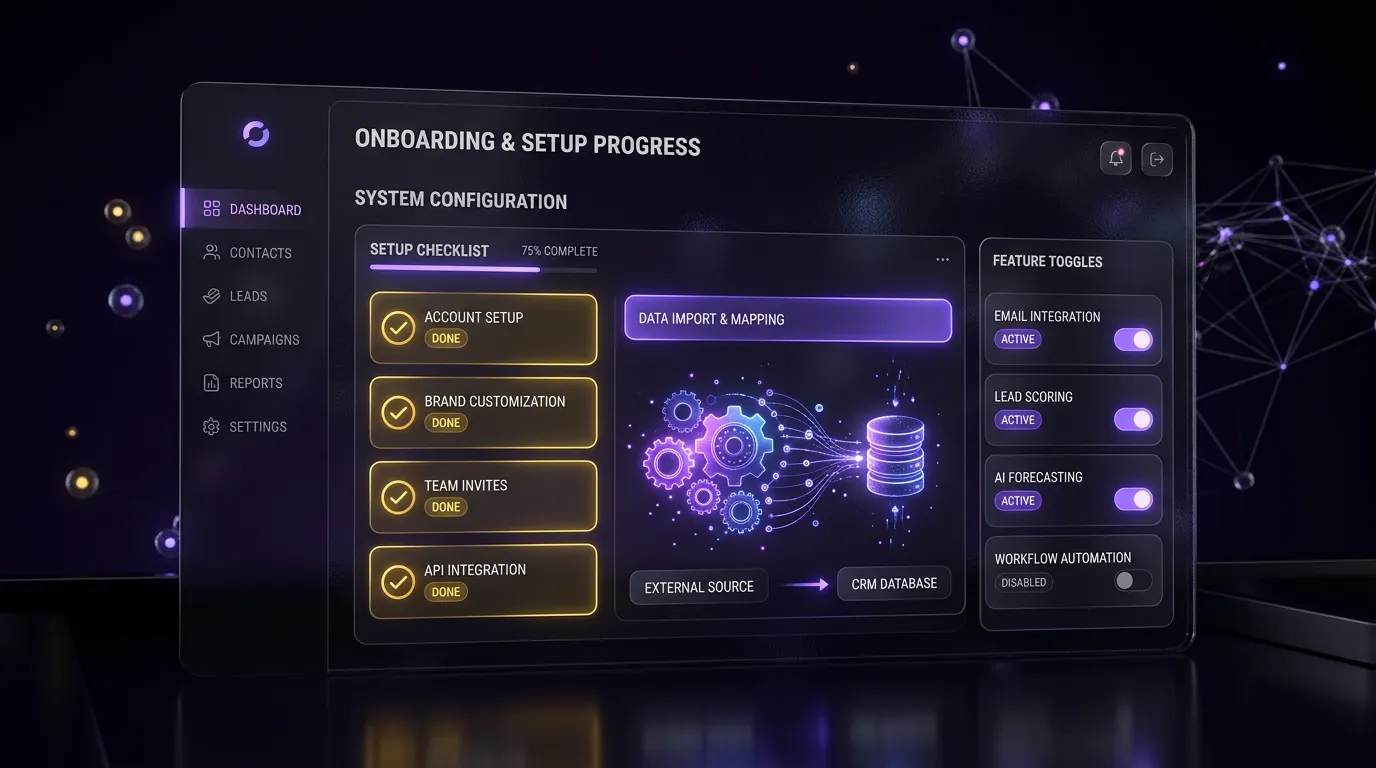
Your roofing system runs these jobs quietly in the background. The exact setup is designed around your business during onboarding, and we walk you through it on a free strategy call.
- Never Miss a Roof Lead. Missed calls and web leads get an instant reply.
- Booked Inspections. Homeowners schedule inspections without phone tag.
- Storm Response. Capture the surge in demand after storms without dropping leads.
- Estimates That Close. Every quote gets consistent follow-up until the homeowner decides.
- Insurance Claim Tracking. Claim-based jobs are tracked clearly from start to finish.
- Homeowners Kept Informed. Clients know what is happening on their project.
- More Reviews. Finished roofs turn into 5-star reviews.
- Referral Engine. Past customers and neighbors are reminded of you.
How should inspection calendars and forms work?
Most roofing companies need one inspection calendar per sales rep, plus a round-robin calendar that books whichever rep is free in that territory. We set inspection slots long enough to include drive time, and we block evenings unless your team works them.
For forms and funnels, we usually build:
- A storm damage landing page with a short form: address, type of damage, insurance claim filed yes or no
- A free inspection page for retail leads
- A financing interest form, if you offer financing through a partner
- A door-knocking form reps fill out on their phones, which drops leads straight into the pipeline
HighLevel promotes a roofing bundle on its roofing playbook page, with roofer website templates, funnels, workflows, forms, and calendars. Our snapshot is our own build, tuned to the insurance and retail split above.

What does our roofing snapshot include?
Our roofing snapshot installs into your HighLevel sub-account and is branded for your company. You can read the full breakdown in our GoHighLevel snapshot for roofing companies guide. In short, it contains:
| Component | What is included |
|---|---|
| Pipeline | 10 stages with insurance and retail paths |
| Workflows | Done-for-you automations with ready-to-use SMS and email copy |
| Calendars | Rep inspection calendars and a round-robin inspection calendar |
| Funnels | Storm damage page, free inspection page, thank-you pages |
| Forms | Storm intake, retail intake, door-knock, financing interest |
| Configured for your business during setup | Job type, roof type, storm date, insurance carrier, claim number |

Which package should a roofer choose?
A small roofing company with one or two reps can start with the Snapshot Install at $299 one-time. It covers the snapshot installed and branded, with 1 calendar and 1 pipeline.
For companies that run storm campaigns or have several reps, we recommend the Growth Build starting at $1,250 one-time. It adds the full funnel, up to 10 workflows, missed-call text-back, review-request automation, and 2 weeks of support. Prices are starting points, confirmed after a free call.
You also need a HighLevel subscription of your own. If you want to test it first, our GoHighLevel trial page explains how to get started.
Our roofing work
We have built GoHighLevel snapshots for both roofing and solar companies. The roofing and solar snapshots case study shows the pipelines, workflows, and funnels we built and explains the decisions behind them.

Frequently asked questions
Can GoHighLevel handle insurance roofing jobs?
Yes. We add pipeline stages for claim filed and adjuster meeting, plus. Workflows send homeowners plain-language updates at each step. HighLevel does not file claims or talk to insurers for you; it keeps your team and the homeowner on the same page.
How does missed-call text-back help roofers?
Roofers miss calls because they are on roofs or driving between jobs. Missed-call text-back sends the caller a text within moments, so the homeowner knows you saw the call and can reply with details. That keeps the lead warm until someone can call back. It needs an SMS-capable number with A2P 10DLC registration.
Can my sales reps use GoHighLevel from the field?
Yes. HighLevel has a mobile app for checking leads, replying to texts, and updating pipeline stages. We also build a short door-knock form reps can open on their phones to add a lead on the spot, which starts the right workflow automatically.
Does the snapshot work for both residential and commercial roofing?
The default build is aimed at residential work, where storm and retail leads are most common. Commercial roofing usually needs a longer bid process with more decision makers. We add a separate commercial pipeline and bid follow-up workflow in a Growth Build when you need one.
How long does it take to set up?
A Snapshot Install usually takes a few business days after we get access. A Growth Build takes a couple of weeks, depending on how fast we receive branding, copy approvals, and phone access. Text messaging also waits on A2P 10DLC approval from the carriers.
Can I use the same setup for roofing and solar?
Many companies do both. We can install the roofing and solar snapshots in the same sub-account with separate pipelines, or keep them in separate sub-accounts if the teams work apart. See our GoHighLevel for solar companies page for the solar side.
Get your roofing leads under control before the next storm
Book a free call and we will look at how calls and storm leads are handled today, then recommend a setup. Book a call online or phone +1 (681) 276-7045, Monday to Friday, 9 AM to 5 PM ET. All packages are listed on our pricing page.
Also building for other trades: our CRM for contractors covers remodelers and general contractors, and the HVAC CRM build covers heating and cooling companies.