
CRM for Contractors Built on GoHighLevel
A CRM for contractors should turn estimate requests into booked site visits, chase every proposal until it is signed or declined, and keep homeowners informed while the job is underway. GoHighLevel gives remodelers and general contractors one place for leads, calendars, texting, pipelines, and review requests. Here is the contractor build we use.

Why do contractors lose jobs they should win?
Most contractors are on a job site when new leads come in. A homeowner calls about a kitchen remodel, nobody answers, and they call the next company on Google. Web forms sit in an inbox until evening, and by then the homeowner has booked two other estimates.
Proposals are the second leak. A remodeling estimate takes hours to prepare, yet many contractors send it once and wait. Homeowners compare bids, talk to their spouse, and check financing. Without steady follow-up, a good proposal goes quiet.
The third problem shows up during the job. Homeowners want to know when the crew arrives, when inspections happen, and what changed after a change order. If those updates live in the owner’s head or personal phone, clients feel left out and reviews suffer.
What does a contractor CRM need to do?
A contractor CRM should cover the full path from first call to final review. In our builds, that means:
- Capture estimate requests from your website, Google, Facebook, and referrals in one inbox
- Reply to every new lead by text within minutes, even when you are on a ladder
- Book site visits on the right estimator’s calendar with travel time built in
- Follow up on every proposal on a set schedule
- Store change-order notes and job details on the contact record
- Send project-stage updates by SMS so homeowners know what comes next
- Ask for reviews and referrals when the job is done
HighLevel is a sales and communication CRM. It does not replace estimating, takeoff, or job costing software. Many contractors keep their estimating tool and use HighLevel for everything around it.
What pipeline stages should a contractor use?
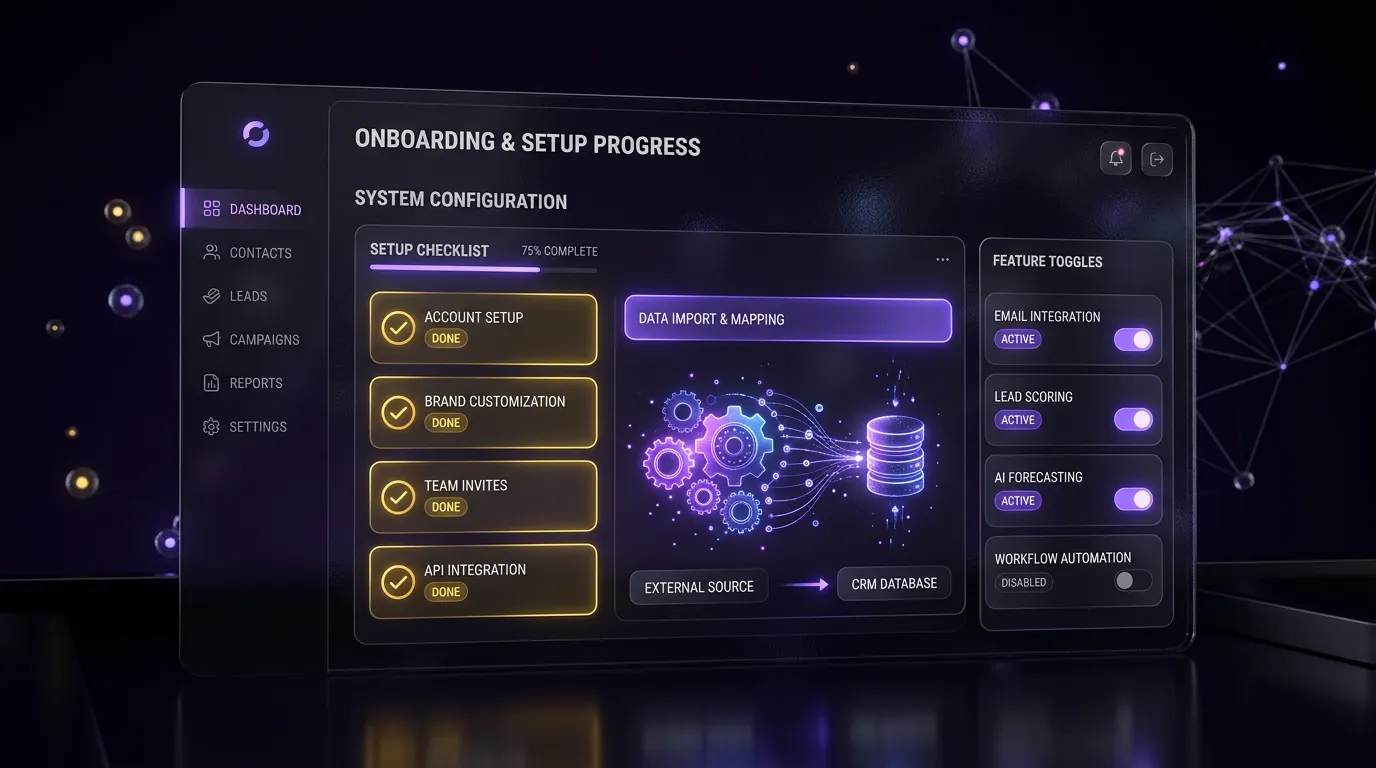
We build a sales pipeline and a project pipeline, so leads and active jobs never mix. HighLevel’s pipeline guide explains how stages and opportunities work.
| Pipeline | Stage | What happens here |
|---|---|---|
| Sales | New Estimate Request | Lead arrives; instant text reply sent |
| Sales | Contacted | Scope, budget range, and timeline confirmed |
| Sales | Site Visit Booked | Estimator scheduled at the property |
| Sales | Proposal Sent | Follow-up sequence running |
| Sales | Won / Lost | Signed jobs move to Projects; lost jobs go to nurture |
| Projects | Scheduled | Start date set; homeowner gets prep notes |
| Projects | In Progress | Crew on site; milestone texts sent |
| Projects | Change Order Pending | Change logged and awaiting homeowner approval |
| Projects | Final Walkthrough | Punch list reviewed with homeowner |
| Projects | Complete | Review and referral sequence starts |
What will your contractor automation handle for you?
Your contractor system runs these jobs quietly in the background. The exact setup is designed around your business during onboarding, and we walk you through it on a free strategy call.
Never Miss a Lead
Calls, forms and chats get an instant reply so projects do not go to competitors.
Booked Site Visits
Qualified prospects schedule estimates without phone tag.
Bids That Close
Every proposal gets consistent follow-up until the client decides.
Organized Job Pipeline
Track every project from first call to final payment.
Clients Kept in the Loop
Homeowners stay informed, which means fewer calls to the office.
Faster Payments
Invoices and deposits are requested and tracked with less admin.
More Reviews
Completed projects turn into public 5-star reviews.
Referral Engine
Past clients are reminded of you for their next project and their friends.

How should contractor calendars be set up?
Site visits need more time than a phone call. We set longer slots with travel buffers, and we can limit visit days by service area so an estimator is not driving across town twice in one afternoon.
If you have more than one estimator, each gets a personal calendar, and a shared booking calendar spreads new visits between them. Phone consultations for small jobs can use a separate, shorter calendar.
Funnels we build for contractors
- A free estimate request funnel that asks project type, rough budget, timeline, and photo uploads
- A site-visit booking page linked from the speed-to-lead text
- A referral page past clients can share with neighbors
What does our contractor snapshot include?
Our contractor snapshot is a full account template you can install and brand. It contains the sales and project pipelines above, done-for-you automations, estimator calendars, the estimate request funnel. During setup we add your office staff and estimators as users with permissions that match their role.
If you focus on one trade, we have dedicated builds. Our GoHighLevel for roofing companies page covers storm leads and insurance claims, and our cleaning and home services page covers recurring service businesses. Our guide on how to install a GoHighLevel snapshot shows the install steps.

Which package fits a contractor?
Every package is a starting price. You get a fixed quote after a free call.


GHL Starter Setup
$499 one-time
Small crew needing setup, forms, A2P help, and a basic website
Contractors with steady lead flow usually get the most from the Growth Build, which adds the full funnel, up to 10 workflows, missed-call text-back, review automation, and 2 weeks of support. Final pricing is confirmed after a free call. Browse every trade on our industries page.
Frequently asked questions
Is GoHighLevel a good contractor CRM?
It works well for the sales and communication side of a contracting business. It captures estimate requests, texts new leads, books site visits, follows up on proposals, and requests reviews. It does not do takeoffs or job costing, so most contractors keep their estimating software and use HighLevel around it.
Can homeowners get project updates by text?
Yes. Homeowners can get a short text update each time their project reaches a new milestone, such as work starting or the final walkthrough.
You write the messages once, and they go out on their own. Homeowners must have agreed to receive texts first.
How are change orders handled?
HighLevel helps you track change orders. Moving a job to Change Order Pending alerts the homeowner, and your office logs the details and approval as a note on the contact. The signed change order itself stays in your contract or estimating system.
Can I use this if I have only one estimator?
Yes. A solo owner gets the same pipelines and workflows with one calendar. The speed-to-lead text and missed call text back matter most for small crews, because they reply to homeowners while you are working. You can add more users and calendars later as the business grows.
Do you build for roofing or cleaning companies too?
Yes. Roofing and cleaning businesses have different lead sources and service cycles, so they have their own builds. Our roofing page covers storm and insurance workflows, and our cleaning and home services page covers recurring visits. General contractors and remodelers fit best with the build on this page.
Do you write the follow-up messages?
The snapshot includes ready-to-edit copy for every workflow. In a Growth Build, we adjust the copy to your trade, service area, and tone. You approve every message before it goes live and can change it anytime in the workflow builder.
Want a CRM that answers leads while you are on the job?
Book a free call and tell us how estimates and projects run today. We will recommend a setup that fits your crew. Book a call online or phone +1 (681) 276-7045, Monday to Friday, 9 AM to 5 PM ET. Our pricing page lists every package.