
Dental CRM Built on GoHighLevel
A dental CRM should fill empty chairs, not just store patient names. GoHighLevel for dentists gives a practice one place to capture new-patient inquiries, text back missed calls, send hygiene recall reminders, and ask happy patients for Google reviews. It sits alongside your practice management software and handles the marketing and follow-up side. This page shows the pipeline, workflows, and calendars we set up for dental offices, and what each package costs.


Where do dental practices lose new patients?
Dental front desks are busy with check-ins, insurance questions, and treatment coordination. When the phone rings during a check-in, it often goes to voicemail. Many new patients do not leave a message; they simply call the next practice on Google Maps.
The other gap is recall. Hygiene patients who miss their six-month cleaning often drift away without anyone noticing, because recall lists live in a report nobody has time to work. Implant and cosmetic leads have a longer decision cycle, and a single follow-up call is rarely enough.
- Missed calls during busy front desk hours
- Web form leads that wait hours for a reply
- Overdue hygiene patients with no outreach
- High-value implant or Invisalign consults that need weeks of nurture
- Too few recent Google reviews for local search
What pipeline should a dental office use?
We set up two pipelines for most practices. One tracks new patients from first contact to first visit. The second tracks larger treatment cases, such as implants, clear aligners, or full-mouth work, where the case can take weeks to accept.
New patient pipeline
- New Lead (form, call, or ad)
- Contacted
- Appointment Requested
- First Visit Booked
- First Visit Completed
- No-Show
- Not a Fit (insurance, location, or service)
Treatment case pipeline
- Consult Booked
- Consult Completed
- Treatment Plan Presented
- Financing or Insurance Review
- Case Accepted
- Case Declined / Revisit Later
Keeping implant cases in their own pipeline lets the treatment coordinator see every open case in one view. HighLevel’s guide to automating opportunities explains how workflows move cards between stages.

What will your dental automation handle for you?
Your dental system runs these jobs quietly in the background. The exact setup is designed around your business during onboarding, and we walk you through it on a free strategy call.
- Every Call Answered. Missed calls get an instant reply so new patients do not call the next office.
- New Patient Booking. Inquiries are turned into booked first visits faster.
- Fewer No-Shows. Patients stay informed before appointments, protecting chair time.
- Hygiene Recall. Patients are brought back on schedule for cleanings.
- High-Value Case Follow-Up. Implant and cosmetic prospects receive consistent follow-up.
- Reactivation. Overdue patients are invited back to the practice.
- More Google Reviews. Happy patients are asked to review at the right moment.
- Clear Patient Pipeline. See every inquiry and treatment case in one view.
How do calendars and new-patient funnels fit in?
Most practices keep the clinical schedule in their practice management software. We add HighLevel calendars for the things marketing controls: a new-patient appointment request calendar, a free implant consultation calendar, and sometimes an emergency slot calendar.
Your team then confirms the visit and enters it into the clinical system. Some offices connect the two with an integration; others prefer a simple daily check. We pick the option that matches your software.
New-patient funnel pages
- A new-patient offer page (for example, exam and cleaning) with insurance information
- An implant or Invisalign consult page with a short qualifier form
- A thank-you page that tells the patient what happens next and when to expect a call
Our GoHighLevel website service can also rebuild the main practice site on HighLevel if you want everything in one platform.
Do dentists need HIPAA compliance in GoHighLevel?
Dental offices handle protected health information every day, so any system that stores it needs the right safeguards. HighLevel sells a HIPAA add-on listed at $297 per month on its official HIPAA page as of October 2026, including a Business Associate Agreement.
Our GoHighLevel HIPAA compliance guide explains what the add-on covers. As a baseline, we keep clinical details out of text messages and limit what intake forms collect inside HighLevel.
What does our dental setup include?
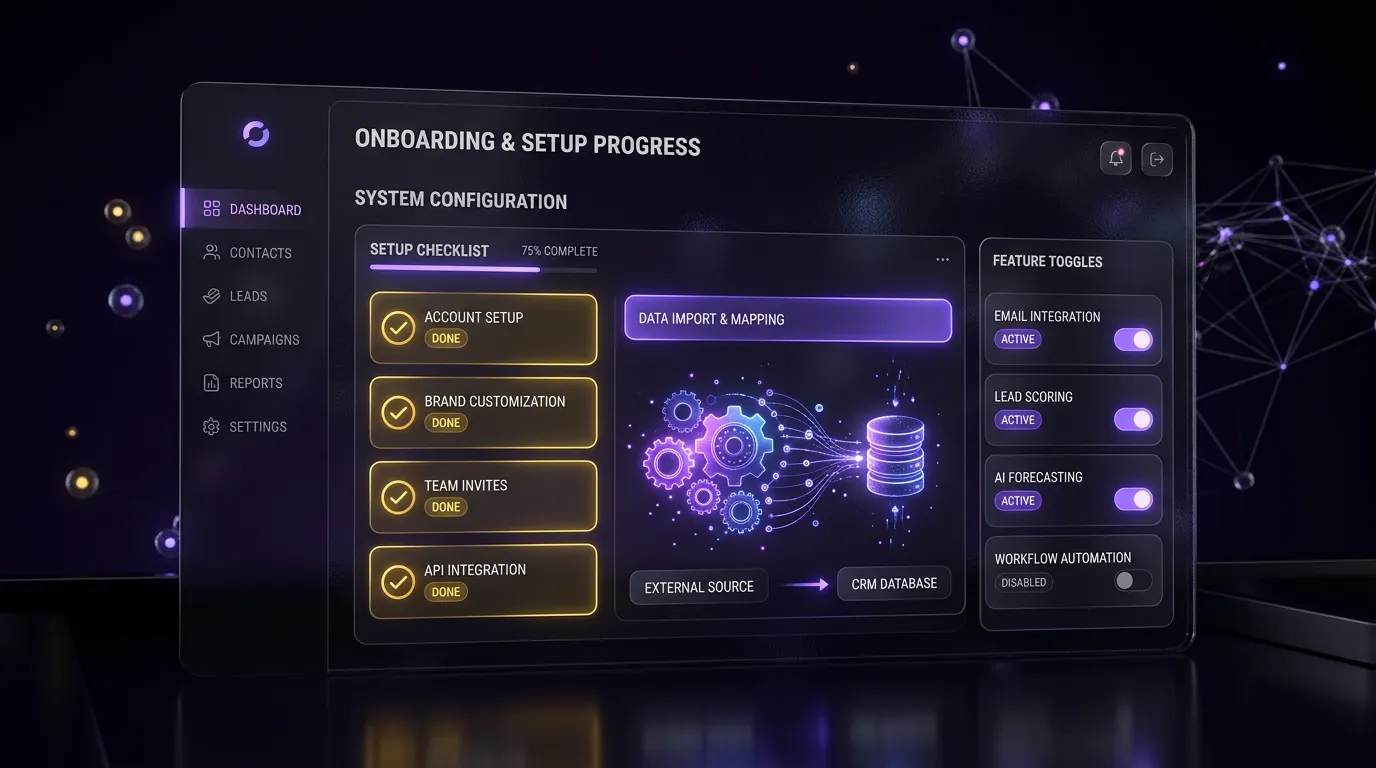
Our dental snapshot installs into your sub-account and gets branded with your practice name, phone, and hours. It includes:
- New patient and treatment case pipelines
- Done-for-you automations with ready-to-use message copy
- New-patient request and consultation calendars
- New-patient and implant consult funnel templates
- A recall import template so your team can upload overdue patients each month
- Review request setup linked to your Google Business Profile

Which package should a dental practice choose?
Every package is a starting price. You get a fixed quote after a free call.

Snapshot Install
$299 one-time
Dental snapshot installed and branded, 1 calendar, 1 pipeline

Growth Build
$1,250 one-time
Full funnel, up to 10 workflows, missed-call text-back, review automation, 2 weeks of support
For most practices we recommend the Growth Build. Missed-call text-back and recall reminders are the two workflows dentists use most, and both are included. Prices are starting points confirmed after a free call.
Where can I see your work?
Browse finished work on our case studies page and in our full project portfolio, which includes industry snapshots you can install in a day or two.
Frequently asked questions
Does GoHighLevel replace dental practice management software?
No, and we do not recommend trying. Practice management software handles charting, treatment notes, insurance claims, and the clinical schedule. GoHighLevel handles marketing, lead capture, texting, reviews, and follow-up. Most dental setups run both side by side, with a simple process or integration to keep appointments in sync.
How does missed-call text-back work for a dental office?
When a call to your HighLevel number goes unanswered, the system automatically texts the caller with a short message from your practice. The patient can reply by text, and the conversation shows up in your HighLevel inbox. The feature needs an SMS-capable number with A2P 10DLC registration, which we help you complete.
Can GoHighLevel send hygiene recall reminders?
Yes. GoHighLevel can send hygiene recall reminders by text and email to patients who are overdue, and prompt your front desk to call the ones who do not respond.
It works alongside your practice software, and patients who book or opt out stop receiving reminders automatically. We map this out for your practice on a free strategy call.
Is texting patients HIPAA compliant?
It depends on what the message contains and how your account is set up. HighLevel offers a HIPAA add-on with a Business Associate Agreement. Regardless of the add-on, we write reminder texts that avoid clinical details. Your compliance advisor should confirm the setup fits your practice.
How long does a dental Growth Build take?
Most builds take a couple of weeks from kickoff, depending on how quickly we receive logins, branding, and approvals. Text messaging also depends on A2P 10DLC approval, which is handled by the carriers. We test every workflow with a dummy contact before handing over the account.
Can you work with multi-location dental groups?
Yes. Each location usually gets its own HighLevel sub-account with its own phone number, calendars, and review link. We install the same snapshot in each one, so the team gets a consistent setup and reporting stays separate by office.
Want this running at your practice?
Book a free call and we will review how calls, forms, and recall are handled today. Book a call online or phone +1 (681) 276-7045, Monday to Friday, 9 AM to 5 PM ET. See all packages on our pricing page.