
CRM for Law Firms Built on GoHighLevel
A CRM for lawyers should capture every new inquiry, reply fast, and get qualified prospects booked for a consultation before they call the next firm. GoHighLevel works well as the intake and marketing layer of a law firm CRM, sitting alongside the practice management software you already use for matters, billing, and trust accounting. Here is the intake build we use for personal injury, family, and immigration firms.


Why do law firms lose good leads?
Most firms lose cases at intake, long before an attorney reviews the facts. A potential client fills out a web form at night, calls during a deposition, or messages through a Facebook ad, and nobody replies for hours. By then many people have already called two other firms.
Intake is also scattered. Leads arrive from the website, Google, directories, referrals, and ads, each in a different inbox. After the consultation, a prospect who still needs to send a police report or visa document often goes quiet without a reminder.
Where does GoHighLevel fit in a law firm’s tech stack?
HighLevel is a marketing and intake CRM for forms, calendars, SMS, email, calls, pipelines, and review requests. It does not replace practice management software, and it is not a trust accounting or legal billing tool.
Keep your practice management system for matters, time entries, documents, and IOLTA accounting. HighLevel handles everything before the engagement letter is signed, plus reviews after the matter closes.


Confidentiality and bar advertising rules
Lawyers owe clients a duty of confidentiality. ABA Model Rule 1.6 asks lawyers to make reasonable efforts to prevent unauthorized disclosure of client information. That shapes how we build intake:
- Intake forms ask only what the firm needs to screen a matter and run a conflict check. Detailed case facts wait for the consultation.
- Automated texts and emails stay generic. They confirm appointments and request documents without naming the legal issue in the message body.
- User roles limit who can see contacts, conversations, and notes inside the account.
- Forms carry a short notice that submitting an inquiry does not create an attorney-client relationship. Your firm writes or approves that wording.
Marketing rules matter too. ABA Model Rule 7.1 bars false or misleading communications about a lawyer’s services, and Model Rule 7.3 limits live person-to-person solicitation and any solicitation of someone who has asked not to be solicited. The ABA rules are models, so every attorney must follow their own state bar’s advertising and solicitation rules. Our workflows reply to people who contacted the firm first. We do not write cold outreach to accident victims or other prospects, and your firm approves every message before it goes live.
What pipeline stages should a law firm use?
We build one intake pipeline per practice area so each team sees its own queue. HighLevel’s pipeline guide explains how stages and opportunities work.
| Stage | What happens here |
|---|---|
| New Inquiry | Form, call, chat, or ad lead arrives; instant acknowledgment sent |
| Intake Screening | Staff confirm practice area, location, and basic eligibility |
| Conflict Check | Names checked in your practice management system before booking |
| Consultation Booked | Prospect is on an attorney or intake specialist calendar |
| Consultation Held | Attorney adds a note on fit and next steps |
| Documents Requested | Reminders run until key documents arrive |
| Engagement Sent | Fee agreement or engagement letter is out for signature |
| Retained | Matter opened in practice management software |
| Declined or Referred Out | Firm declines, or the matter goes to another lawyer |
| Not Ready / Nurture | Prospect is undecided and gets occasional check-ins |
Personal injury intake often adds a stage for medical treatment status. Immigration intake can add a stage for case type, such as family-based or employment-based.
What will your law firm automation handle for you?
Your law firm system runs these jobs quietly in the background. The exact setup is designed around your business during onboarding, and we walk you through it on a free strategy call.
Every Inquiry Answered
Potential clients get a prompt, professional reply even when your team is in court.
Faster Consultations
Qualified prospects can book a consultation without waiting on callbacks.
Intake Without the Chaos
New matters are captured and organized consistently from the first contact.
Fewer Missed Consultations
Prospects stay informed before meetings so more of them show up.
Retainer Follow-Up
Undecided prospects receive timely follow-up so good cases do not slip away.
Clear Practice-Area Tracking
See where every lead stands by case type and source.
Reputation Building
Satisfied clients are invited to share their experience.
Referral Relationships
Past clients and referral partners stay in touch with your firm.
How should consultation calendars be set up?
Most firms use one calendar per attorney plus a shared intake calendar for screening calls. Phone, video, and in-office consultations can each be their own calendar type.
Larger firms can use HighLevel’s round-robin calendars so new consultations spread across associates. If you charge a consultation fee, we confirm the payment step during the free call.
Funnels we build for law firms
- A short intake funnel per practice area with screening questions
- A consultation booking page that only screened leads reach
- A document upload page linked from reminder messages

What does our law firm snapshot include?
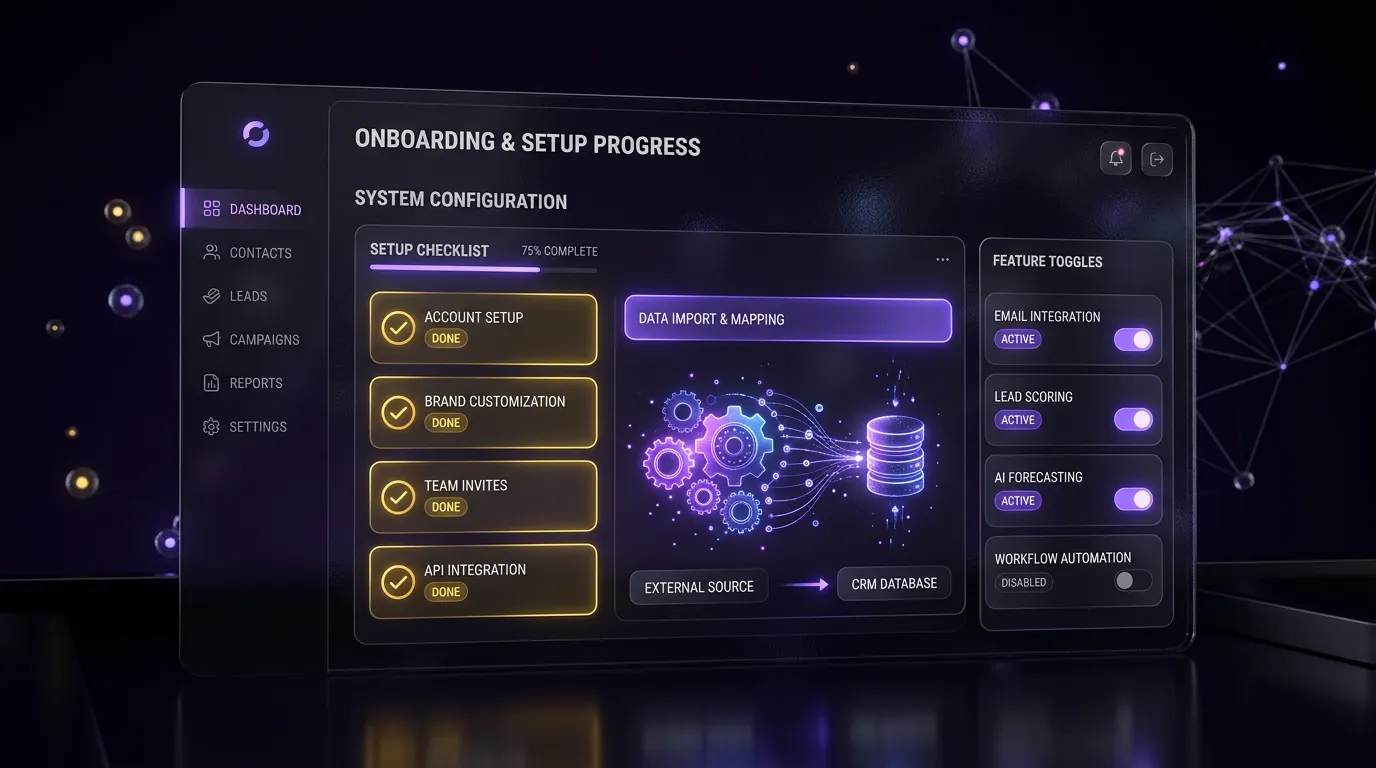
Our law firm snapshot is a full account template you can install and brand. It contains the intake pipeline above, done-for-you automations, attorney and intake calendars, practice area intake forms. During setup we add your attorneys and intake staff as users with permissions that match their role.
If you have never used a snapshot, our guide on how to install a GoHighLevel snapshot shows the steps. We help with A2P 10DLC registration for business texting in the Starter and Growth packages.
Which package fits a law firm?
Every package is a starting price. You get a fixed quote after a free call.



Firms with steady paid lead flow usually get the most from the Growth Build, which adds the full funnel, up to 10 workflows, missed-call text-back, review automation, and 2 weeks of support. Our GoHighLevel workflow service can add more automations later. Final pricing is confirmed after a free call. You can compare other industries on our industries page.
Frequently asked questions
Is GoHighLevel a practice management system for lawyers?
No. HighLevel handles intake, marketing, scheduling, and client communication. It does not manage matters, time billing, or trust accounting. Most firms run it alongside their existing practice management software and pass new client details across once a prospect signs the engagement letter, either manually or through Zapier or webhooks.
Can GoHighLevel route personal injury, family, and immigration leads separately?
Yes. GoHighLevel can route personal injury, family and immigration leads to the right pipeline and staff member automatically. Each practice area can have its own reminders, consultation length and document checklist.
Leads outside your practice areas or region get a polite reply.
Is texting prospective clients allowed?
Texting people who contacted your firm and agreed to receive messages is common. Your state bar rules and federal texting consent rules still apply, so your firm should approve consent wording and every message. We keep messages generic and never send cold texts to people who have not reached out.
How do you protect confidential information in the CRM?
We keep intake forms short, avoid case details in automated messages, and restrict user permissions by role. Detailed facts and documents belong in your practice management system. Your firm should still review HighLevel’s security terms and decide what information is appropriate to store there.
Can the system remind clients to send documents?
Yes. GoHighLevel can remind clients by text and email to send their documents, on a schedule you choose, with a link to your firm’s secure upload method.
If nothing arrives, your staff are prompted to follow up by phone.
Do you write the intake messages?
The snapshot includes ready-to-edit copy for every workflow. In a Growth Build, we adjust the copy to your practice areas and tone. Your firm reviews and approves every message for bar compliance before anything goes live, and you can edit the copy later in the workflow builder.
Want an intake system that answers every inquiry?
Book a free call and tell us how intake works at your firm today. We will recommend a setup that fits your practice areas. Book a call online or phone +1 (681) 276-7045, Monday to Friday, 9 AM to 5 PM ET. Our pricing page lists every package.