
Ready to Try GoHighLevel?
Get the all-in-one platform for CRM, automations, funnels & websites — built for agencies.
Start your free trial and explore every feature.
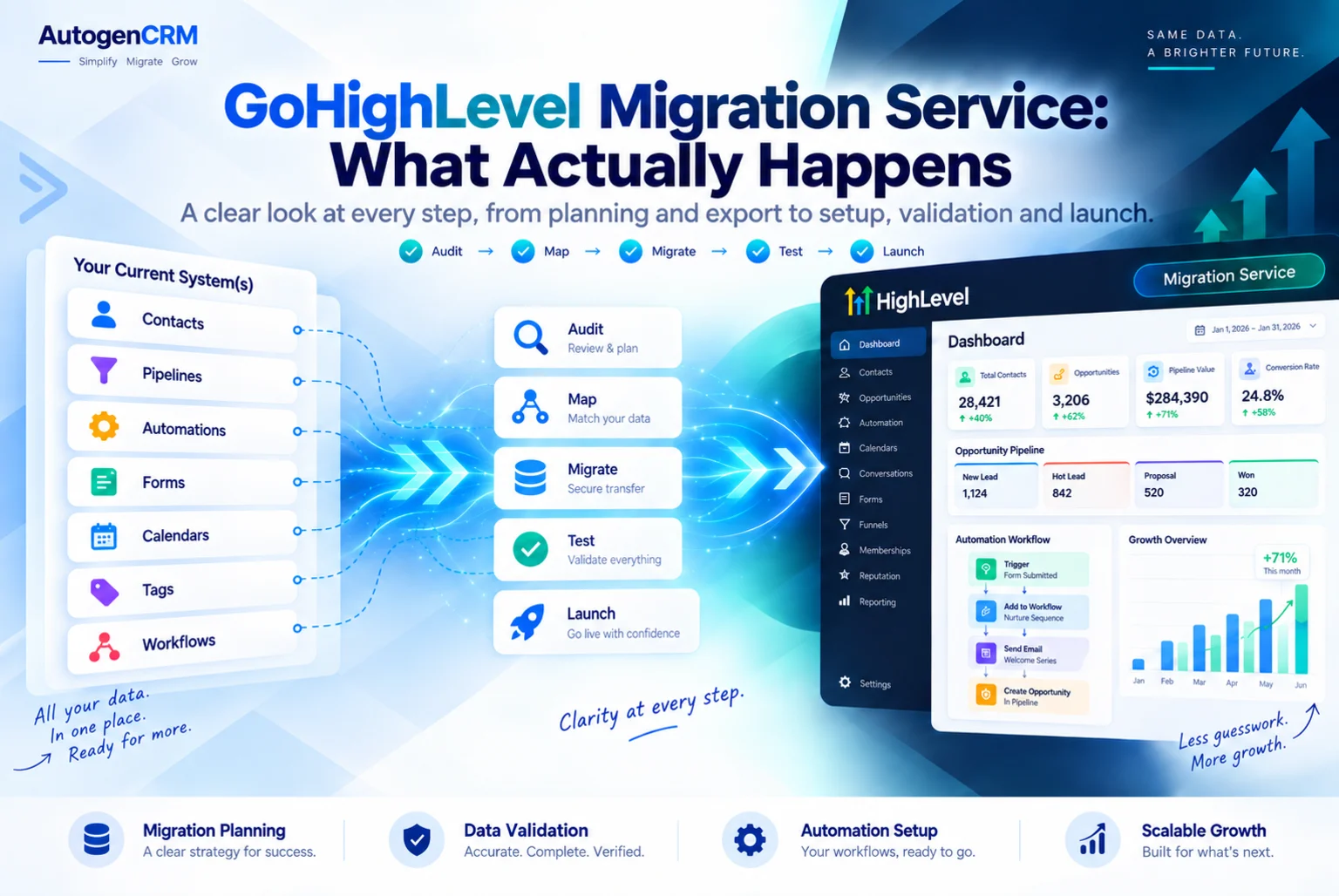
Hiring a GoHighLevel migration service is easy. Knowing what should actually happen during those two or three weeks is harder, and that is what stops a migration going wrong.
This guide walks through a real migration week by week. What you prepare, what the team does, what happens on switchover day and what still needs watching afterwards.
If you want the buying side instead, our GoHighLevel migration services guide covers pricing and how to compare providers. This one is about the work itself.
What Happens Before A GoHighLevel Migration Service Starts?
A proper GoHighLevel migration service builds nothing until the audit is done.
The audit lists every asset in your old platform and marks each one keep, merge or drop. Every funnel, every email sequence, every automation, every form, every tag, every pipeline stage.
Most accounts drop about a third of what they are carrying. Old campaigns nobody has looked at in two years do not deserve a rebuild.
This is the single biggest thing that separates a good GoHighLevel migration service from a cheap one. A cheap one copies everything, charges you for the hours and hands you the same mess in a new place.
What Do You Need To Hand Over?
Have these ready before your GoHighLevel migration service starts week one, or the timeline slips.
- Admin access to the old platform, or a full export if access is not possible.
- Access to your domain DNS records.
- Your payment processor login, usually Stripe.
- A list of every integration connected to the old account.
- Your logo files, brand colours and the fonts you use.
- The email address and sending domain you want to use.
- A named person who can approve decisions quickly.
That last point costs more time than anything technical. A GoHighLevel migration service waiting three days for an answer about pipeline names cannot hold a two week schedule.
Week One: Export And Structure
Your GoHighLevel migration service exports your contacts and cleans the file. This is where quality is won or lost.
Dates get reformatted, because HighLevel expects the YYYY MM DD pattern and a mismatched date column is the most common reason an import fails. Dead records get removed. Tags get flattened into a list you will actually use.
At the same time the account structure goes in. Custom fields, custom values, pipelines and stages, calendars and users. Nothing is imported until the fields exist to receive it, otherwise data lands in the wrong place and has to be redone.
Screenshots of every old page and every old automation are saved now, while you still have access. Once the old subscription ends, that copy is gone for good.
Week Two: Rebuild
Funnels, websites, forms and workflows are rebuilt. They are not imported, because no platform exports them in a format HighLevel can read.
A good GoHighLevel migration service rebuilds only what earns. Three to six live pages in most accounts, not thirty. The survivors from the automation audit, not every old sequence.
Your email sending domain is set up and warmed in this week too. A brand new domain that suddenly sends to twenty thousand people lands in spam, so the sending starts small and grows.
If SMS is part of your business, A2P registration should have been submitted in week one, because the waiting runs in parallel with the build.
Switchover Day: What Should Happen
This is the day people worry about, and it should be boring.
- A test lead is pushed through the full path. Form, text, email, calendar booking, pipeline stage.
- A real payment is taken through the new checkout, then refunded.
- DNS is pointed and the old pages are redirected, not deleted.
- The team watches the conversations tab for the first hour.
- The old platform stays switched on.
That last line is the rule that saves people. Any GoHighLevel migration service that cancels your old subscription on switchover day is taking a risk with your money, not theirs.
Why Does The Old Platform Stay On?
Because subscriptions renew on their own schedule, and no GoHighLevel migration service can control that date for you.
Card details live with your payment processor, not with your old software. If both platforms connect to the same Stripe account, existing subscriptions keep running while you move the front end.
If your old platform controlled its own processor, those cards do not follow, and your members have to enter their card again.
Either way you need one full billing cycle running side by side before anything is cancelled. Watch the payments land. Then close the old account.
Tell your customers before it happens. A short email with the date and a direct link prevents most cancellations. Silence is what causes them.
The First Two Weeks After Go Live
A migration is not finished on switchover day. It is finished when nothing has broken for a fortnight.
Check these every day at first. Are new leads landing in the right pipeline stage. Are the automated texts going out at the right time. Is the calendar showing the right availability. Are emails reaching the inbox rather than spam.
Are payments arriving.
A GoHighLevel migration service worth its fee stays available through this period. Snagging is part of the job, not an extra.
What Usually Goes Wrong?
The same handful of things, every time, whether you hire a GoHighLevel migration service or do it yourself.
Contacts imported before custom fields existed, so data sits in the wrong columns. Date formats left alone, so thousands of records import broken. The old platform cancelled early, taking membership videos and page copy with it.
A sending domain used at full volume on day one. Automations rebuilt from memory instead of screenshots. Nobody told the members that billing was changing.
Every one of these is a planning failure rather than a technical one, which is exactly why the audit at the start matters so much.
How Long Should It Take?
A small business with one funnel, a clean list and no membership area takes one to two weeks.
A business with several offers, a course, an affiliate program and heavy automation takes three to four weeks, plus the billing cycle overlap.
Anyone promising a full migration in two days is either moving contacts only, or skipping the testing. Ask which.
If you are coming from a specific platform, our HubSpot to GoHighLevel migration guide shows how much of this is platform specific.
What Does A GoHighLevel Migration Service Do About Integrations?
Integrations never travel with the data. Every one has to be reconnected by hand, and each one is a place a silent failure can hide.
Stripe is reconnected first, because payments matter most. Then the calendar sync with Google or Outlook, so bookings show real availability rather than double booking your team. Then any ad account connection, so lead forms keep feeding the CRM.
After that comes the long tail. Zapier connections, webhooks pointing at old URLs, accounting tools, review platforms and anything your team pastes data into manually.
Make a list of every integration during the audit and tick them off on switchover day. A GoHighLevel migration service that skips this leaves you with a form that works and a webhook quietly posting to a dead address.
What Happens To Your Old URLs?
This is the part that costs traffic when it is ignored.
Your old pages have links pointing at them from ads, emails, social posts and other websites. If those URLs stop working, the traffic stops too.
Keep the URL structure the same wherever you can. Where a URL has to change, set a redirect from the old address to the new one so nobody lands on an error page.
Do not simply delete the old pages on switchover day.
Check your live ad campaigns separately. Ad platforms often hold the old destination URL, and a paused campaign restarted next month will send people to a page that no longer exists.
A GoHighLevel migration service should give you a redirect list as part of the handover, not leave you to find broken links from customer complaints.
Should You Save The Result As A Snapshot?
If you run more than one brand, or you do this for clients, yes.
Once the account is built and tested, save it as a snapshot. The next account then starts with working workflows, pipelines, calendars and templates instead of an empty screen.
Contacts and conversations never travel in a snapshot, which is exactly what you want for a template.
That is how a one off project becomes a repeatable service. Our GoHighLevel snapshots page explains how we structure them.
Final Thoughts On Hiring A GoHighLevel Migration Service
The technical work in a migration is not the risky part. The order is.
Audit before building. Structure before importing. Screenshots before cancelling. Warm the domain before sending. Test a real payment before switching. Keep the old platform alive for one full billing cycle.
Any GoHighLevel migration service that follows that order will move you across without losing revenue. One that starts by importing contacts on day one will not.
Ask a provider to walk you through their week by week plan before you pay. The answer tells you everything.
Sources: HighLevel snapshots overview and HighLevel pricing.
Ready to Get Your GoHighLevel System Built?
We'll build your entire GHL setup for $499 and give you a free professional website.
Contact Us Now
Pingback: GoHighLevel CRM Data Migration Service: 2026 Guide