
Ready to Try GoHighLevel?
Get the all-in-one platform for CRM, automations, funnels & websites — built for agencies.
Start your free trial and explore every feature.
Every CRM migration has the same fear behind it. What if we lose the data?
It is a fair worry. Your contact list is the business. But after doing this work many times, we can tell you that lost data is rarely what goes wrong. The real damage is quieter. Automations that were never rebuilt. Leads that stopped getting followed up for three weeks and nobody noticed. A team that went back to a spreadsheet because the new system felt confusing.
That is the gap proper GoHighLevel migration services close. This guide explains what these services include, what they cost, how long they take, and how to judge a quote before you sign it.
What GoHighLevel migration services actually do
GoHighLevel migration services move your business from your current CRM into GoHighLevel and get it working again.
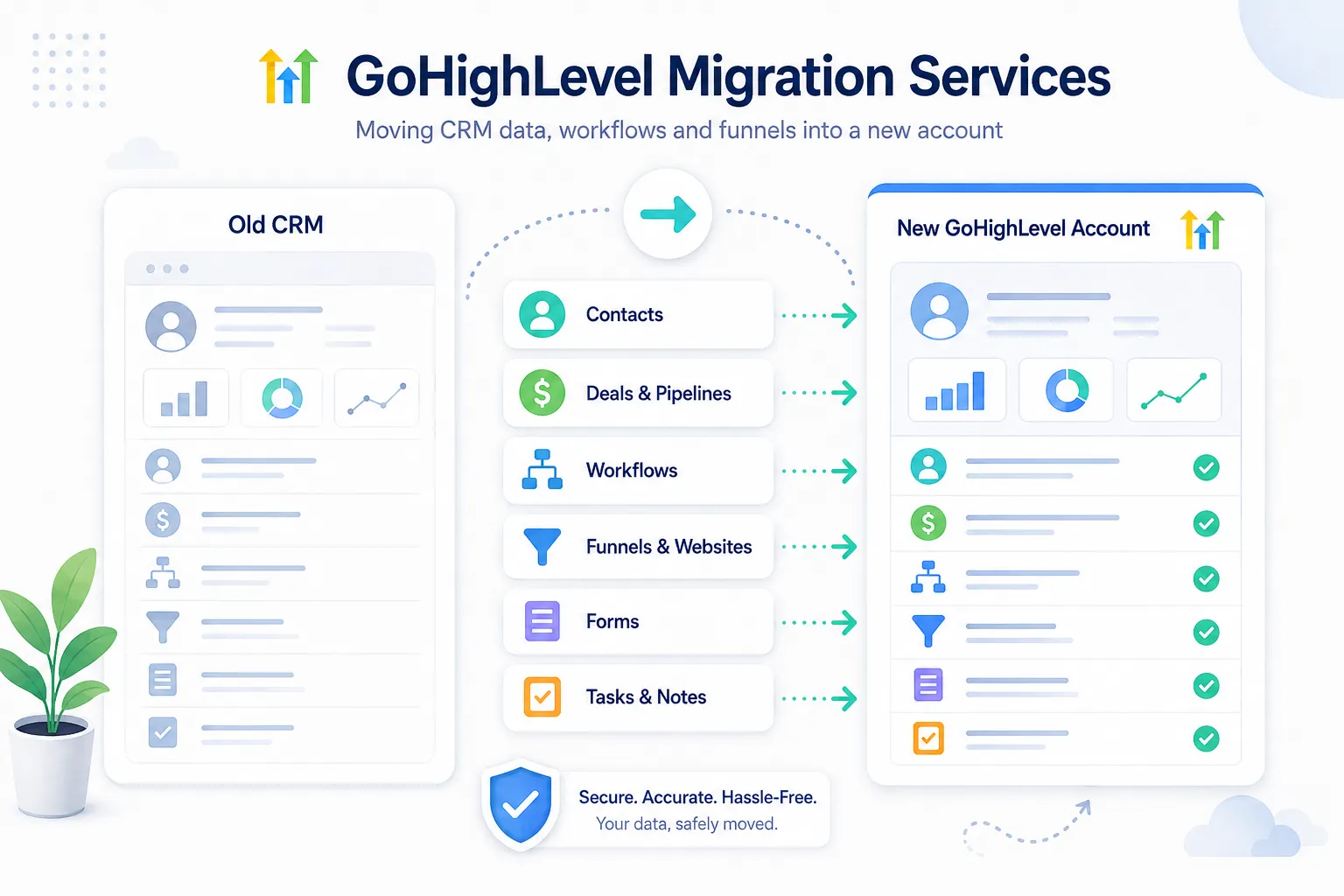
It covers four things.
Data. Contacts, companies, deals, notes, tags, and custom field values, cleaned and imported without duplicates.
Rebuild. Workflows, forms, calendars, pipelines, funnels, and templates recreated inside GoHighLevel, because none of those export from your old platform as usable files.
Connection. Domain, email sending records, phone numbers, A2P 10DLC registration, payment processing, and any integrations your business depends on.
Handover. Testing with real leads, training your team, and giving you documentation so you are not dependent on the person who built it.
If a quote does not cover all four, those are not GoHighLevel migration services. That is a data import with a nice name.
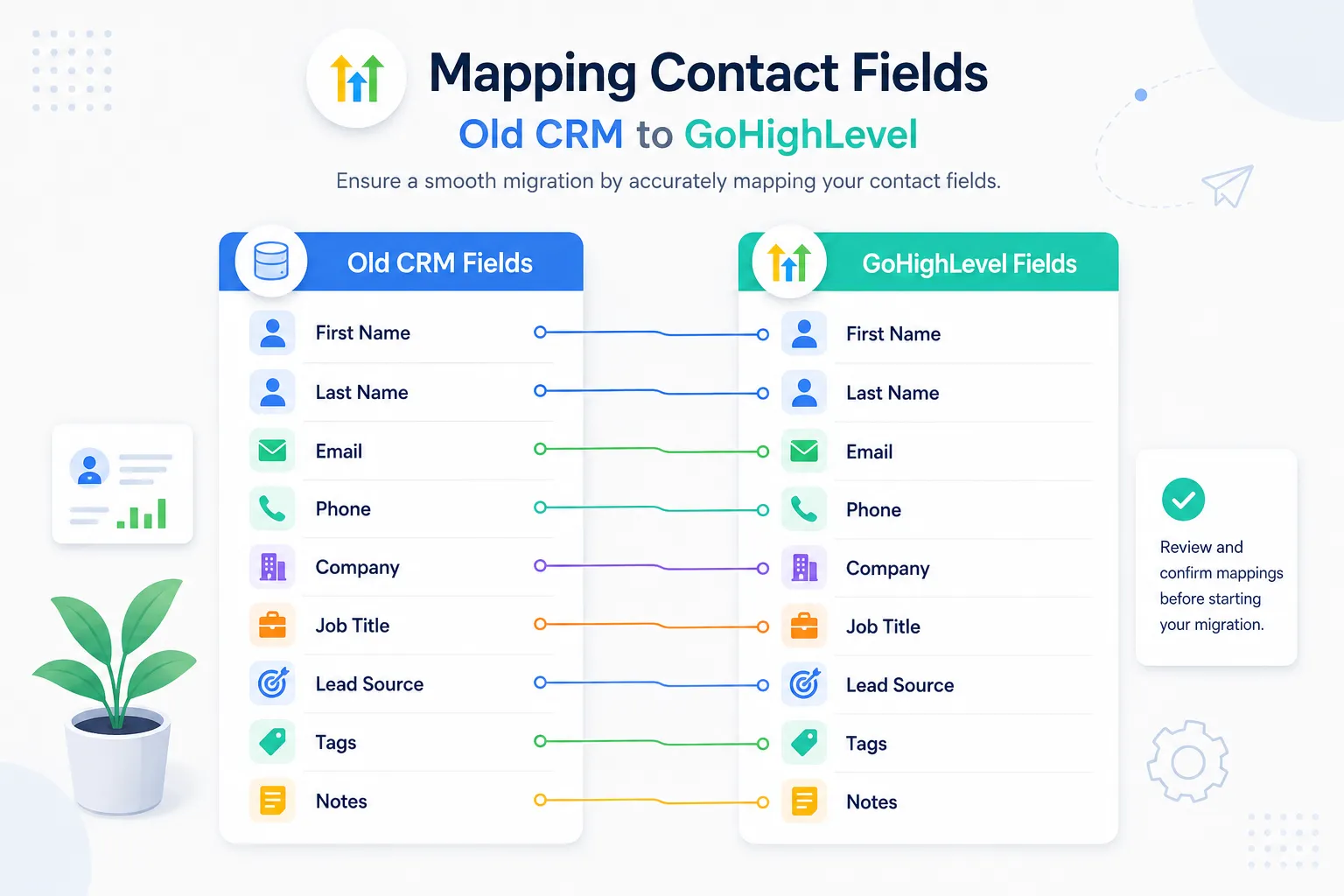
Which platforms GoHighLevel migration services move you from
The most common moves we see are from HubSpot, Keap, ActiveCampaign, ClickFunnels, Salesforce, Zoho, Mailchimp, Kajabi, and Pipedrive.
The source platform changes the difficulty. Moving from a simple email tool is straightforward, because there is little automation to rebuild. Moving from a full CRM with custom objects, complex deal logic, and years of reporting history is a genuine project.
Ask any provider how many times they have moved a business off your specific platform. Experience with your source system is worth more than general experience.
What GoHighLevel migration services cost
Prices for GoHighLevel migration services vary enormously, and the reason is scope, not skill.
A small migration with a few thousand contacts and a handful of automations sits at the lower end. A large account with custom objects, tens of thousands of records, several sub accounts, and heavy automation sits far higher.
Three things push a price up more than anything else. The number of automations that must be rebuilt from scratch. The messiness of your existing data. And whether you need zero downtime, because that means running both systems in parallel and reconciling them.
Remember the platform cost sits on top of any service fee. The official HighLevel pricing page lists Starter at $97 a month, Unlimited at $297 a month, and Agency Pro at $497 a month, with a 14 day free trial.
One more cost is easy to forget. Your team loses some productive time during any migration, no matter how smooth it is. People are learning new screens while still doing their normal work. Budget for a slower fortnight rather than pretending it will not happen, and the whole project feels calmer.
The other hidden saving works in your favour. Most businesses cancel two or three other subscriptions once GoHighLevel is live, because texting, booking, funnels and review requests all sit in one place. Add those cancelled tools into your calculation before you decide the migration is expensive.
What belongs in a GoHighLevel migration services quote
Ask for these seven lines in writing before you pay anything.
- Exactly which record types are being moved, and roughly how many of each
- A list of the workflows that will be rebuilt, by name
- Who is responsible for A2P 10DLC registration and email authentication
- Whether data cleaning is included or charged separately
- The testing plan, and what counts as a successful test
- How many hours of training your team receives
- What support is included after handover, and for how long
A provider who can produce that list quickly has done this before. A provider who resists writing it down is telling you something important.
How long GoHighLevel migration services take
A simple move takes one to two weeks. A complex one takes four to six.
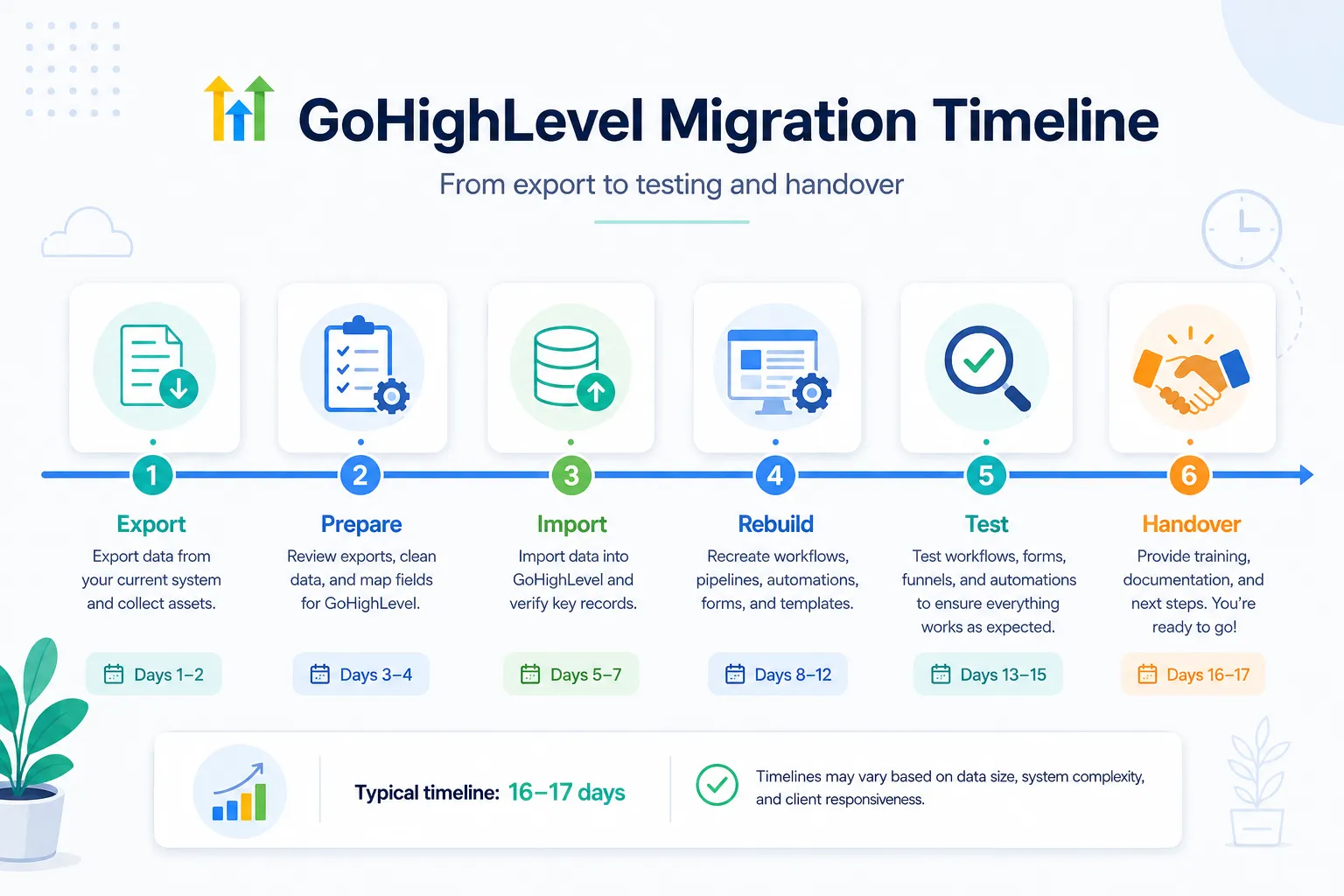
The technical work is rarely the slow part. Two things usually cause delays.
The first is you. Migrations stall while providers wait for domain access, logins, brand documents, and decisions about what to keep. Send everything on day one and your project moves quickly.
The second is A2P 10DLC approval, which is handled by carriers and cannot be rushed. Start it at the beginning of the project, not at the end.
The five stages of professional GoHighLevel migration services
Good GoHighLevel migration services all follow roughly the same sequence. Knowing it helps you tell progress from noise.
Stage one is the audit. Someone goes into your current system and lists what exists. Record counts, custom fields, active automations, integrations, and the parts nobody uses any more. Nothing is moved yet.
Stage two is the plan. You agree what travels, what gets rebuilt, what gets left behind, and what the new pipeline will look like. This is the stage people rush, and it is the one that decides everything.
Stage three is the build. Fields are created, data is cleaned and imported, and workflows are rebuilt in the new account. A2P registration starts here so it has time to be approved.
Stage four is testing. Real leads are pushed through real forms. Emails are checked for inbox placement. Reminders are checked against your time zone. Numbers in both systems are compared.
Stage five is handover. Training, documentation, and an agreed support window.
If a proposal skips straight from stage one to stage three, ask why. The plan is where the money is saved.
What zero downtime really means
Every provider says zero downtime. Ask what they mean by it.
Real zero downtime means your old system keeps running until the new one is proven. New leads flow into both for a period. Nothing is cancelled until a live lead has travelled all the way from form to booked appointment inside GoHighLevel.
What it does not mean is flipping a switch on a Friday and hoping. If a provider suggests cancelling your old subscription on handover day, that is a risk you are carrying alone.
Questions that reveal the quality of GoHighLevel migration services
What will you not be moving? An honest answer here is the strongest signal you will get. Reports, dashboards, and old email history usually do not travel, and a good provider says so upfront.
How do you handle duplicates? The right answer mentions cleaning the file before import and understanding the matching order, which the official HighLevel import guide lists as Contact ID, then email, then phone.
Who owns the account when we are finished? The only acceptable answer is you, in your name, with your billing and your admin access.
What happens if something breaks in month two? Support terms should be written down, not implied.
Red flags
- A fixed price quoted before anyone has looked inside your current system
- Building in the provider’s own account instead of yours
- No mention of testing anywhere in the proposal
- Promising to migrate workflows directly, which is not technically possible between platforms
- Full payment demanded before any work is delivered
- No documentation offered at handover
That fourth one is worth repeating. Nobody can export a workflow from HubSpot or ActiveCampaign and drop it into GoHighLevel. Automations are always rebuilt. A provider who claims otherwise either misunderstands the platforms or is hoping you do.
Doing it yourself instead of buying GoHighLevel migration services
Plenty of businesses migrate without GoHighLevel migration services, and for simple accounts that is the sensible choice.
Do it yourself when you have a few thousand clean contacts, fewer than about ten automations, and someone on your team who enjoys this kind of work.
Hire help when you have custom objects, complicated deal logic, several sub accounts, a large team that needs training, or a business where three weeks of broken follow up would cost more than the service itself.
There is also a middle path that works well. Some clients handle their own data export and cleaning, then bring us in for the rebuild and testing, which is usually the hardest part.
What good looks like on handover day
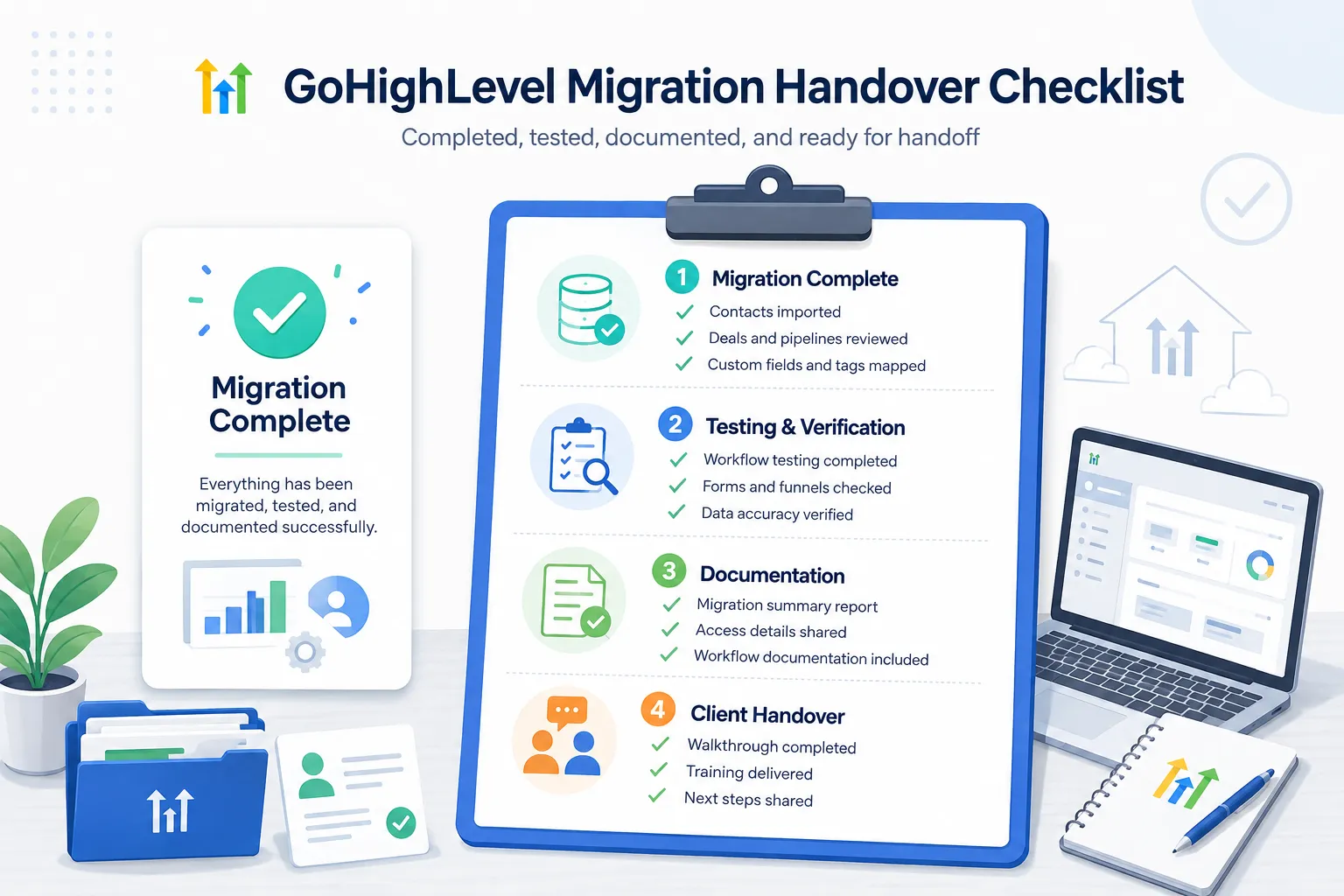
You should finish with an account in your own name, a tested system where a real lead has travelled from form to booking, approved A2P registration, email sending from your own domain, a written list of every workflow and what triggers it, a recorded walkthrough, and a clear support arrangement.
Anything less and you have not finished migrating. You have just moved the data.
Your next step
Before you request any quote, spend thirty minutes writing two lists. The automations you genuinely use, and the fields you genuinely need. Almost everyone discovers they need far less than they assumed, and that alone can cut the cost of the project.
Then bring that list to any provider of GoHighLevel migration services. If you want us to scope it with you, see our GHL migration services page, and if you are moving from HubSpot specifically, our GoHighLevel setup service covers the rebuild side in detail.
Ready to Get Your GoHighLevel System Built?
We'll build your entire GHL setup for $499 and give you a free professional website.
Contact Us Now
Pingback: ActiveCampaign to GoHighLevel Migration: The Best Complete Guide 2026
Pingback: Kajabi to GoHighLevel Migration: The Best 2026 Guide
Pingback: Kartra to GoHighLevel Migration: The Best 2026 Guide
Pingback: GoHighLevel Migration Service: What Actually Happens